There are three steps to ensure that a user is logged in with the identity provider:
- Grab the access token from local storage
- Verify the access token
- Update the access token (if necessary)
Step 1: Grab the access token
We can put Facebook in our providers array and the code we’ve written will handle the grabbing process for us.
const providers = ['github', 'twitter', 'facebook']Step 2: Verify the access token
The code we have written on the frontend has done most of the work so far:
- We checked that the Facebook access token has not expired
- We sent a request to
/auth/facebook/verifyto verify the token.
What we need to do is make the backend work with Facebook.
Making the backend work
We need to send a request to Facebook to ensure the access token is valid.
We can use these instructions from Facebook.
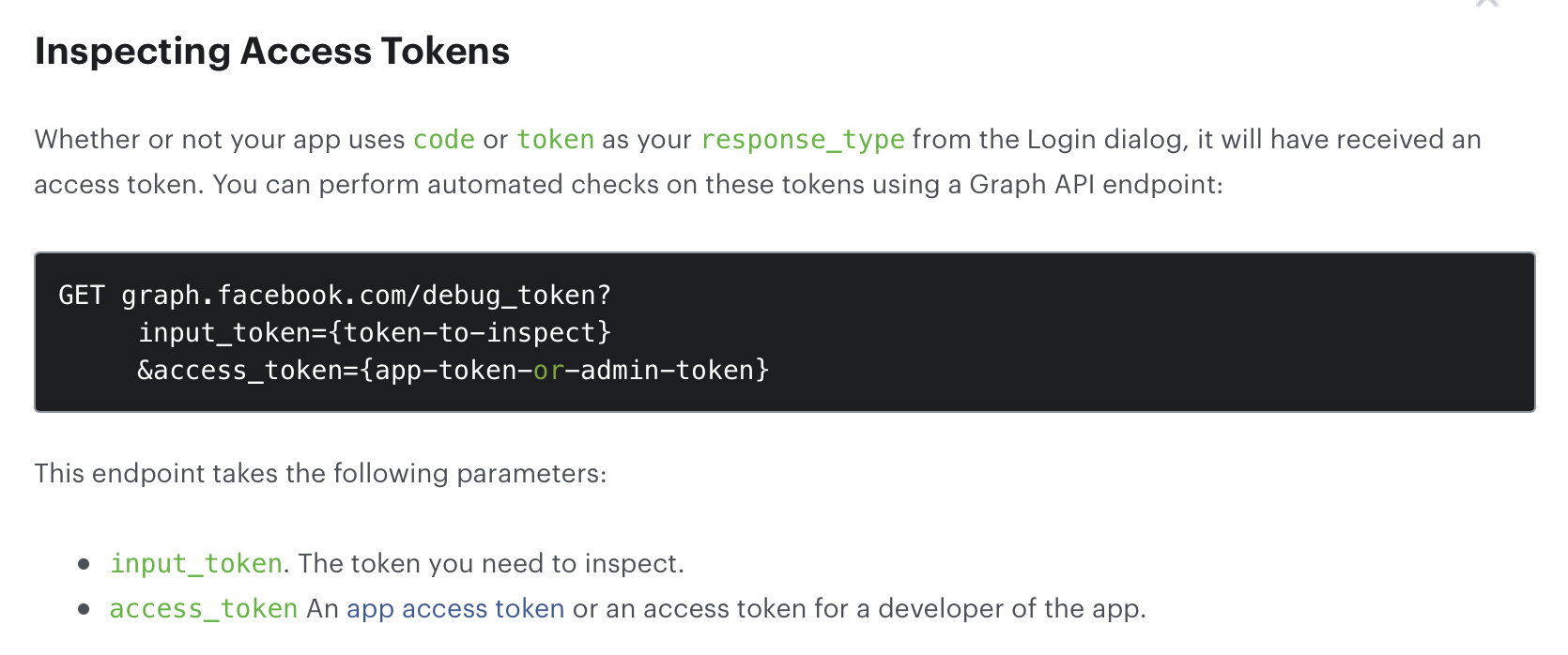
This means:
- We need to send a request to
graph.facebook.com/debug_token - It must be a
GETrequest - It needs to have two variables:
input_tokenwhich is the user’s access tokenaccess_tokenwhich is your app access token.
Upon further digging into the documentation, I found that the app access token can be substituted with the Facebook app id and Facebook app secret.
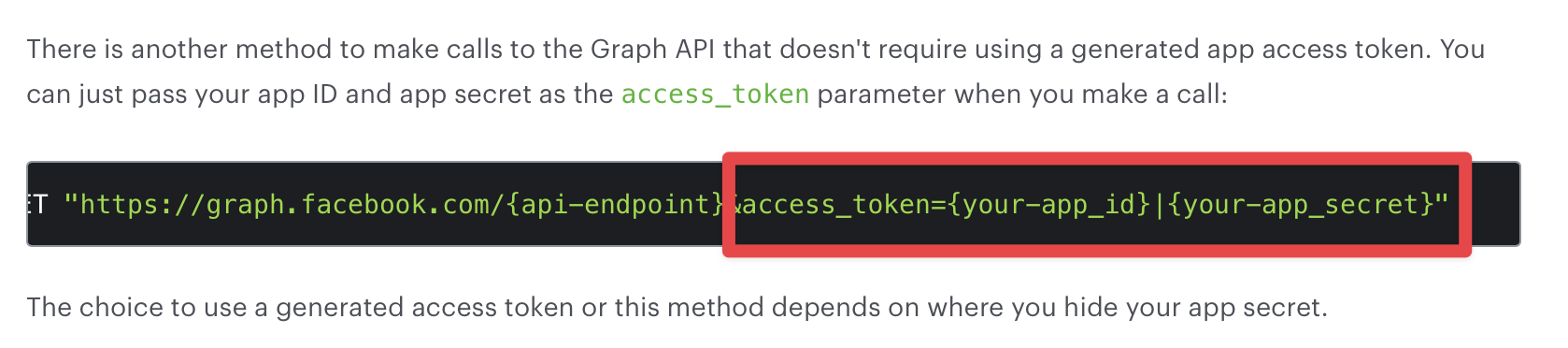
So here’s the request we need to send.
router.post('/auth/facebook/verify', async (req, res) => { // ... if (provider === 'facebook') { apiResponse = await zlFetch('https://graph.facebook.com/debug_token', { query: { input_token: accessToken, access_token: `${process.env.FACEBOOK_CLIENT_ID}|${process.env.FACEBOOK_CLIENT_SECRET}`, }, returnError: true, }) } // ...})The rest of the code works so we don’t have to do anything else.
If you refresh your browser now, you should be able to see the Facebook Status set to Logged In.
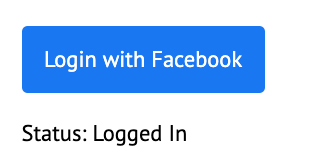
Pretty easy and fast yeah?
There’s just one problem…
Facebook returns a successful response if the access token is invalid
We don’t know why Facebook does this, but this is a problem. We can see it happening if we change the access token value.
router.post('/auth/:provider/verify', async (req, res) => { // ... const { response, error } = apiResponse console.log(provider) console.log(response)})![[CleanShot 2022-10-27 at 14.31.59.png]]
![[CleanShot 2022-10-27 at 14.55.32.png]] ![[CleanShot 2022-10-27 at 14.54.08.png]]
The easiest way to make our verify endpoint work is:
- If there’s is no error, assign the response as
responseto apiResponse. - If there’s an error, assign the response as
errorto apiResponse.
router.post('/auth/:provider/verify', async (req, res) => {  // ...  if (provider === 'facebook') {    const fbResponse = await zlFetch(/*...*/)
    const hasError = fbResponse.body.data.error    if (hasError) {      apiResponse = { response: null, error: fbResponse }    } else {      apiResponse = { response: fbResponse, error: null }    }  }  // ...})
At this point, Facebook will show a logged out status
We’ll handle how to refresh Facebook’s access token in the next lesson.
Welcome! Unfortunately, you don’t have access to this lesson. To get access, please purchase the course or enroll in Magical Dev School.
Unlock this lesson