When you let a user log in with a token, we say you are using Bearer Authentication.
What are tokens?
A token is a string that can contain a lot of information.
It can contain information about:
- A user’s login credentials
- The token’s metadata (including creation and expiry time)
- The amount of permissions given to the bearer of the token
- Or anything the developer wants to encode into the token.
There are many kinds of tokens too, for example:
- ID tokens
- Access tokens
- Refresh tokens
- Bearer tokens
- etc…
Don’t worry about the names of these tokens. They’re mostly semantics that either tell you how they are created or what they are used for.
You don’t need to know how to create these tokens. You just have to know how to get and use them.
How to get tokens
There are two ways to get tokens:
- Through the app’s interface
- With Open Authorization
Getting tokens through the app
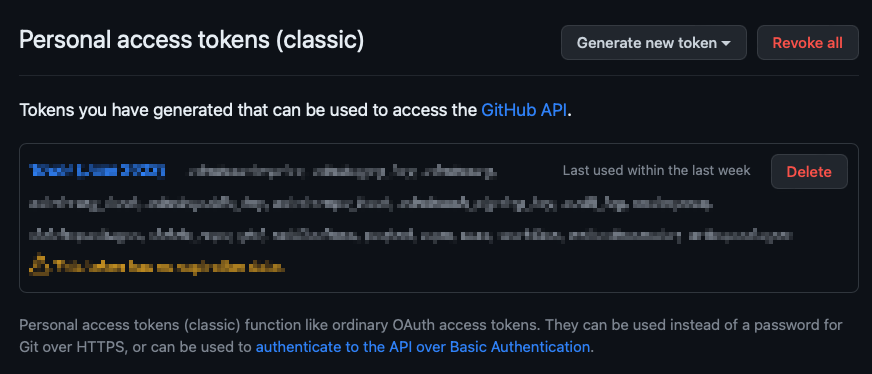
Many web apps let you create access tokens through their interface.
For example, GitHub lets you create a personal access token.
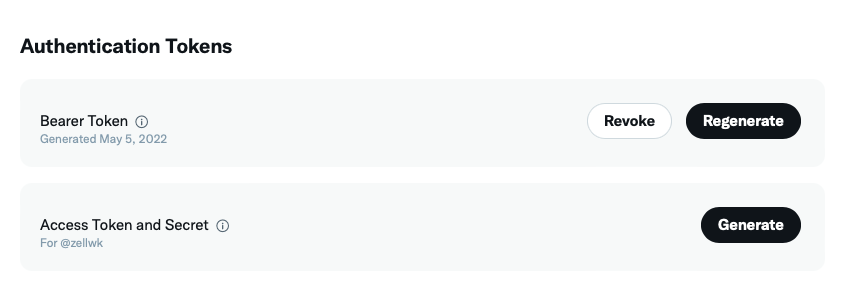
Twitter lets you create a bearer token too.
Some applications ask you to retrieve an access token from another app and insert that into theirs.
This is a valid strategy if users are tech-savvy enough to create access tokens.
Getting tokens with Open Authorization
Open Authorization (OAuth for short) is the industry standard way to get tokens.
It’s the technology that:
- Lets you log in with services like Facebook, GitHub, Google, Twitter, and many others.
- Lets you determine what permissions you want to give to apps
We will cover OAuth in depth in a later chapter.
For now, just know that you can get tokens through OAuth as well.
How to use tokens
To use tokens for authentication, you send an Authorisation header that contains Bearer (with a space) value, followed by the token value.
fetch('https://link-to-resource', { headers: { Authorization: `Bearer ${token}`, },})If you use zlFetch, the process is simpler since it creates the Authorization header for you — all you need to do is pass an auth property with the token value.
zlFetch('https://link-to-resource', { auth: token,})That’s all you need to know about Bearer Authentication.
Next, we’ll talk about authenticating with API keys and secrets.
Welcome! Unfortunately, you don’t have access to this lesson. To get access, please purchase the course or enroll in Magical Dev School.
Unlock this lesson