The sticky-nav we built in the last lesson works. But it doesn’t feel natural. It doesn’t feel natural because we don’t show (or hide) the amount that was scrolled.
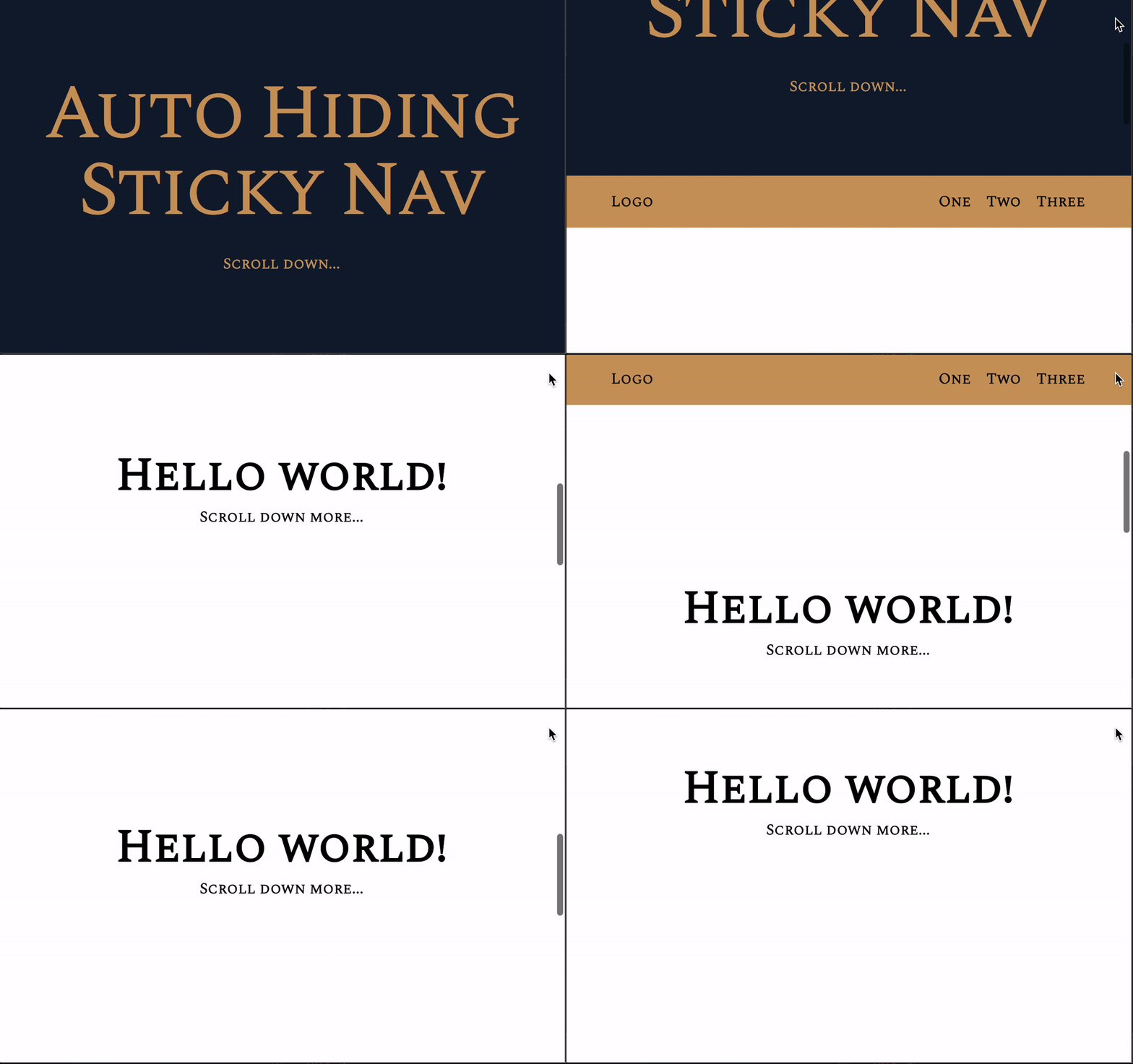
We want to make the sticky nav feel more natural by adjusting the number of hidden pixels according to the scrolled amount.
Removing the animation
If we want to show the sticky nav according to the scrolled amount, we need to remove the animation we added.
/* Remove this */nav { transition: top 0.15s ease-out;}The scrolled amount
The scrolled amount is the difference between scrollPos and prevScrollPos
window.addEventListener('scroll', event => {  const scrollPos = window.scrollY  const difference = scrollPos - prevScrollPos  console.log('difference:', difference)
  // ...})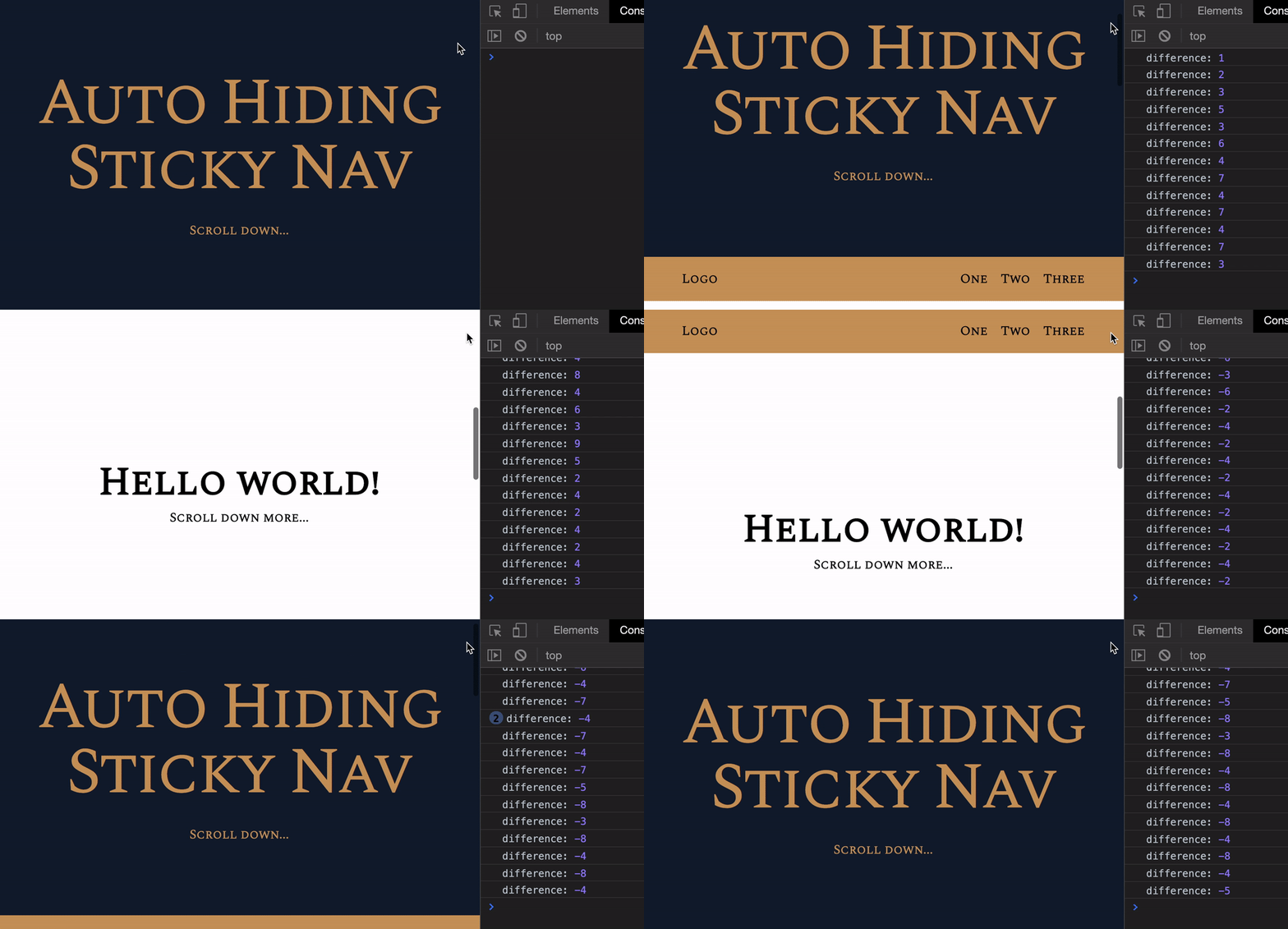
We can see this:
differenceis positive when scrolling downdifferenceis negative when scrolling updifferenceis NOT 1px every time. It can be any amount depending on how fast you scroll
These observations matter. We’ll need to use them later.
Hiding the nav when scrolling down
When we scroll down, we want to hide the <nav> element. To hide the nav element, we need to subtract the navigation’s top value by the scrolled amount.
Before we can subtract the current navigation’s top value, we need to know what this value is.
Finding the navigation’s top value
window.addEventListener('scroll', event => { const scrollPos = window.scrollY const difference = scrollPos - prevScrollPos const currentNavTop = nav.style.top console.log('currentNavTop:', currentNavTop)})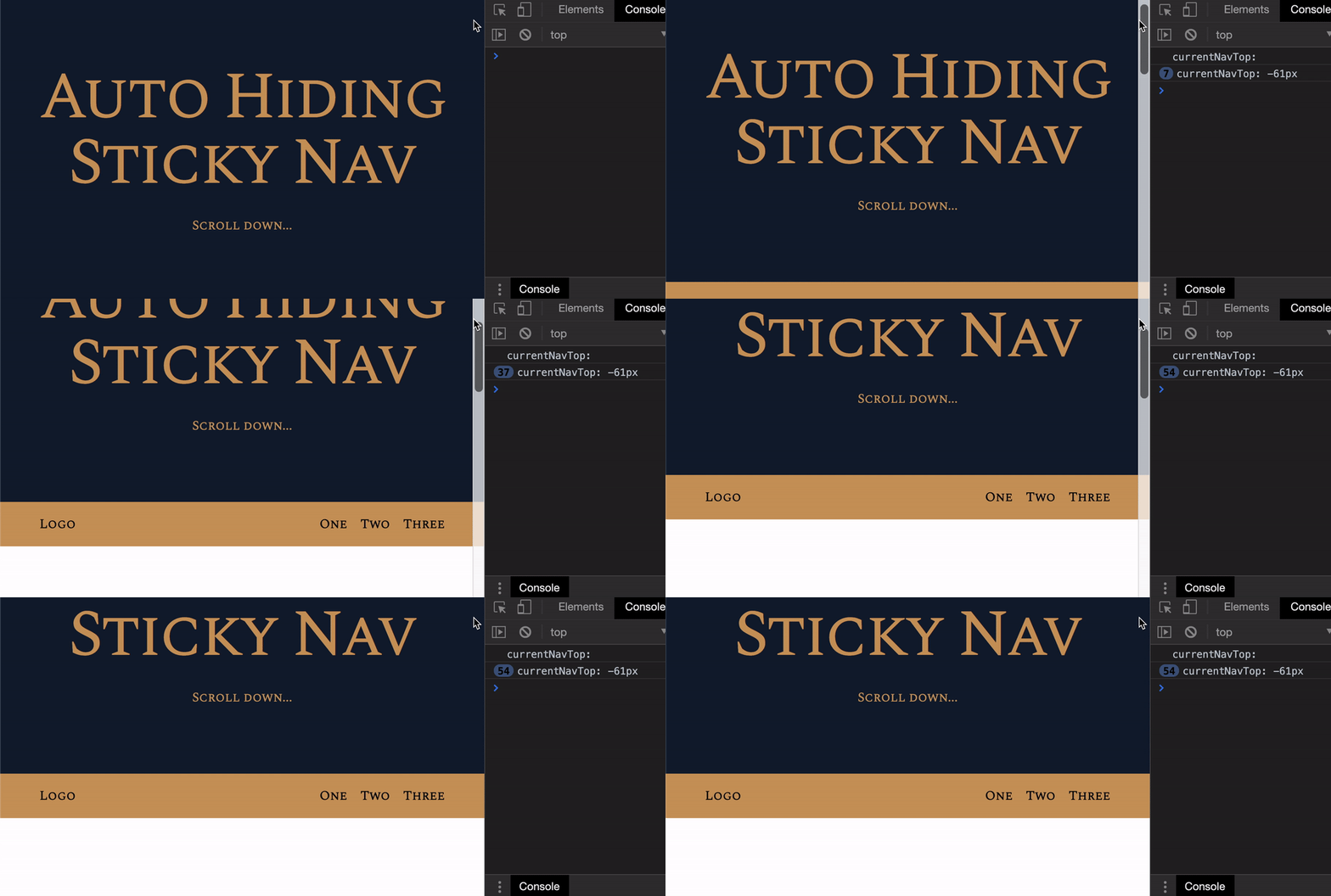
Notice the currentNavTop is a String? We need to convert it into a Number. We can do this with parseInt or parseFloat. We’ll use parseFloat here since there’s a chance that top has decimal values.
window.addEventListener('scroll', event => { // ... const currentNavTop = parseFloat(nav.style.top) console.log('currentNavTop:', currentNavTop)})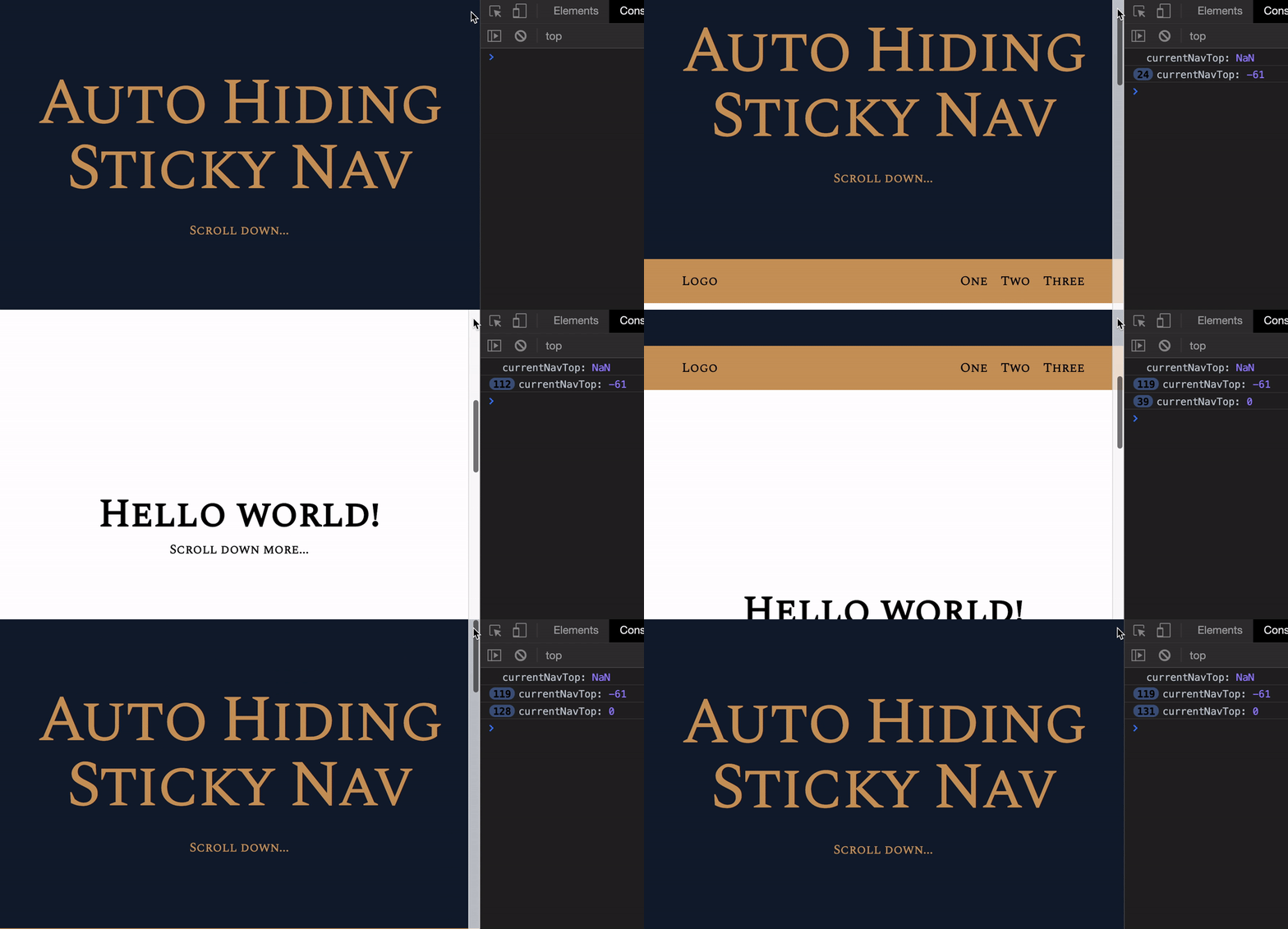
Why does currentNavTop show NaN at first?
It showed NaN for the first time because nav.style.top is an empty string. We can’t use parseFloat to convert an empty string into a Number.
But why is it empty and not 0?
Remember we set top: 0; in CSS? If we want to get a value from CSS, we need to use getComputedStyle instead of the style property. The style property can only get inline styles.
window.addEventListener('scroll', event => { // ... const currentNavTop = parseFloat(getComputedStyle(nav).top) console.log('currentNavTop:', currentNavTop)})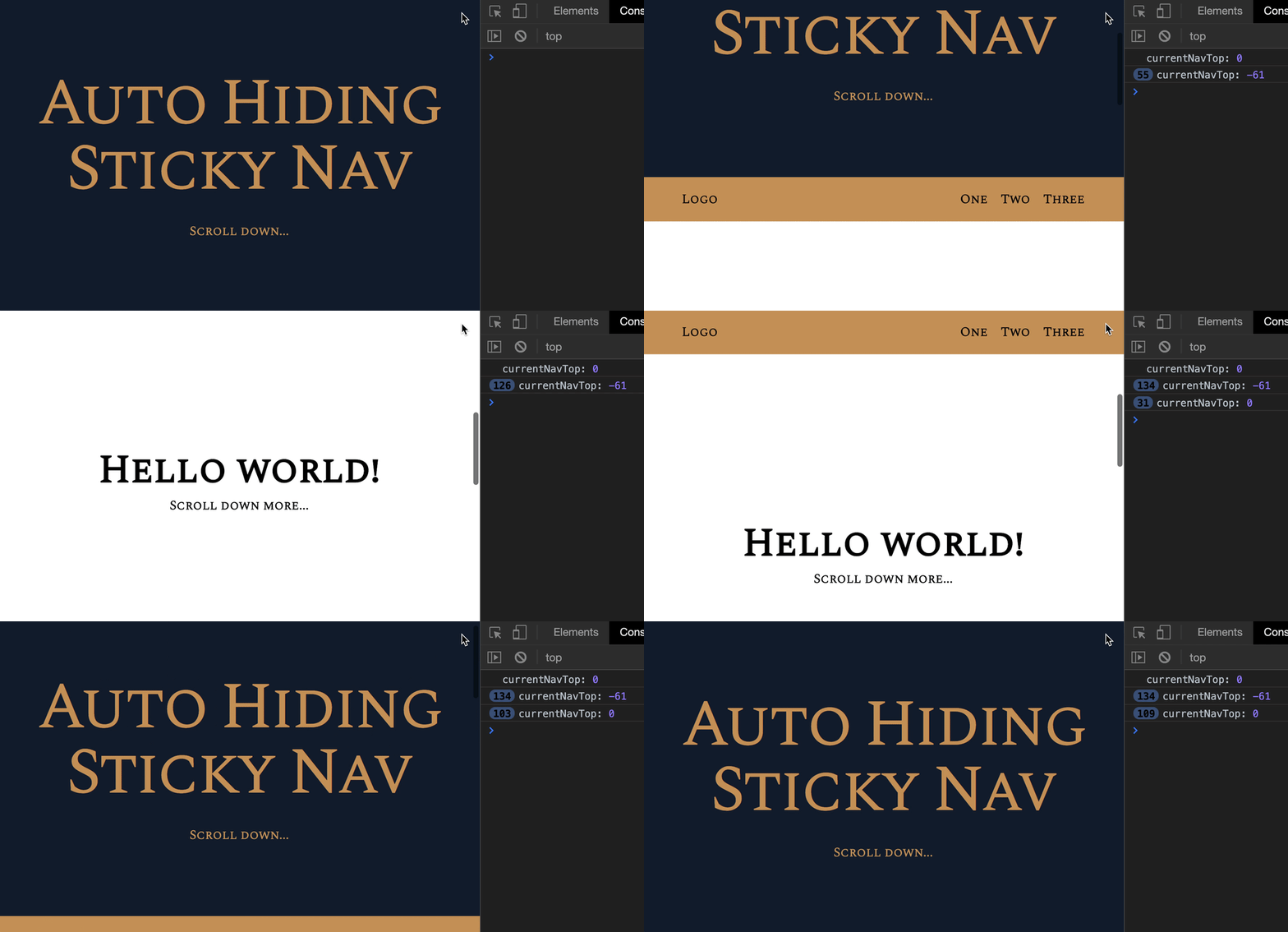
Scrolling down
When scrolling downwards, we want to subtract difference from currentNavTop until it gets to -61px. (Because 61px is the navigation’s height).
window.addEventListener('scroll', event => {  // ..  if (scrollPos > prevScrollPos) {    nav.style.top = `${currentNavTop - difference}px`  } else {    // ...  }
  // ...})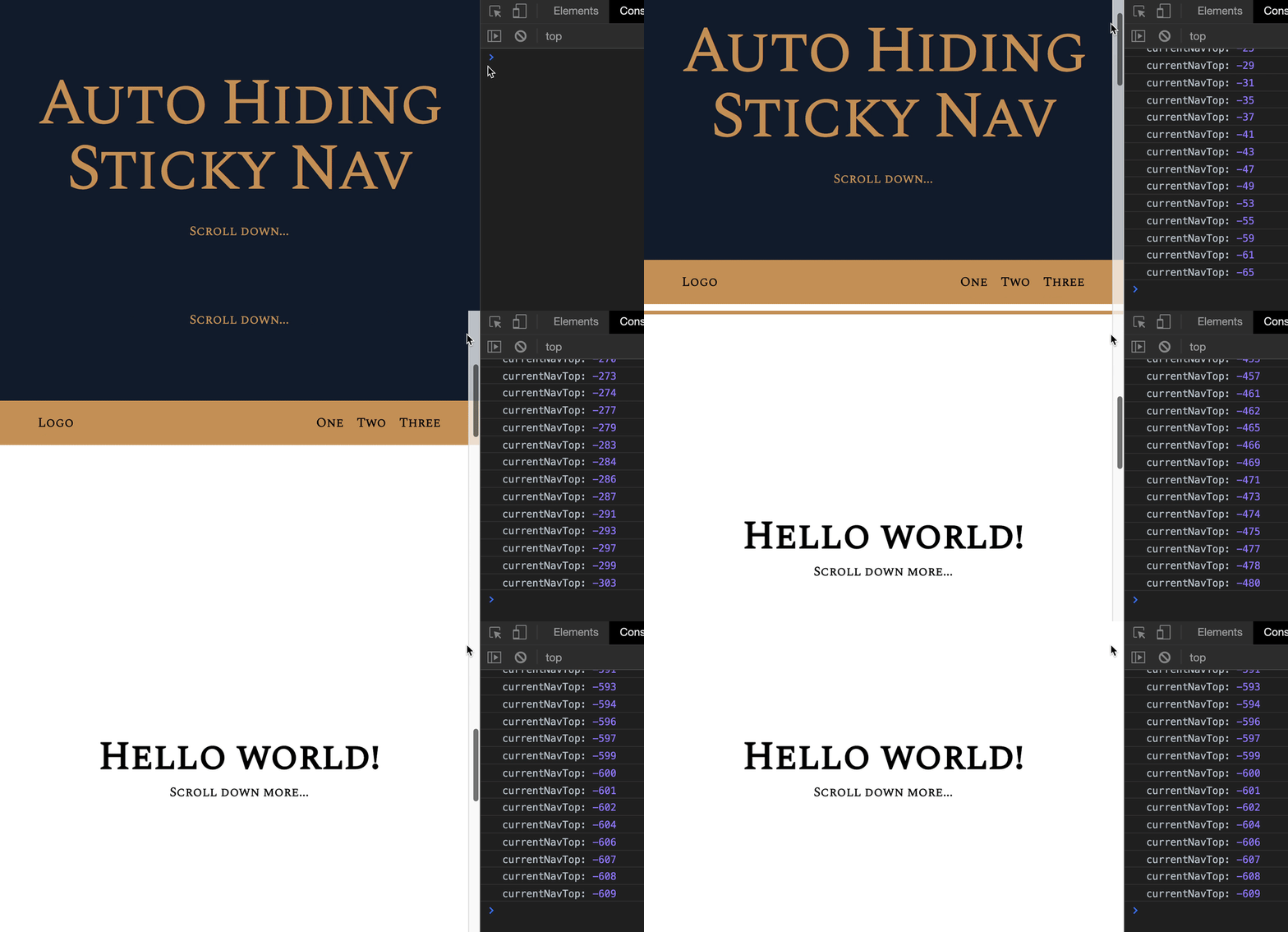
Whoa! The top value can go all the way up to negative Infinity! We can’t allow this. If top is larger than 61px, we won’t be able to show the navigation straight away when the user scrolls up.
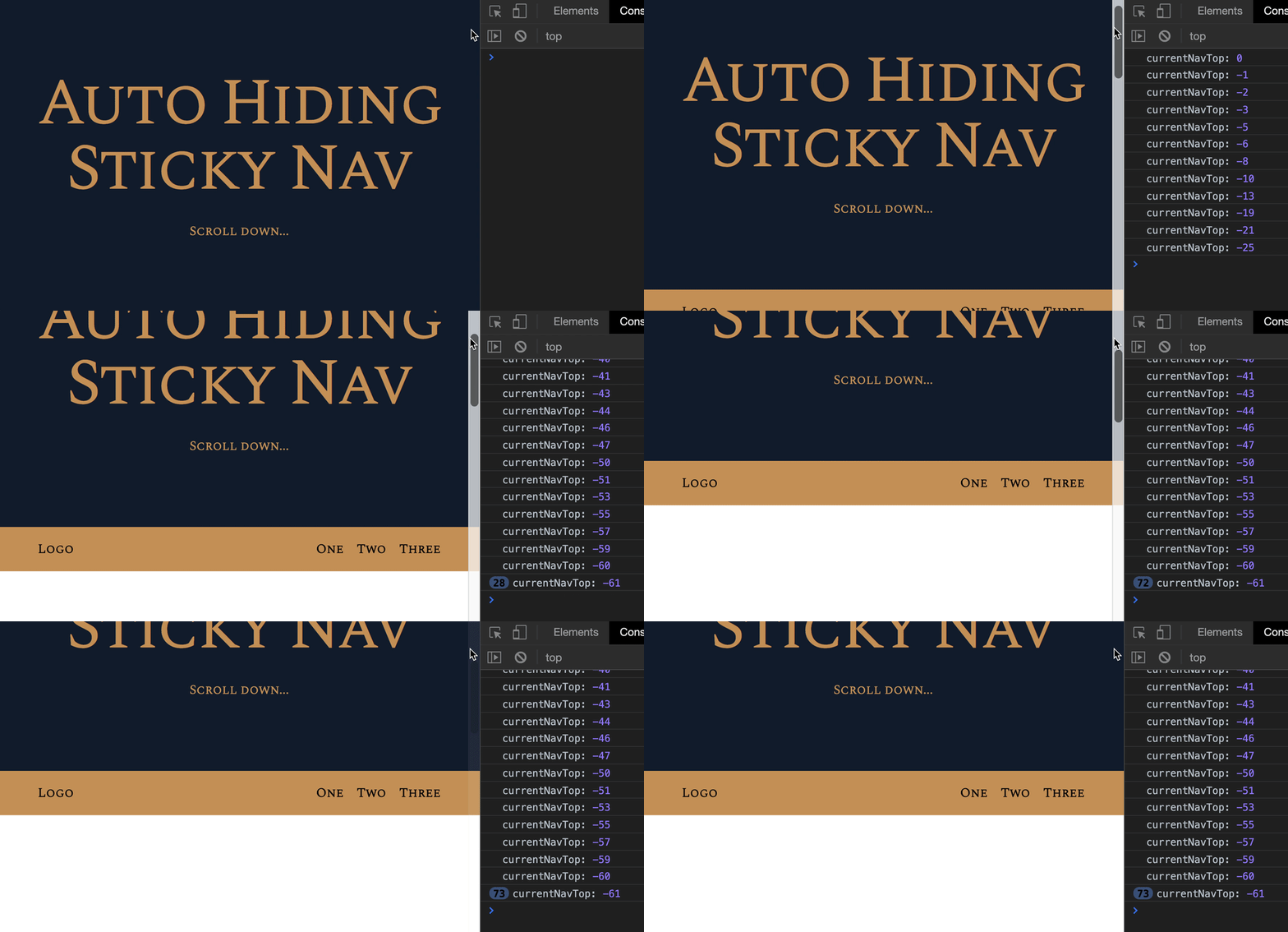
We need top to be a maximum of -61px.
To do this, we create a variable that stores the new top value. We’ll call this navTopValue. Then, we check whether navTopValue is smaller than -61px.
If navTopValue is smaller than -61px, we set nav.style.top to 61px.
window.addEventListener('scroll', event => {  // ...  if (scrollPos > prevScrollPos) {    const navTopValue = currentNavTop - difference    if (navTopValue <= navHeight) {      nav.style.top = `-${navHeight}px`    } else {      nav.style.top = `${navTopValue}px`    }  } else {    // ...  }
  // ...})
I don’t like to work with negative values. It screws with my head.
I like to convert currentNavTop into a positive number. We can do this with Math.abs. It returns the absolute value of a number.
const value = Math.abs(-50)console.log(value) // 50With Math.abs, we can check for the magnitude of the value without caring for + or - signs.
// Converts navTopValue to a positive numberconst navTopValue = Math.abs(currentNavTop - difference)
// Checks if navTopValue is larger than navHeightif (navTopValue > navHeight) {  nav.style.top = `-${navHeight}px`} else {  nav.style.top = `-${navTopValue}px`}
Showing the nav when scrolling back up
We want to show the navigation when scrolling back up. This means top should gradually get larger until it reaches 0.
We can do this by subtracting the difference from currentNavTop.
window.addEventListener('scroll', event => { // ... if (scrollPos > prevScrollPos) { // ... } else { const navTopValue = currentNavTop - difference nav.style.top = `${navTopValue}px` // ... } // ...})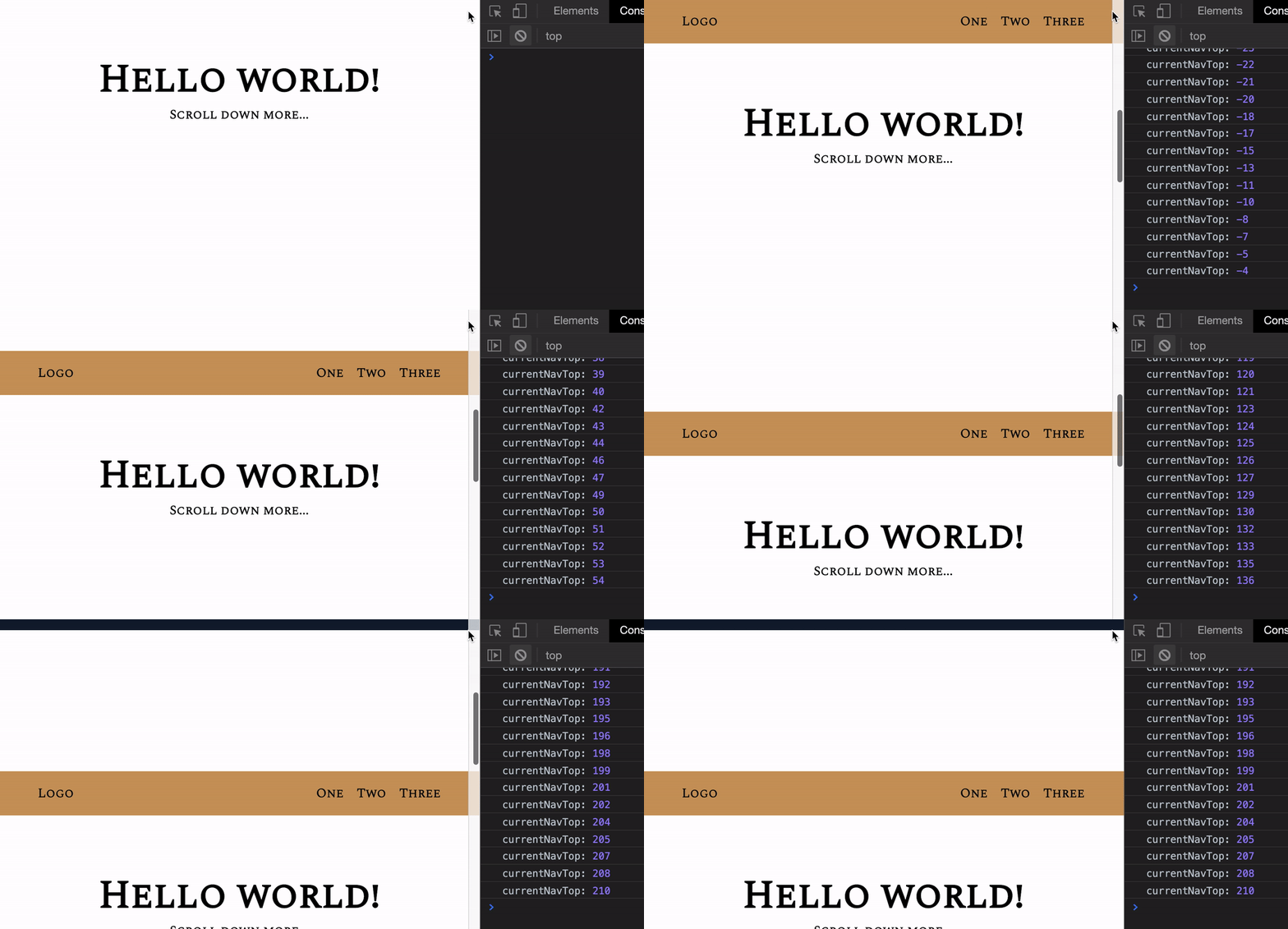
At first, the upwards scroll feels natural. We reveal the navigation by the amount we scrolled. But the navigation stays at that same spot afterward because navTopValue became larger than 0.
We need to make sure the maximum value of navTopValue is 0.
window.addEventListener('scroll', event => {  // ...  if (scrollPos > prevScrollPos) {    // ...  } else {    const navTopValue = currentNavTop - difference
    if (navTopValue > 0) {      nav.style.top = '0px'    } else {      nav.style.top = `${navTopValue}px`    }    // ...  }  // ...})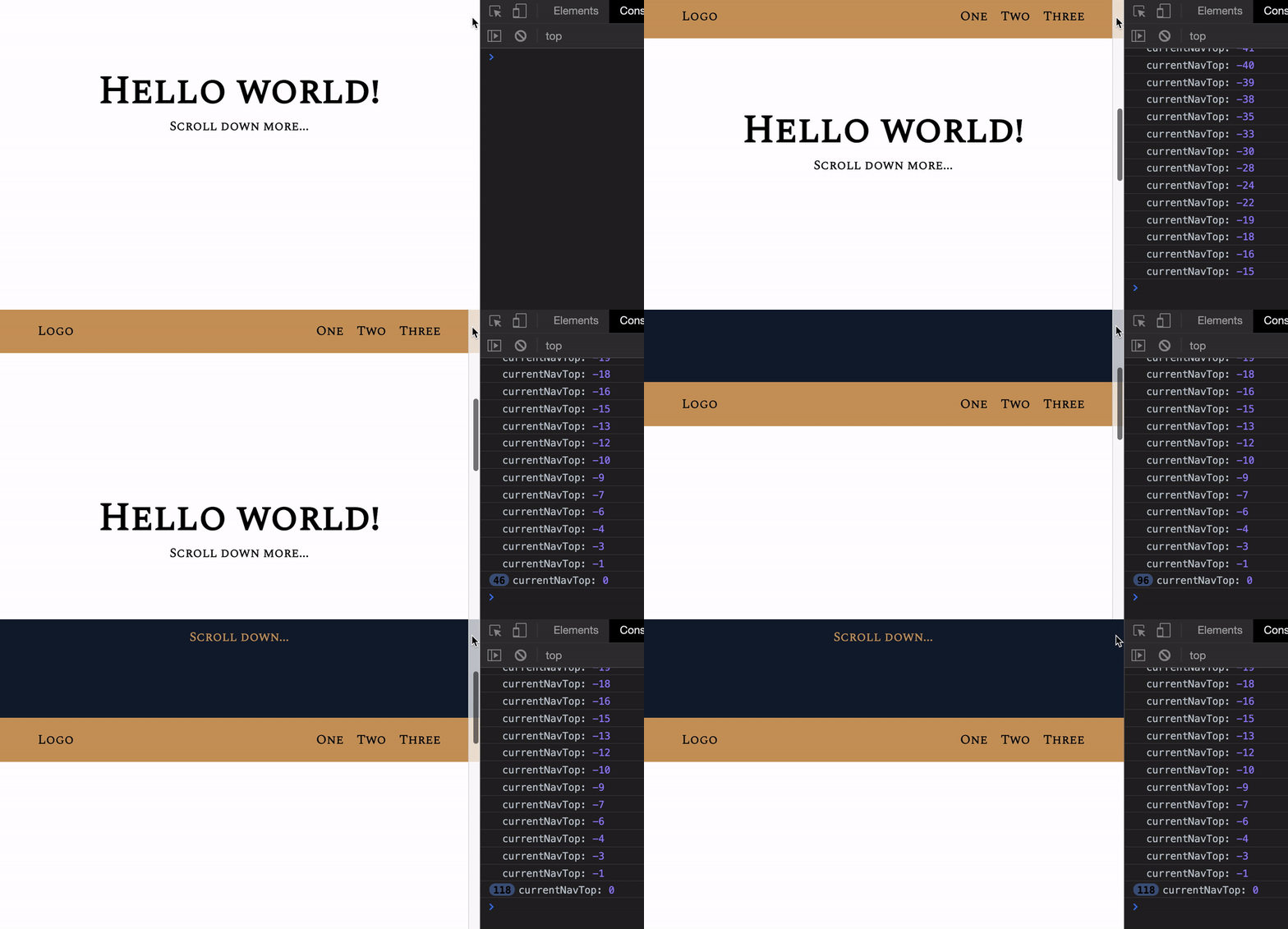
This works now!
Using positive numbers?
We can’t use Math.abs to convert currentNavTop to a positive value this time. (Go ahead, try it!).
This is because we’re checking against 0. -1 and +1 are two different values. If we use Math.abs, both -1 and +1 become the same value (+1).
What about performance?
There are two potential problems with performance:
- We changed the DOM inside the
scrolllistener. This is expensive. - We changed
topinstead oftransform. This is also expensive.
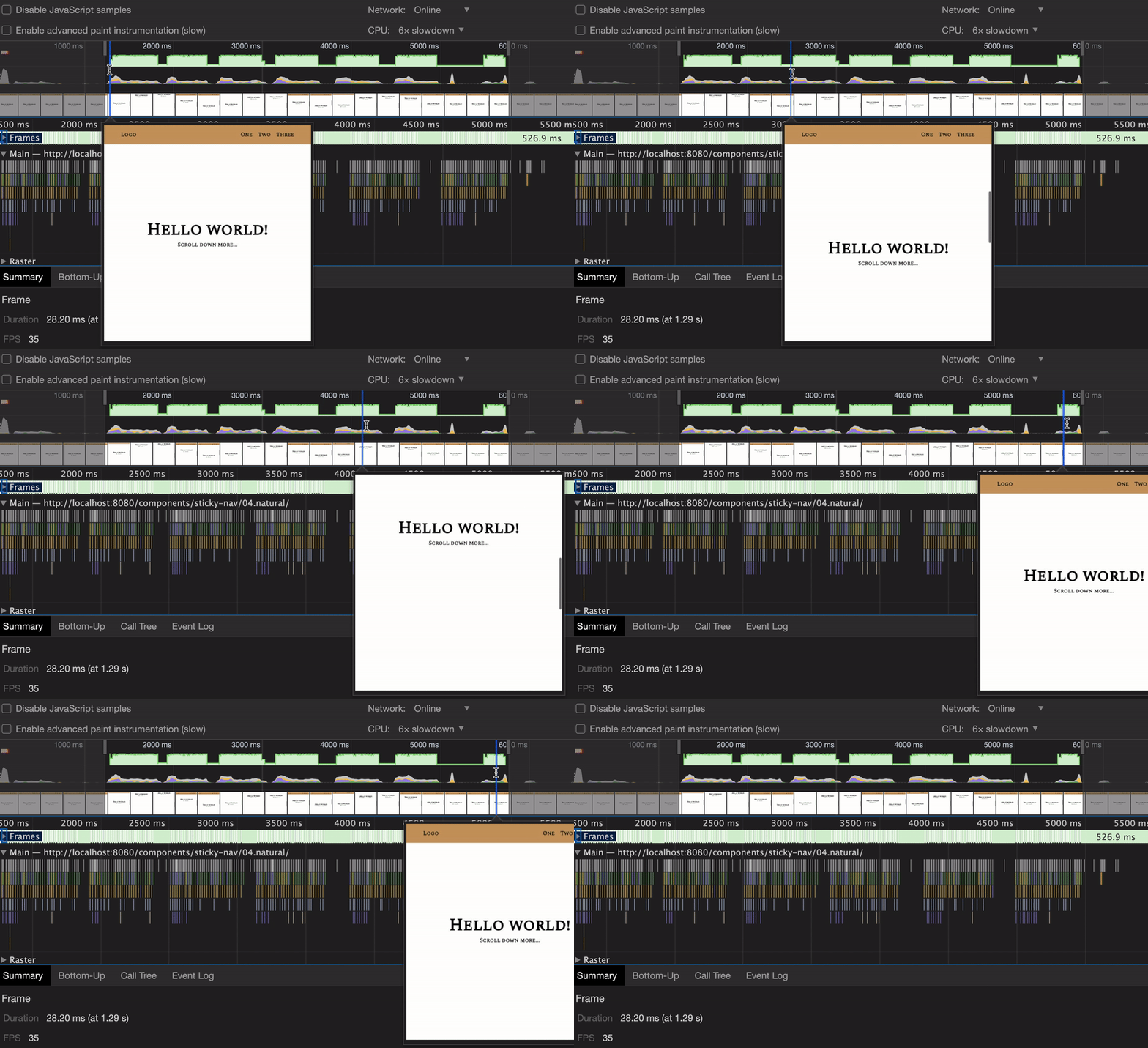
Fortunately, the code we wrote for the Auto-hiding Sticky-nav doesn’t create jank. I checked its performance while slowing down my CPU 6x.
Welcome! Unfortunately, you don’t have access to this lesson. To get access, please purchase the course or enroll in Magical Dev School.
Unlock this lesson