First of all, we’re going to build a navigation menu that sticks at the top of a screen. This can be done with pure HTML and CSS.
The trick is to use position: sticky.
<nav>...</nav>nav { position: sticky; top: 0;}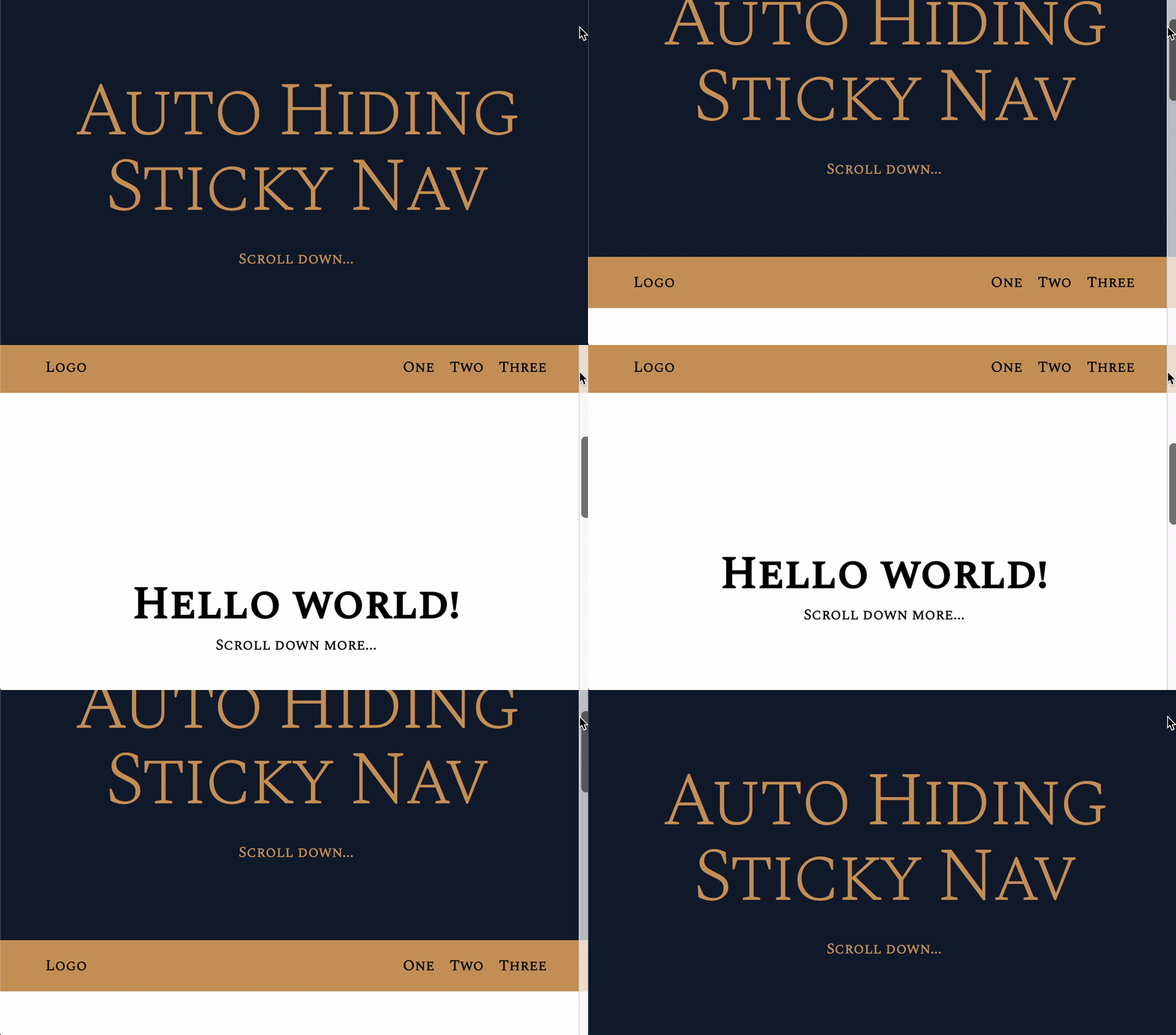
More about position sticky
position: sticky lets an element behave as position: static until you scroll the browser to a certain point.
At that point, it becomes position: fixed.
The sticky element must be a direct descendant of the scrollable element. In this case, this means <nav> must be a direct child of <body>.
<body> <nav>...</nav></body>You’ll learn how to show and hide when scrolling in the next lesson.
Welcome! Unfortunately, you don’t have access to this lesson. To get access, please purchase the course or enroll in Magical Dev School.
Unlock this lesson