In this lesson, you’ll learn to make elements appear as you scroll down.
The HTML is simple. We need to know which elements we want to animate. In this
case, we want to animate every .book on the page.
<ul> <li class="book">...</li> <li class="book">...</li> <li class="book">...</li> <li class="book">...</li> <li class="book">...</li></ul>const books = [...document.querySelectorAll('.book')]We’ll place this list of books outside the viewport at first. I did this with a large header.
Detecting books when they appear in the viewport
We can use an Intersection Observer to observe the books.
// Create Observerfunction callback(entries) {  entries.forEach(entry => {    console.log(entry)  })}
const observer = new IntersectionObserver(callback)
// Observe booksbooks.forEach(book => observer.observe(book))
You should see five entries if you refresh the page now.
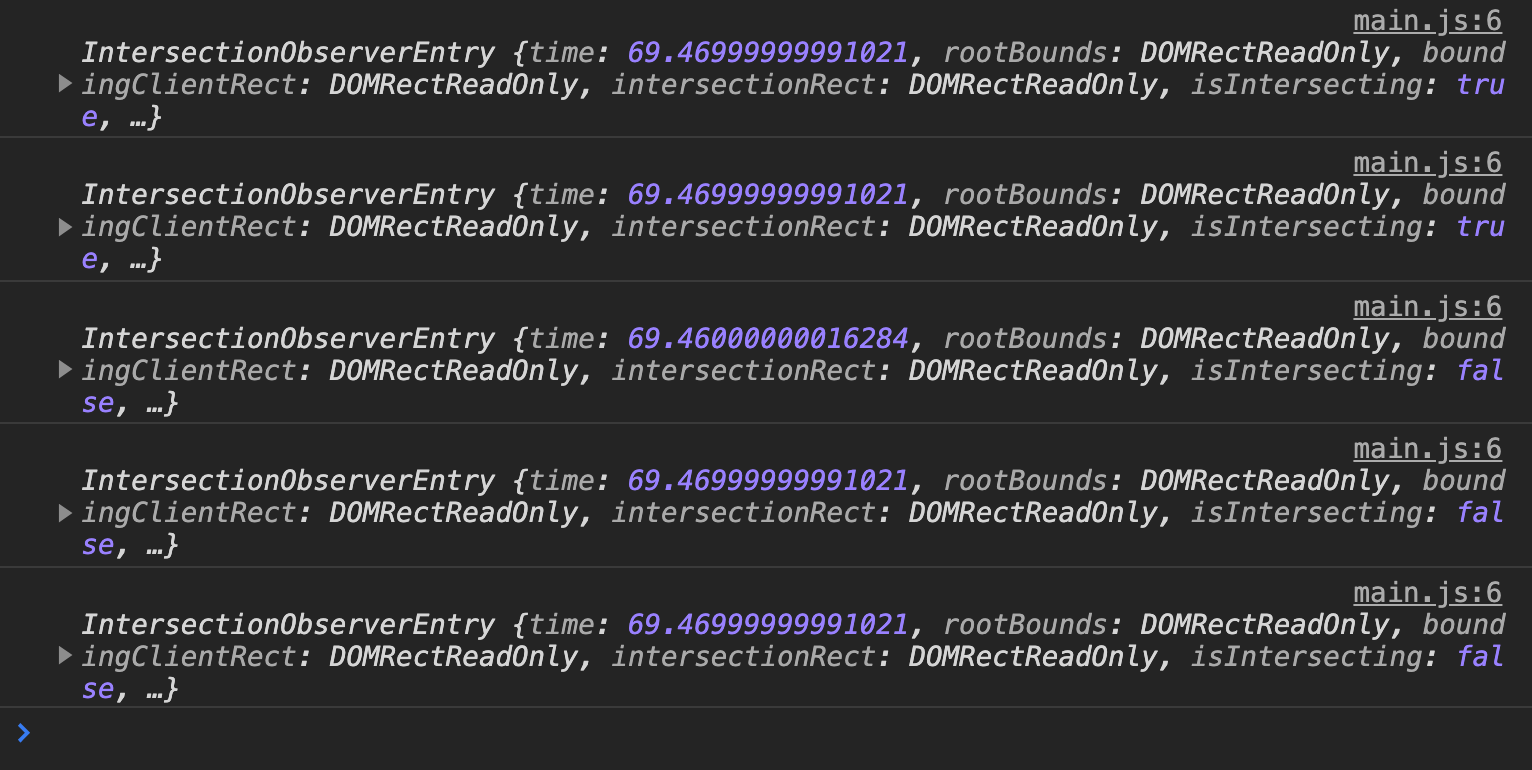
You should also see one new entry just before each .book enters the viewport.
Showing books
Books should be invisible when the page is loaded. We can hide them by setting opacity to 0.
.book { opacity: 0;}We want the books to become visible when they appear in the viewport. We can use an is-visible class to do this. When books are visible, we’ll set opacity back to 1.
.book {  opacity: 0;  transition: opacity 0.5s ease-out;}
.book.is-visible {  opacity: 1;}
Intersection Observer tells us an element is in the viewport if entry.isIntersecting is true. We can use this to add the is-visible class.
function callback(entries) { entries.forEach(entry => { if (entry.isIntersecting) { // Add the 'is-visible' class to the element } })}We can find the element that triggered the entry with entry.target. So here’s the code to add is-visible to the book that appears in the viewport.
function callback(entries) { entries.forEach(entry => { if (entry.isIntersecting) { entry.target.classList.add('is-visible') } })}Fancy animations
We’ve done the work to get books to show up. You can now add fancy animations if you wish to. The CSS below animates the books in a staggered manner:
- First book fades in from the left
- Second book fades in from the right
- Third book fades in from the left
- And so on…
.book {  opacity: 0;  transition:    opacity 0.5s ease-out,    transform 0.5s ease-out;}
.book:nth-child(odd) {  transform: translateX(-1.5rem);}
.book:nth-child(even) {  transform: translateX(1.5rem);}
.book.is-visible { opacity: 1; transform: translateX(0);}Welcome! Unfortunately, you don’t have access to this lesson. To get access, please purchase the course or enroll in Magical Dev School.
Unlock this lesson