A Typeahead is something like Google’s search. When you type something into the search bar, you get a dropdown of items you can select from.

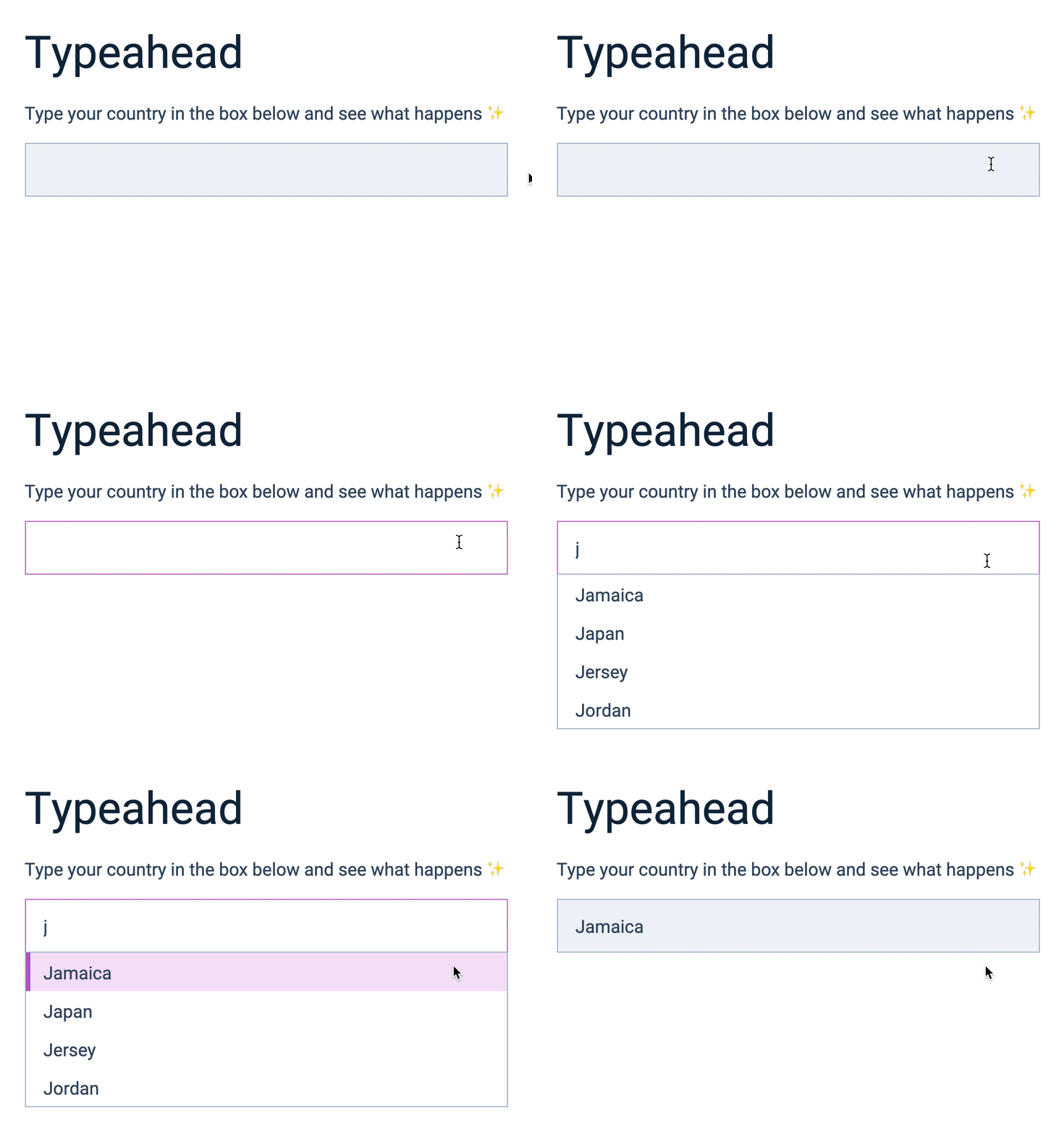
We’re going to build a Typeahead that helps users type a country. Here’s what we’re building together.
Typeahead vs Autocomplete
Typeahead can also be called Autocomplete because it helps users to complete what they’re typing.
Browsers have a feature called autocomplete. The Typeahead we’re building is different from browsers’ autocomplete feature. Do not get confused!
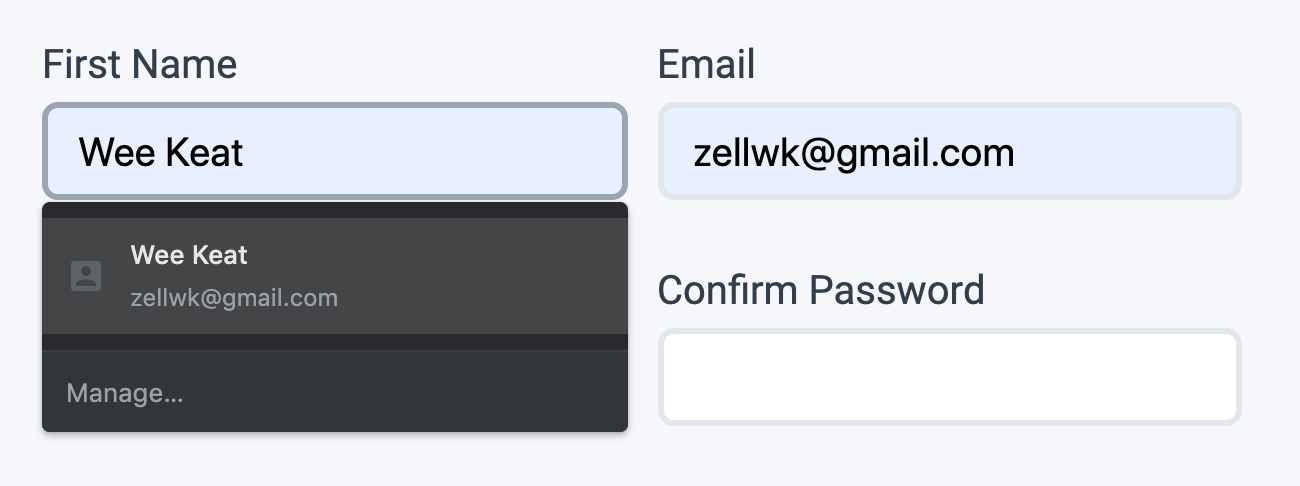
Browsers’ autocomplete feature (sometimes called autofill) allows users filled things they filled in before—even if they’re things from other websites. They’re commonly used to fill stuff like name, address, and credit card information.
In contrast, Typeahead predicts what users want to type. It can contain any kind of information.
Anatomy of a Typeahead
A Typeahead contains two elements:
- An input field
- A list
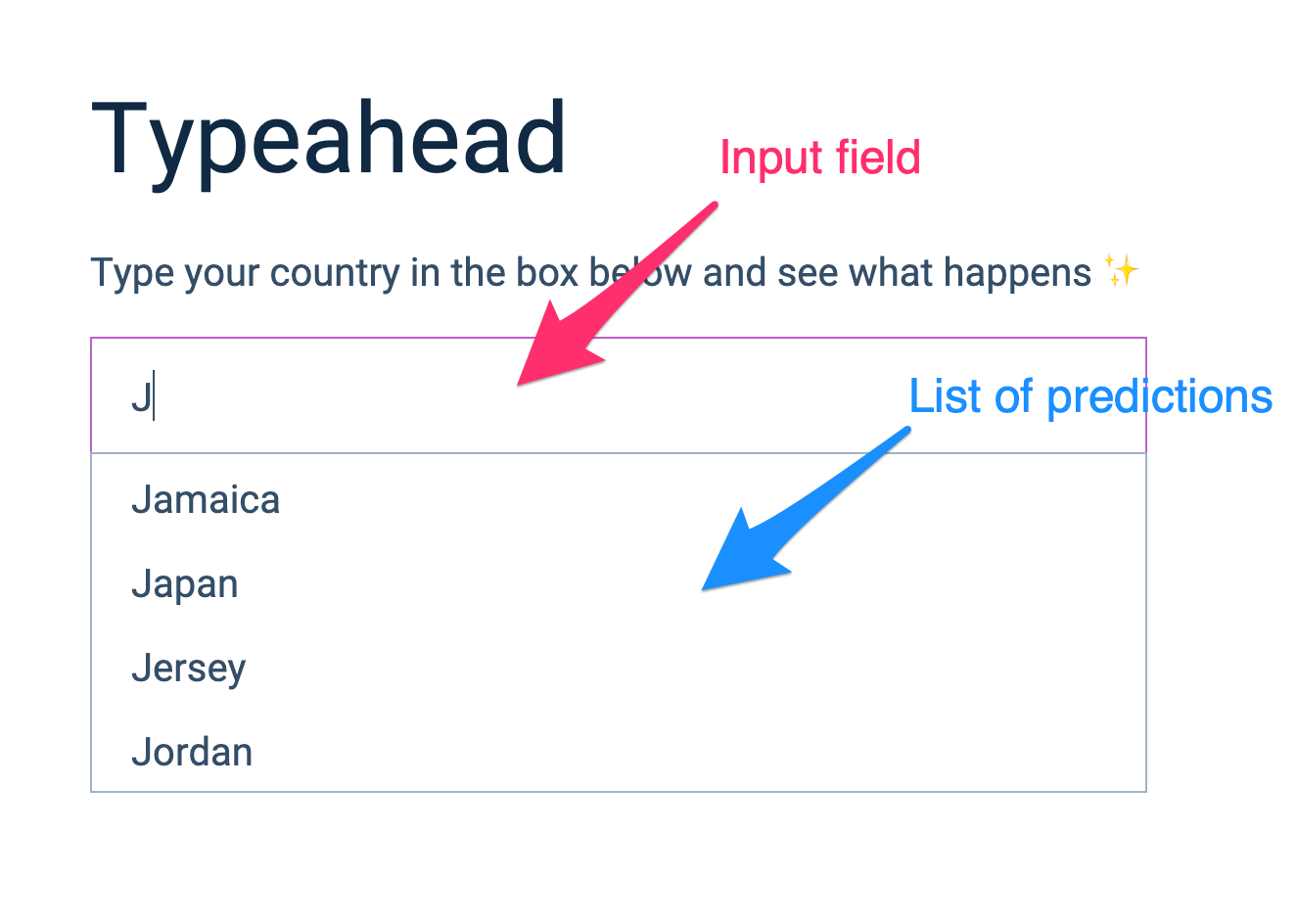
The input field allows users to type things. We’ll add things to the list based on things they typed.
Building the Typeahead (HTML and CSS)
Typeahead are usually used in forms, so we’ll place our typeahead inside a <form>. Make sure you set the form’s autocomplete to off to disable browsers’ autocomplete feature.
<form action="#" autocomplete="off"> <div class="typeahead"> <input name="country" id="country" /> </div></form>We want to populate a list based on things users type into the input field. We’ll put this list inside .typeahead, after the input.
<form action="#" autocomplete="off"> <div class="typeahead"> <input name="country" id="country" /> <ul> <li>Country 1</li> <li>Country 2</li> <li>Country 3</li> </ul> </div></form>You should see this in your browser:
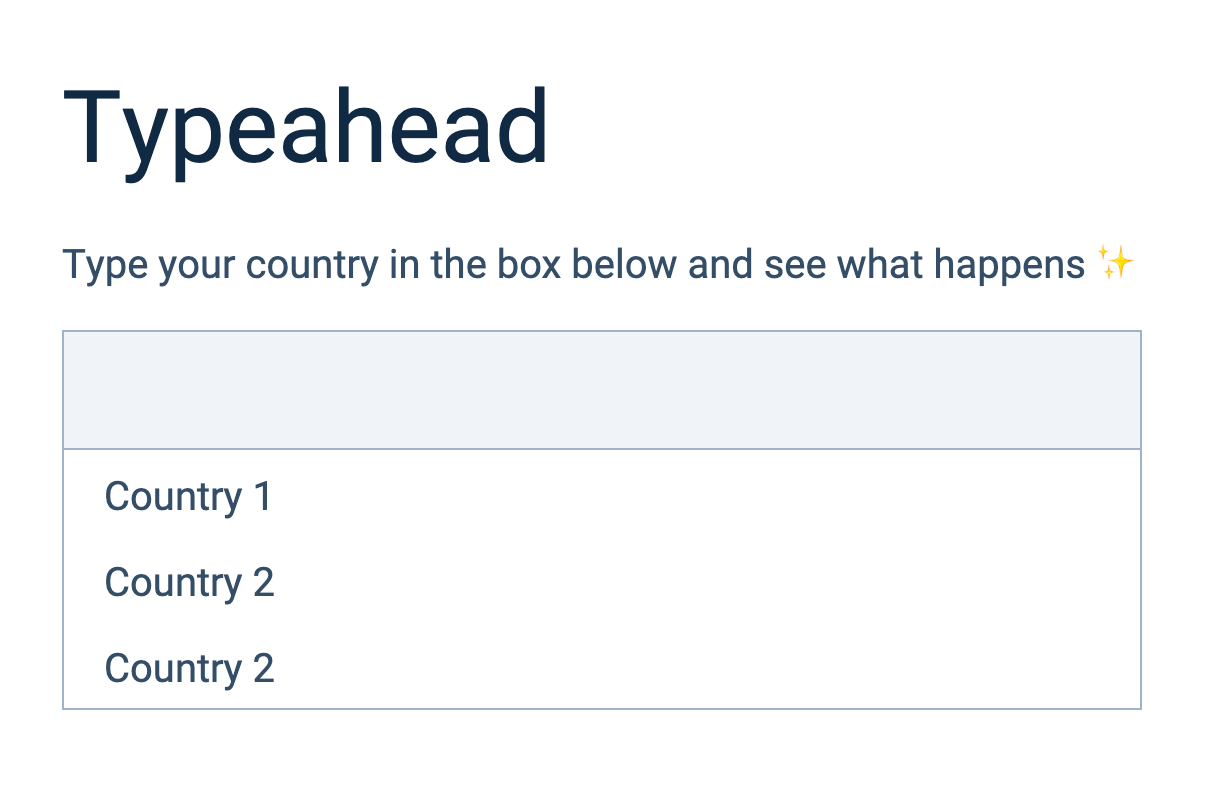
We want to hide the <ul> when the page loads. We don’t know what the user will type yet, so we can’t make a prediction.
We can hide the <ul> with the hidden attribute.
<form action="#" autocomplete="off"> <div class="typeahead"> <input name="country" id="country" /> <ul hidden> <li>Country 1</li> <li>Country 2</li> <li>Country 3</li> </ul> </div></form>That’s it for the HTML and CSS! Let’s move to the next lesson and begin building the Typeahead.
Welcome! Unfortunately, you don’t have access to this lesson. To get access, please purchase the course or enroll in Magical Dev School.
Unlock this lesson