Node is simple — it’s just a series of files inside a folder. Nothing different from a normal .js file that you’re already familiar with.
The only difference is you have to use the Terminal to specify which file you want to run. Think of this like double-clicking an app to open it. It’s the same thing.
Setting Up
Let’s say you have a server.js file inside your project, and you have a console.log statement inside this server.js file.

console.log('Hello world!')Running the file
To run server.js, all you need to do is use the node command in the Terminal.
node server.jsWhen you run the command, you should see Hello World appearing in the Terminal.
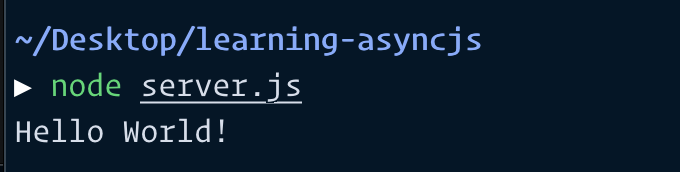
Congratulations! You just ran your first Node file!
Welcome! Unfortunately, you don’t have access to this lesson. To get access, please purchase the course or enroll in Magical Dev School.
Unlock this lesson