Markdown layouts are the third way to use Markdown. It works with both md and mdx.
The best use of this is to create heavy content sites that use the same template.
For example, I have multiple pages that use the same one-column content. Things like this can include a 404 page and a contact page, or even others!
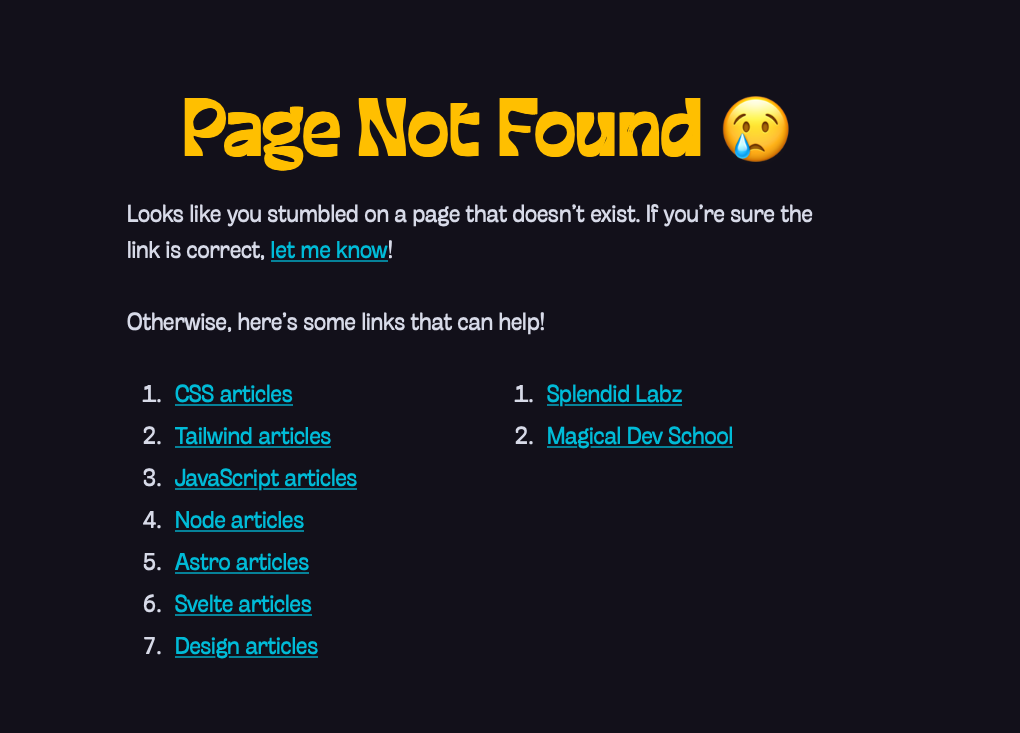
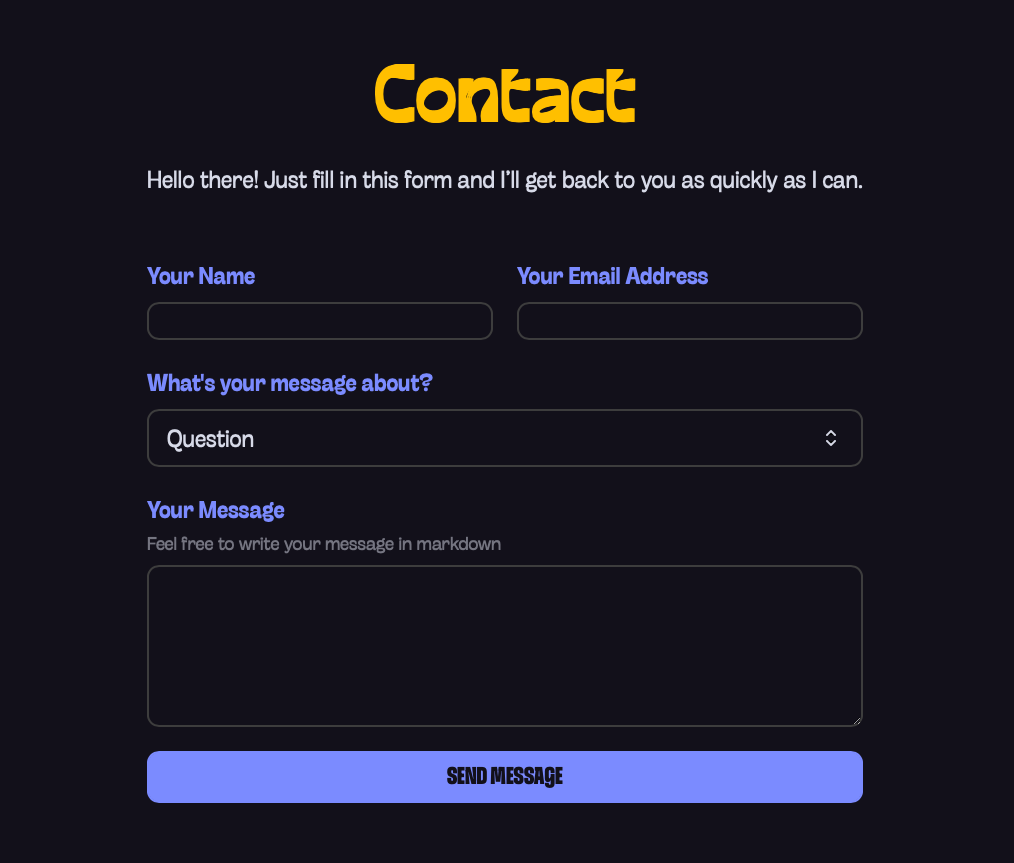
Simple markdown layout
To let this page use the layout, I first create a common layout. I call it OneColumn in this case.
Then I add OneColumn as the layout property in both 404.md and contact.md
---layout: '@/layouts/OneColumn.astro'title: Page Not Found 😢---
<!-- Content goes here -->---layout: '@/layouts/OneColumn.astro'title: Contact---
<!-- Content goes here -->In OneColumn.astro:
- We can access the frontmatter via the
contentprop. - The markdown content goes into the default
slot.
So the simplest version of a markdown layout file looks like this:
---const props = Astro.props.content---
<h1>{props.title}</h1><slot />
That’s all you need to use a markdown layout.
Hybrid layout
It doesn’t make sense to only create a markdown layout file, because we can make it into a hybrid one that accepts Astro pages very easily.
All we have to do is just let props fall back to Astro.props if the content prop is not present.
---// Accepts .astro, .md, and .mdx filesconst props = Astro.props.content || Astro.props---
<h1>{props.title}</h1><slot />
That’s it!
Welcome! Unfortunately, you don’t have access to this lesson. To get access, please purchase the course or enroll in Magical Dev School.
Unlock this lesson