Dynamic Imports let you import JavaScript Modules anytime you wish to (instead of importing it right at the top).
Dynamic imports uses Promises. It has the following syntax.
import('./path-to-module.js') .then(module => { /* do something with module */ }) .catch(error => { /* handle error */ })The module object here contains all named exports and default exports.
export const one = 'named one'export const two = 'named two'export default 'default export'import('./library.js').then(module => { console.log(module)})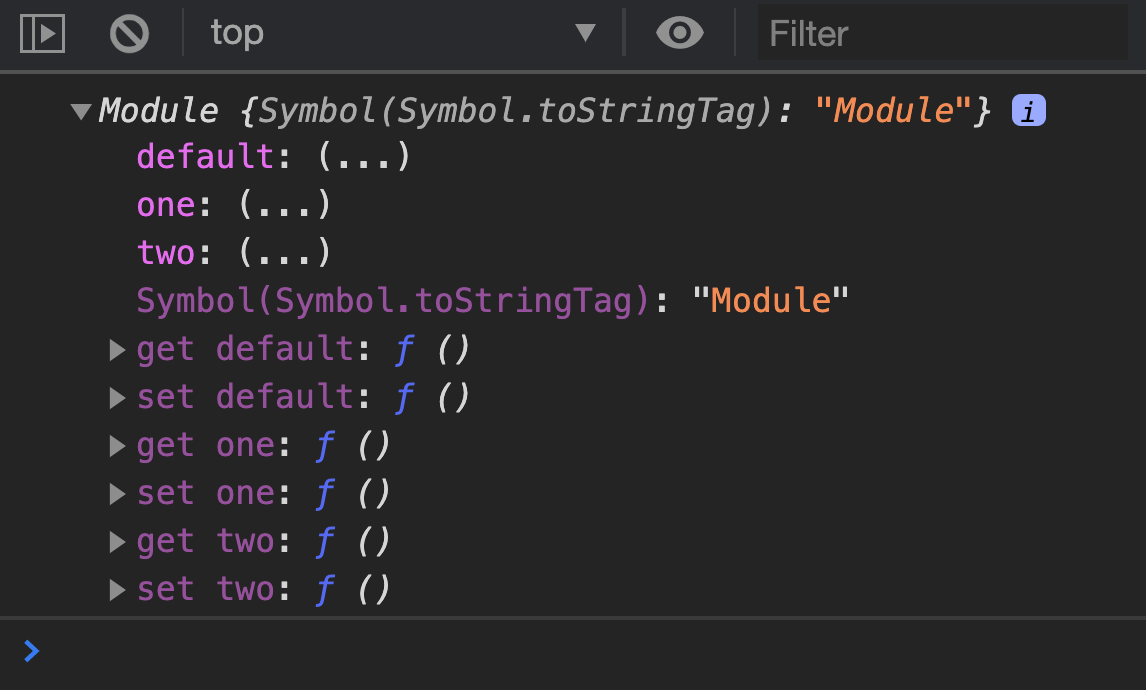
You can get named exports by using their name. You can also get the default export with the default property.
import('./library.js').then(module => { console.log(module.one) console.log(module.two) console.log(module.default)})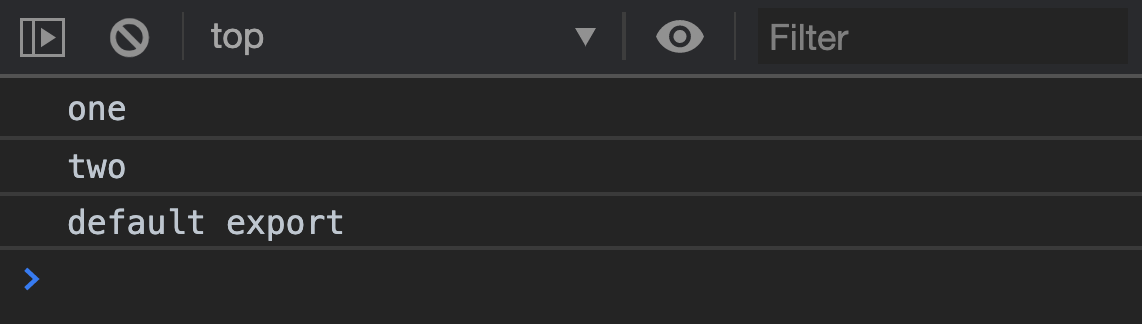
You can destructure named exports.
import('./library.js').then(module => { const { one, two } = module console.log(one) console.log(two)})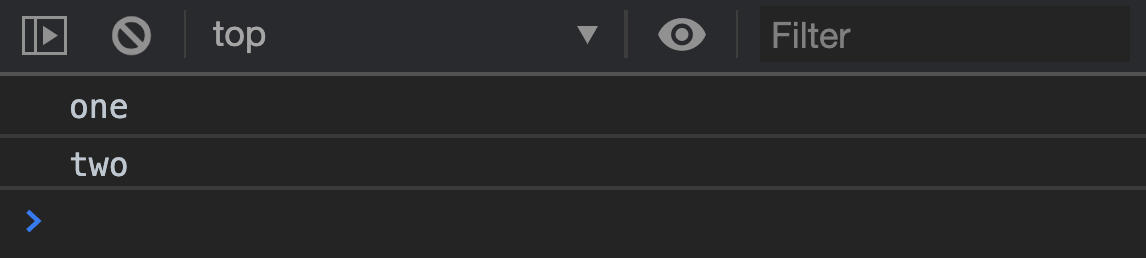
But you cannot destructure default normally. This is because default is a reserved keyword. You need to assign the default export to another variable name.
import('./library.js').then(module => { const { default: library } = module console.log(library)})
Welcome! Unfortunately, you don’t have access to this lesson. To get access, please purchase the course or enroll in Magical Dev School.
Unlock this lesson