Encapsulation is the act of enclosing one thing inside another thing. It ensures the things inside don’t leak out. Think about storing water inside a bottle. The bottle encloses the water and prevents it from leaking out.
In JavaScript, we’re interested in enclosing variables and preventing them from leaking out into external scopes.
Simple Encapsulation
The simplest form of encapsulation is a block scope.
{ // ...}When you’re in the block, you can access variables that are declared outside the block.
const food = 'Hamburger'
{  console.log(food)}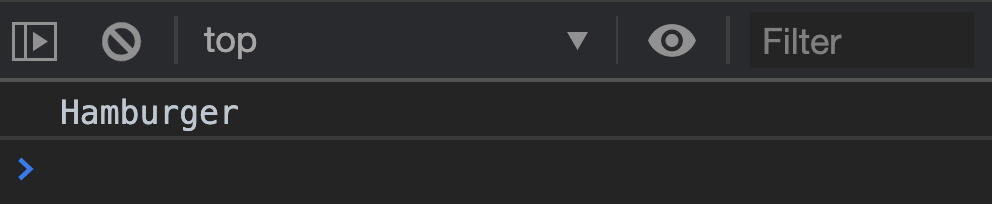
But when you’re outside the block, you cannot access variables that are declared within the block. (Except when you use var to declare variables).
{  const food = 'Hamburger'}
console.log(food)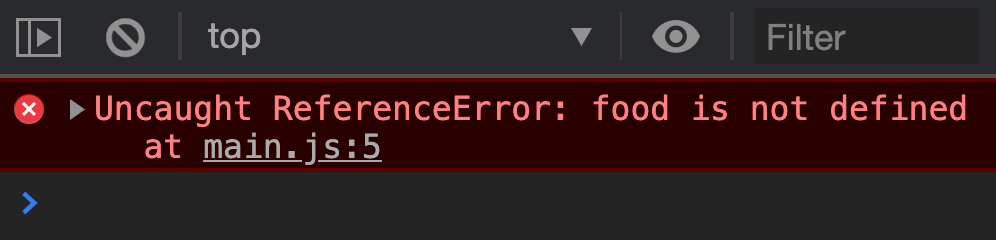
Blocks prevent variables from leaking out of their scope.
Encapsulating with Functions
Functions have a function-scope that behaves like a block-scope.
When you’re in the function, you can access variables declared outside the function.
const food = 'Hamburger'
function sayFood() {  console.log(food)}
sayFood()
But when you’re outside the function, you cannot access variables declared within the function.
function sayFood() {  const food = 'Hamburger'}
sayFood()console.log(food)
Just like blocks, functions prevent variables from leaking outside the function. But functions can return a value. This value can be used outside of the function
function sayFood() {  return 'Hamburger'}
console.log(sayFood())
Encapsulating with IIFE
Immediately-invoked function expressions (IIFE for short) are functions that are defined and called immediately.
To build an IIFE, you:
- Write a function between a pair of parenthesis.
- Call the function with another pair of parenthesis.
Here’s what it looks like:
;(function sayFood() { /* ... */})()IIFEs can be anonymous because you don’t need to reference them later.
;(function () { console.log('Hamburger')})()You can pass variables into an IIFE when you invoke it.
;(function (food) { console.log(food)})('Hamburger')IIFEs can return a value (like functions). You can assign this value to a variable.
const food = (function () {  return 'Hamburger'})()
console.log(food)
Encapsulation and Object Oriented Programming
When you build objects, you want to make some properties publicly available for others to use. But you also want to keep some properties private so others cannot touch (and break) your implementation.
Example:
Let’s say we have a Car factory. Each car we create has a fuel tank. When cars are produced, we fill them up with 50 litres of fuel.
class Car {  constructor() {    this.fuel = 50  }}
const car = new Car()console.log(car.fuel) // 50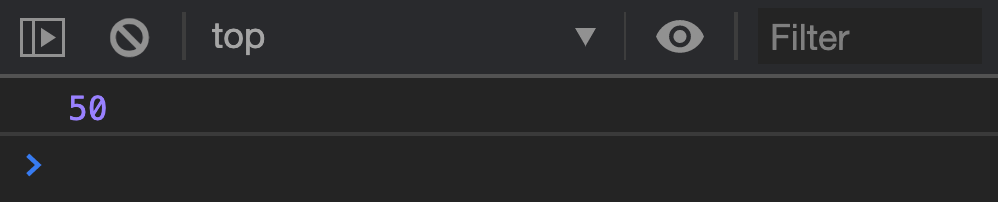
We want to let users addFuel into their car. So we create an addFuel method.
class Car { // ... addFuel(amount) { this.fuel = this.fuel + amount }}Let’s say the fuel tank has a capacity of 100 litres. It cannot exceed 100 litres.
If users add more fuel to the tank, we will remove the excess fuel. We’ll also add a warning to tell users that fuel is capped at 100.
class Car {  // ...  addFuel(amount) {    this.fuel = this.fuel + amount
    // Caps fuel at 100 litres    if (this.fuel > 100) {      console.log('Fuel Tank Capacity is 100 litres. Pouring away excess fuel')      this.fuel = 100    }  }}
Car instances should now be able to top up fuel (up to a maximum of 100 litres).
const car = new Car()car.addFuel(300)console.log(car.fuel) // 100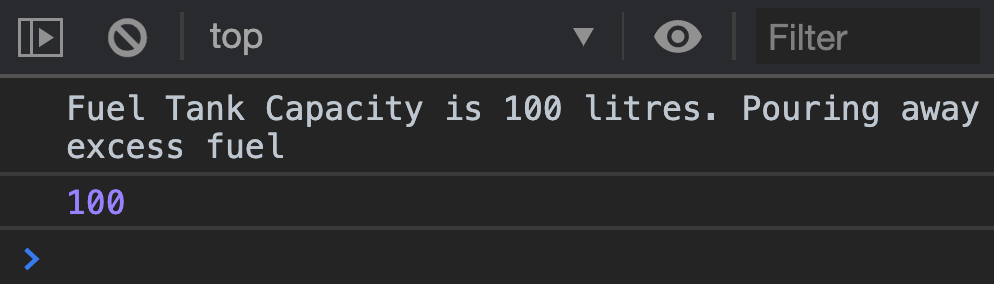
This works!
Unfortunately, we exposed fuel in Car by using this.fuel. You can see fuel when you log a Car instance.
const car = new Car()console.log(car)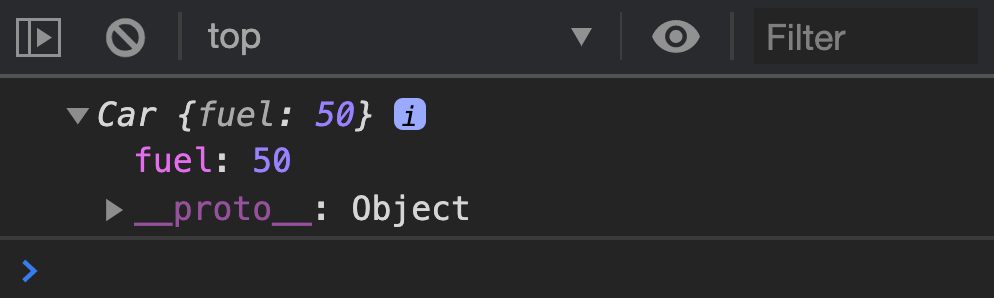
Users can abuse this exposure and add fuel to their cars directly. They can add so much fuel, they exceed the maximum capacity of the fuel tank.
const car = new Car()car.fuel = 5000console.log(car.fuel) // 5000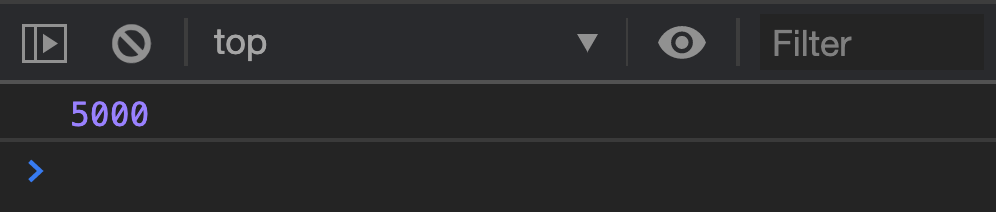
We want to prevent users from messing with fuel. The only way to do this is through closures.
Welcome! Unfortunately, you don’t have access to this lesson. To get access, please purchase the course or enroll in Magical Dev School.
Unlock this lesson