call, bind, and apply are three powerful functions. They let you change the value of this.
They used to be important. But they aren’t anymore after ES6.
That said, you’ll still encounter codebases with call,bind, and apply so it makes sense to understand what they do.
I’ll start with bind since we spoke about it in the last lesson.
Bind
bind lets you create a new function that contains a different this value.
const boundFunction = aFunction.bind(this)thisis the value you wantthisto be.boundFunctionis the resultant function (with the changedthisvalue)
Using bind to change this
Let’s say you want to change this inside a simple function in an object with a single property-value pair. You can do this:
function sayThis() {  console.log(this)}
const object = {  property: 'value',}
const boundSayThis = sayThis.bind(object)
boundSayThis will log object.
console.log(boundSayThis)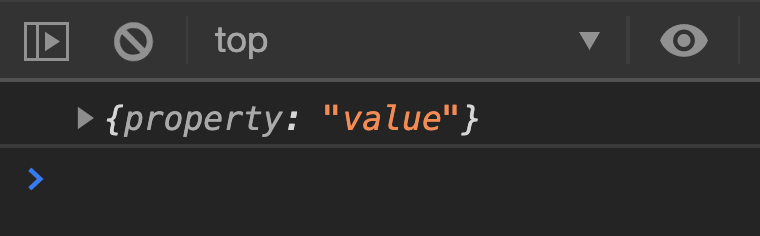
Binding event handlers
When you use Object Oriented Programming with event listeners, this might be the listening element. You’ll need to change this back to the instance.
Example:
Let’s say you have an instance with the ability to say its name. It uses this.firstName and this.lastName.
function Human(firstName, lastName) {  this.firstName = firstName  this.lastName = lastName  this.sayName = function () {    console.log(`${this.firstName} ${this.lastName}`)  }}
const zell = new Human('Zell', 'Liew')
When you click a button, you want the instance to use sayName.
Here’s what we normally write:
button.addEventListener('click', _ => { zell.sayName()})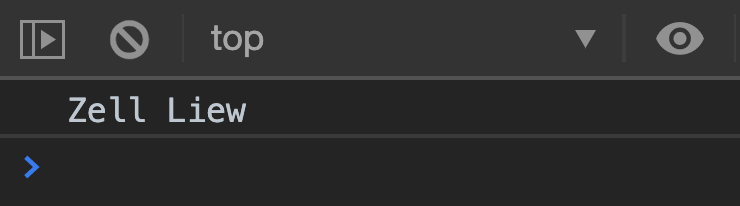
Since zell.sayName contains everything we need, why don’t we pass zell.sayName directly as a callback instead?
button.addEventListener('click', zell.sayName)Unfortunately, this doesn’t work. We get undefined undefined instead of Zell Liew.
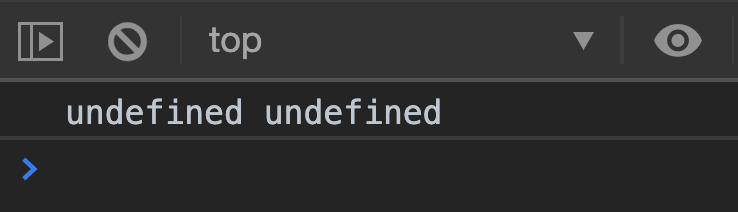
We get undefined undefined because this is button. We can log this to get some proof.
function Human(firstName, lastName) { // ... this.sayName = function () { console.log(this) console.log(`${this.firstName} ${this.lastName}`) }}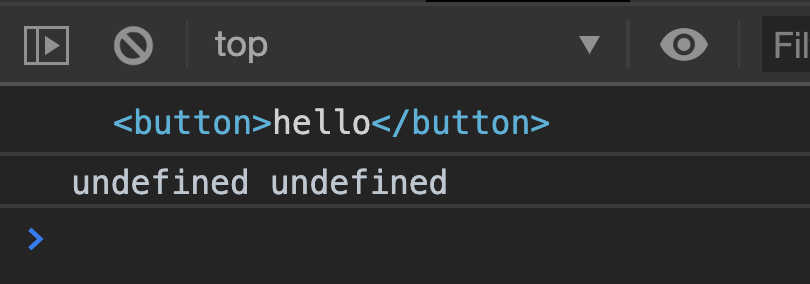
We can change the value of this by binding the zell.sayName back to zell. (The code is ugly, but it works).
const sayName = zell.sayName.bind(zell)button.addEventListener('click', sayName)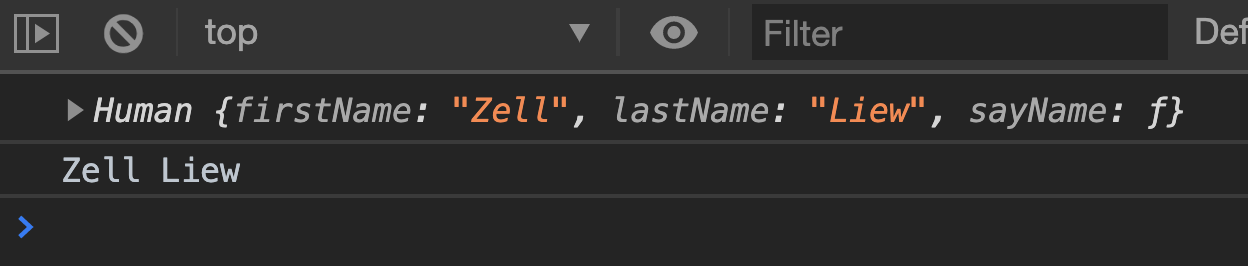
Using bind for Partial Application
You can pass optional arguments into bind.
const boundFunction = aFunction.bind(this, arg1, arg2)Each argument passed into bind will be set as the parameter prematurely. This process is called Partial Application. It is often used in Functional Programming.
Example:
Let’s say you have a sayName function.
function sayName(firstName, lastName) { console.log(`${firstName} ${lastName}`)}You want to set firstName to zell. You can use bind to do this.
Here, we pass null as this because we don’t need to use this inside sayName. We will also pass Zell as an argument.
const sayZell = sayName.bind(null, 'Zell')You can then call sayZell to run the function.
sayZell('Liew') // Zell LiewFunctional Programming is out of scope for this course so we’ll stop talking about it here. You can google for more information if you’re interested :)
Call
Call lets you change this as you call a function. It has the same syntax as bind.
aFunction.call(this, arg1, arg2)In this case, arguments are compulsory since you call the function immediately.
thisis the value you wantthisto be.aFunctionis the function you want to call.arg1is the first argument.arg2is the second argument.
Using call to change this
Straightforward example:
function sayThis() {  console.log(this)}
const object = { property: 'value' }
sayThis() // WindowsayThis.call(object) // { property: 'value' }
Using call to borrow methods
Let’s say you got a NodeList with querySelectorAll.
<ul> <li>One</li> <li>Two</li> <li>Three</li></ul>const nodeList = document.querySelectorAll('li')console.log(nodeList)We cannot map through this NodeList because NodeLists don’t have the map method.
const textArray = nodeList.map(element => element.textContent)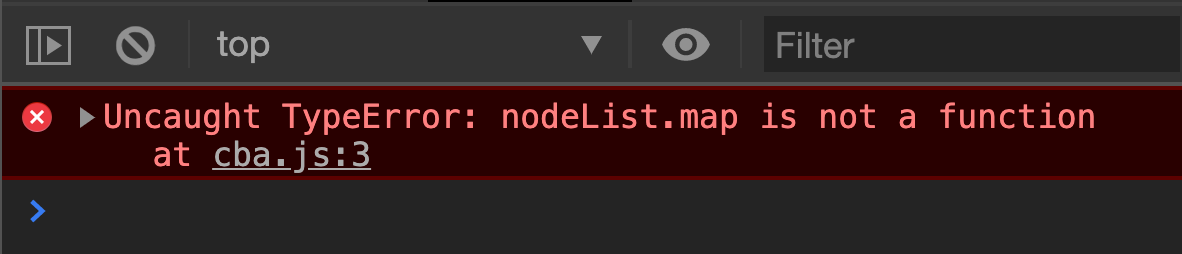
But arrays have the map method. We can use call to borrow map from an Array’s prototype. Here, we pass nodeList as this value.
const textArray = Array.prototype.map.call( nodeList, element => element.textContent,)console.log(textArray)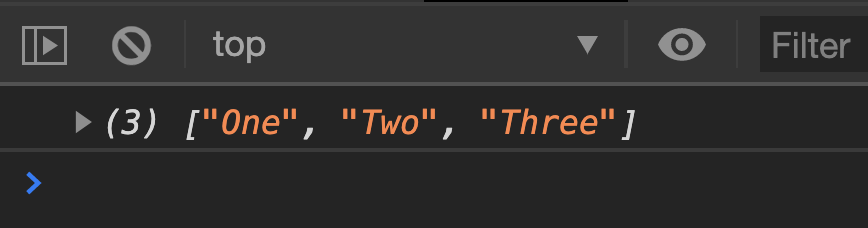
This is what we mean by borrowing methods.
By the way, don’t worry about the Array.prototype at this point. They’re part of Object Oriented Programming and we’ll get to them soon.
For now, just understand that call can be used to borrow methods.
Apply
apply is similar to call.
When you use call, you pass in arguments as comma-separated values. When you use apply, you pass in an array as the second argument.
aFunction.call(this, arg1, arg2)aFunction.apply(this, [arg1, arg2])Apply is useful when you need to pass arguments from one function into another. But it can be replaced by a combination of call, and Rest + Spread operators.
Example:
JavaScript has an arguments variable that keeps track of all arguments passed in as an array.
function sayThings() {  console.log(arguments)}
sayThings('Happy', 'birthday')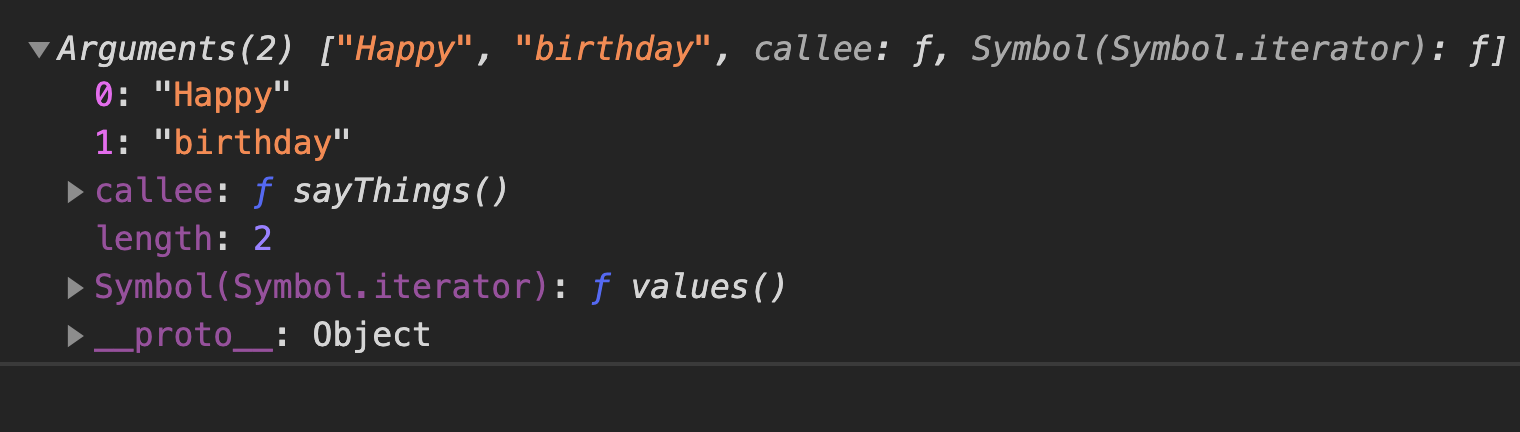
We shouldn’t use arguments because arguments make the function less-explicit. We don’t know if any arguments need to be passed into the function before inspecting the code within.
It’s much better to use ES6 rest and spread operators. Once you see ...args, you know it means “the rest of the arguments goes into this array”.
function sayThings(...args) {  console.log(...args)}
sayThings('Happy', 'birthday')Welcome! Unfortunately, you don’t have access to this lesson. To get access, please purchase the course or enroll in Magical Dev School.
Unlock this lesson