We need two things to support touch on Spinning Pacman.
- We’ll use Pointer events instead of Mouse events
- We need to add the
touch-actioncss property.
Replacing Mouse events with Pointer events
This is as easy as replacing mousemove with pointermove.
// Remove thisdocument.addEventListener('mousemove', event => { // ...})// Add thisdocument.addEventListener('pointermove', event => { // ...})Adding touch-action
We need to set touch-action: none to detect pointermove immediately.
In this case, let’s say we want to detect pointermove immediately when the user touches the title or anywhere inside the Spinning Pacman grid.
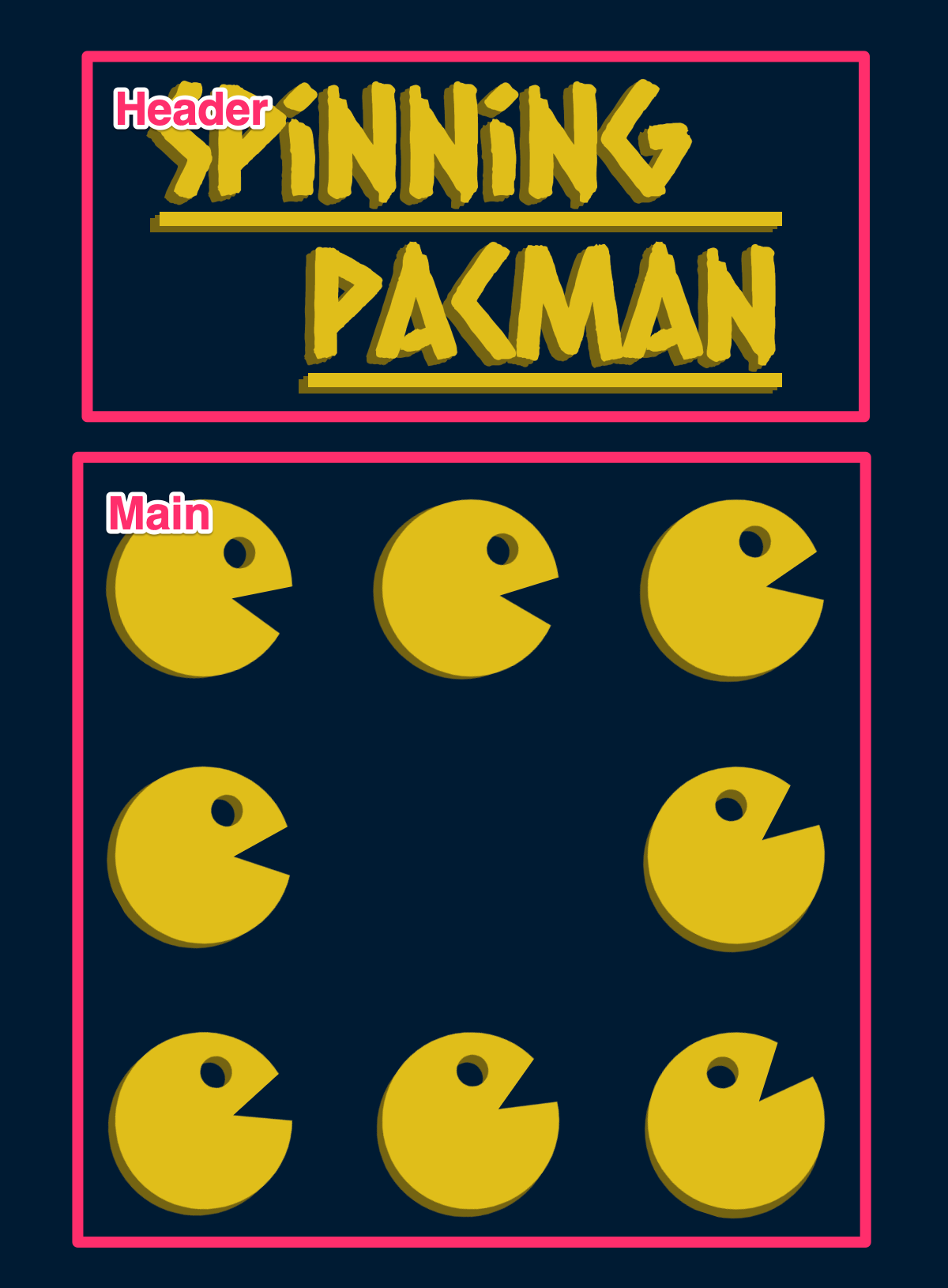
header,main { touch-action: none;}And we’re done.
Welcome! Unfortunately, you don’t have access to this lesson. To get access, please purchase the course or enroll in Magical Dev School.
Unlock this lesson