Let’s build a component that lets us drag and drop stuff with vanilla JavaScript! I’ll walk you through every step of the way.
HTML and CSS
Let’s imagine we want to pick things up from a Pickup Zone and place them into a Drop Zone.
We need one <div> to contain the pick zone and one <div> to contain the dropzone.
<h2>Pick Zone</h2><div data-pickzone>...</div><h2>Drop Zone</h2><div data-dropzone>...</div>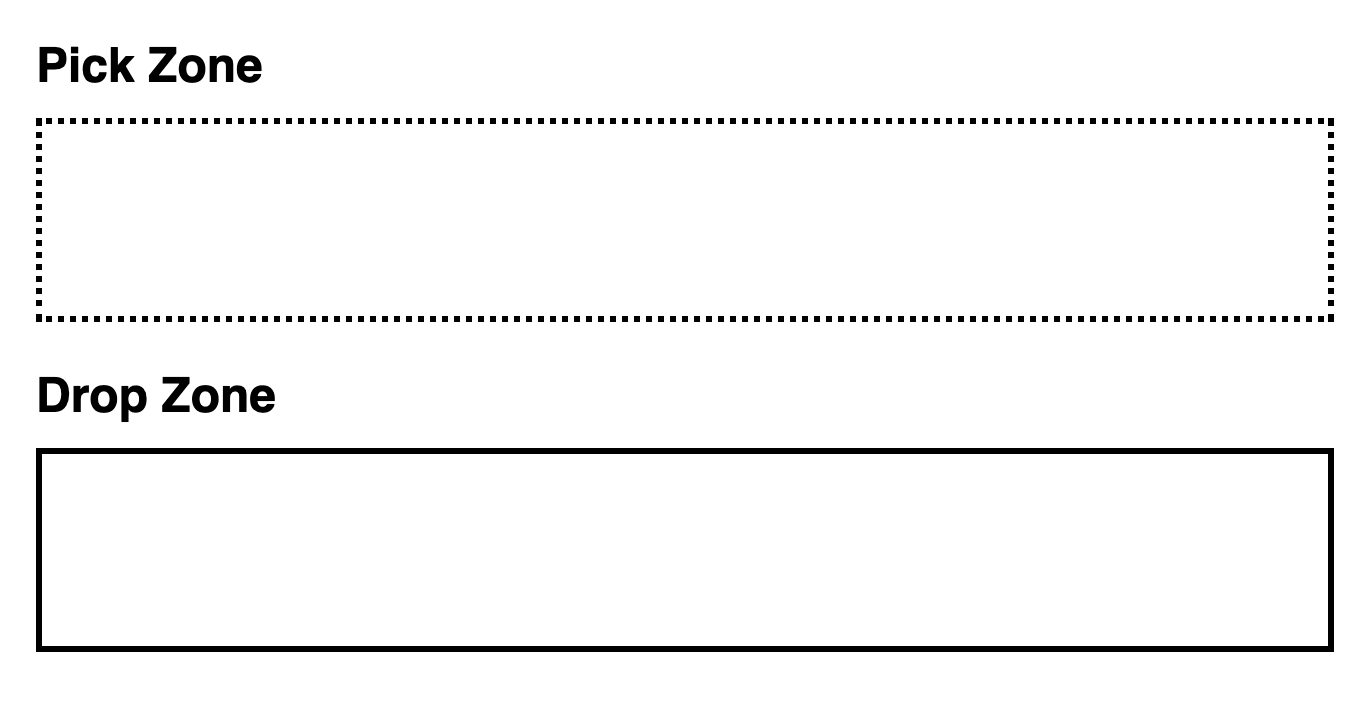
We’ll start with some boxes in the pick zone. Each box has a different color (that I styled with data-color). You can find the necessary CSS in the Starter files.
<div data-pickzone> <div class="box" data-color="red"></div> <div class="box" data-color="orange"></div> <div class="box" data-color="yellow"></div> <div class="box" data-color="green"></div> <div class="box" data-color="blue"></div> <div class="box" data-color="indigo"></div> <div class="box" data-color="violet"></div></div>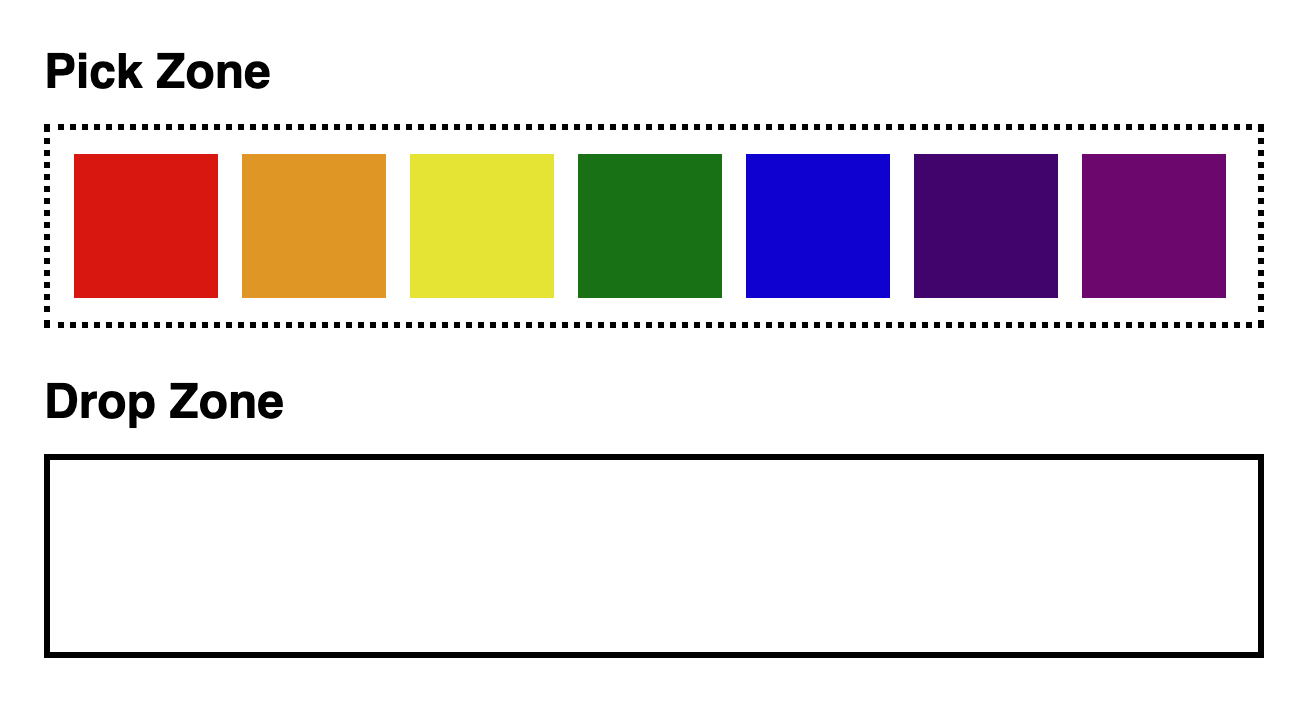
That’s all the HTML and CSS you need for now! Let’s build this drag and drop thing now 🤓.
Welcome! Unfortunately, you don’t have access to this lesson. To get access, please purchase the course or enroll in Magical Dev School.
Unlock this lesson