Did you notice there are websites where you can’t seem to finish scrolling? There’s always new content available when you scroll down.
An example is Twitter.
This pattern is called an infinite scroll.
Anatomy of an infinite scroll
An infinite scroll requires 3 things to work:
- A JavaScript API to fetch content
- A Spinner that spins when we’re fetching content
- A section in the DOM to add new content
HTML and CSS
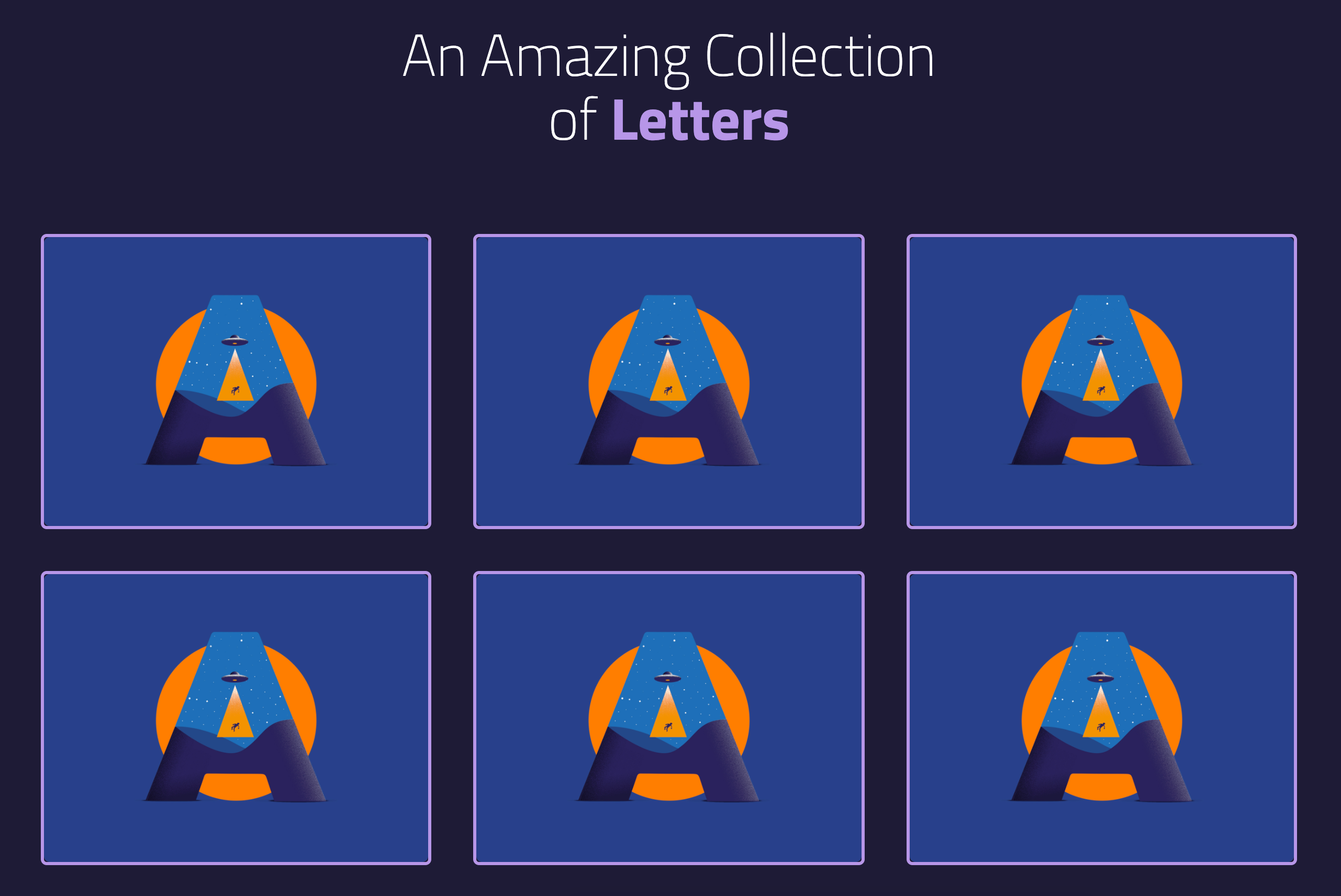
We will build an infinite scroll that looks like this together in the next few lessons:
In this case, we will load a bunch of images from Dribbble. Each image is called a “shot” in Dribbble’s language. We will include three things in each shot:
- The image of the shot
- A link to the shot’s url
- A span to credit the author
Here’s the HTML you need:
<li> <a class="letter" href="LINK_TO_SHOT"> <span>By CREATOR_NAME</span> <img src="LINK_TO_IMAGE" alt="ALT_TEXT" width="400" height="300" /> </a></li>Here’s an example of the first shot.
<li> <a class="letter" href="https://dribbble.com/shots/10536313-A-means-Aliens"> <span>By dima lihovoy</span> <img src="https://cdn.dribbble.com/users/4942615/screenshots/10536313/media/f284f0fa6078e5fa460ec755a298b3b5.jpg" alt="Picture of A" width="400" height="300" /> </a></li>If you place multiple copies of the first shot into the DOM, you should see a grid of shots.
The spinner
There is a spinner for this component. This spinner is already in the HTML file. You should see it spinning like this:

Get more images section
For this component, we will fetch 36 Dribbble shots with a custom API I created. After showing all 36 shots, we want to direct people to Dribbble for more shots.
The dribbble section does this.
We can hide this section with the hidden attribute since we won’t show it at first.
<section class="dribbble-section center" hidden>...</section>The Letters API
Dribbble has an API. But we cannot use it for this course since it requires OAuth authentication. (We cannot use OAuth with a browser. We can only use it with a server, which is out of scope for this course).
Since we can’t use Dribbble’s API directly, I built a custom API for this component. This API contains a set of 36 images. One image for each alphabet (from A to Z) and one image for each number (from 0 to 9).
Endpoint
The endpoint for this API is
https://api.learnjavascript.today/lettersThis endpoint responds with a letters object. This letters object contains an array of 36 letters. Each letter object contains 4 properties:
letter: The lettercreator: Name of the creator as stated on DribbbleshotUrl: Link to the shot on DribbbleimageUrl: Actual link to the letter’s image
Example response:
{ letters: [{ "letter": "A", "creator": "dima lihovoy", "shotUrl": "https://dribbble.com/shots/10536313-A-means-Aliens", "imageUrl": "https://cdn.dribbble.com/users/4942615/screenshots/10536313/media/f284f0fa6078e5fa460ec755a298b3b5.jpg" }, {...}]}Limits and Pagination
You can send two query parameters to the endpoint:
limitpage
limit lets you limit the number of shots. For example, if you set limit to 3, you will only get back 3 shots out of 36 shots.
page lets you decide which set of characters you get. It works together with limit. For example:
limit=3andpage=1gives you A, B, Climit=3andpage=2gives you D, E, Flimit=3andpage=3gives you G, H, I- And so on
The API returns previousPage and nextPage properties when limit and page are used. This lets you fetch the next set (or previous set) of letters easily.
Example request:
zlFetch(`${endpoint}?limit=3&page=2`)Example response:
{ "previousPage": "https://api.learnjavascript.today/letters?limit=3&page=1", "nextPage": "https://api.learnjavascript.today/letters?limit=3&page=3", "letters" : [{...}, {...}, {...}]}That’s everything you need to know to build the Infinite Scroll component. We’ll build the component together in the next lesson. Try building the component yourself before you read the next lesson!
Welcome! Unfortunately, you don’t have access to this lesson. To get access, please purchase the course or enroll in Magical Dev School.
Unlock this lesson