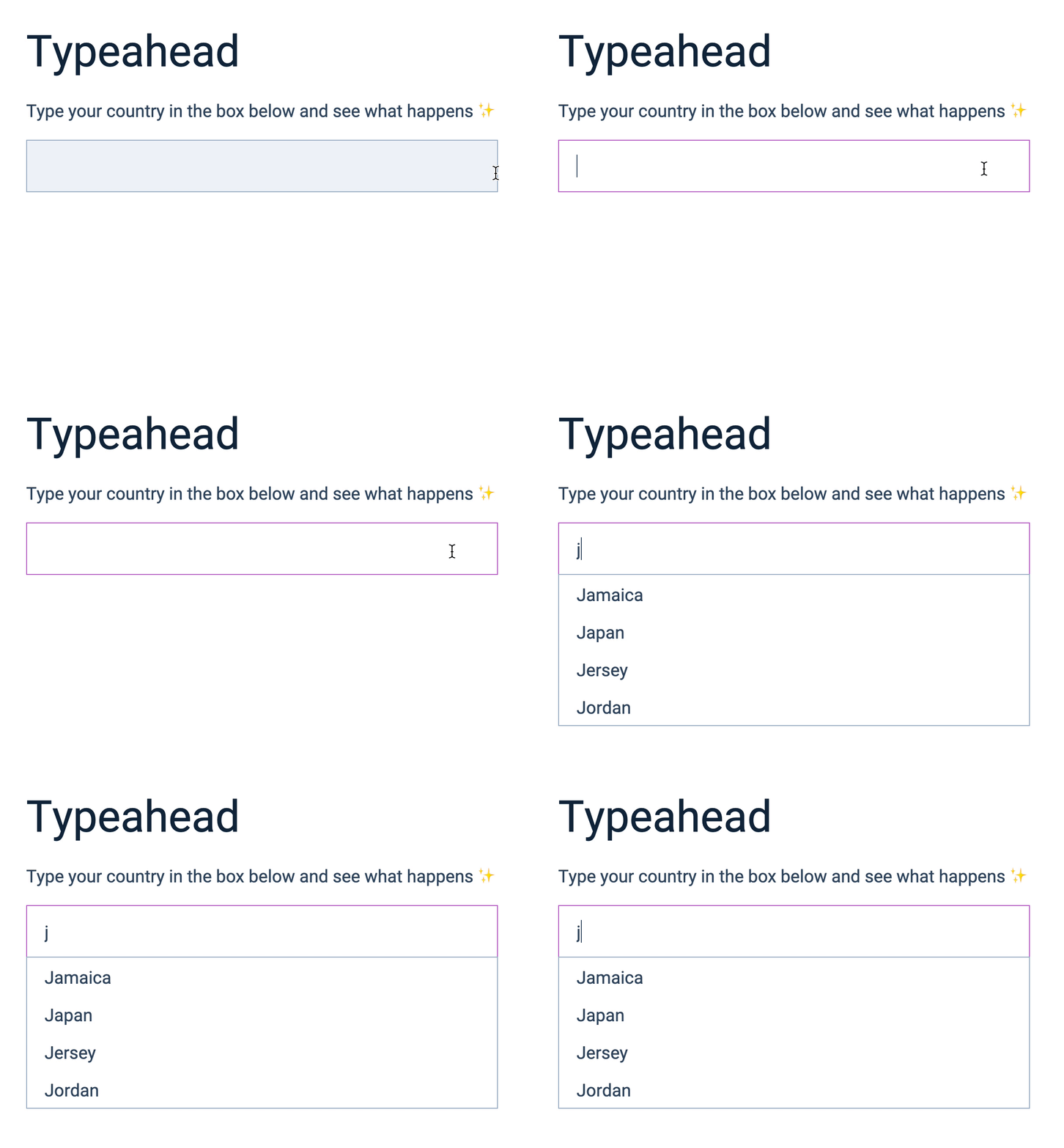
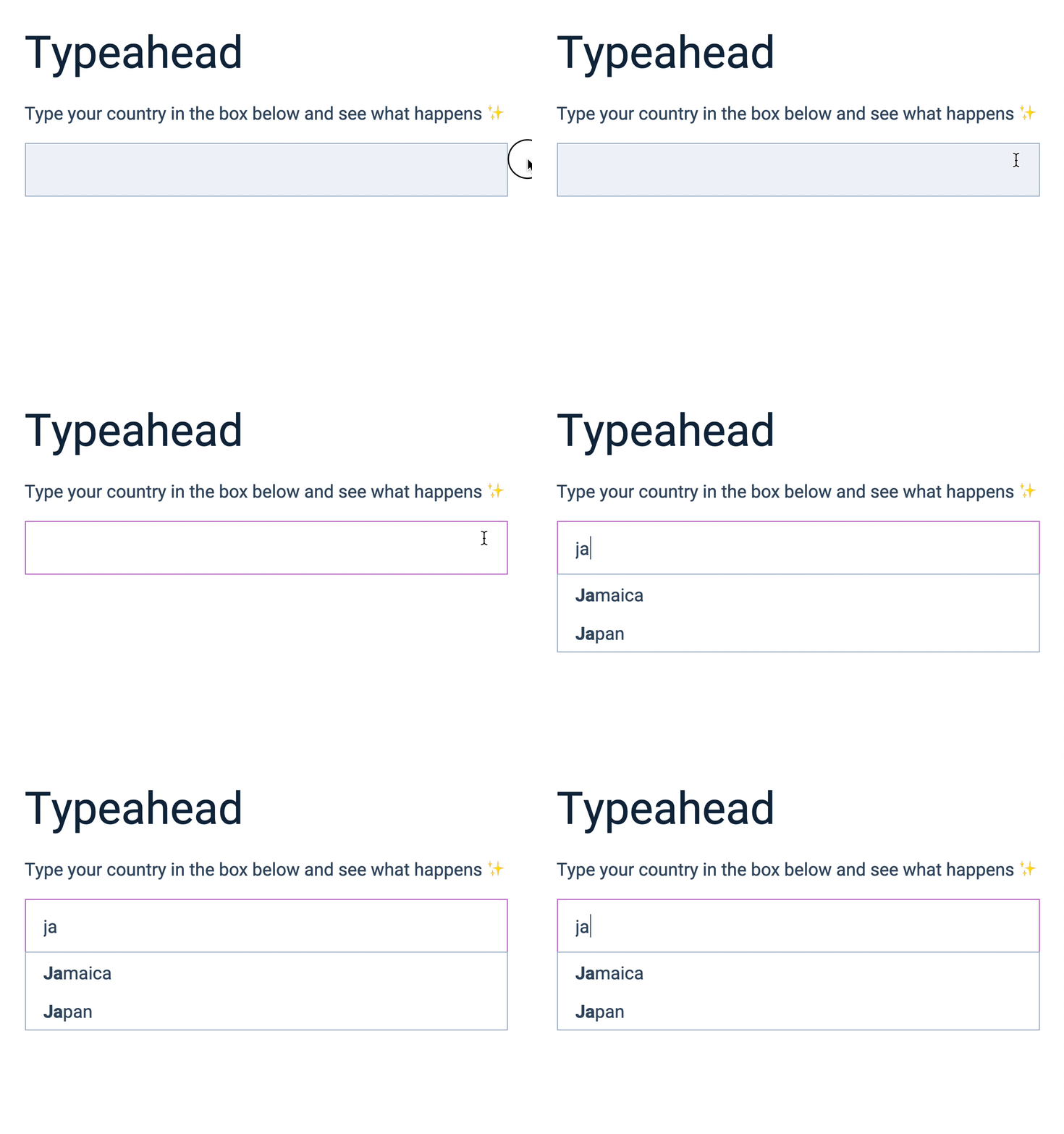
We want to highlight what the user typed in the list of predictions. This makes it easier for users to connect what they typed with what shows up.
Before:
After:
How to bold text
We can bold text if we wrap it in <strong> element.
<p>Some text is <strong>bold</strong>.</p>In this cases, the bolded text will be the word “bold”.
Creating the HTML
If a user types j into the input field, we want to bold the first letter, J. We’ll do this for all predictions.
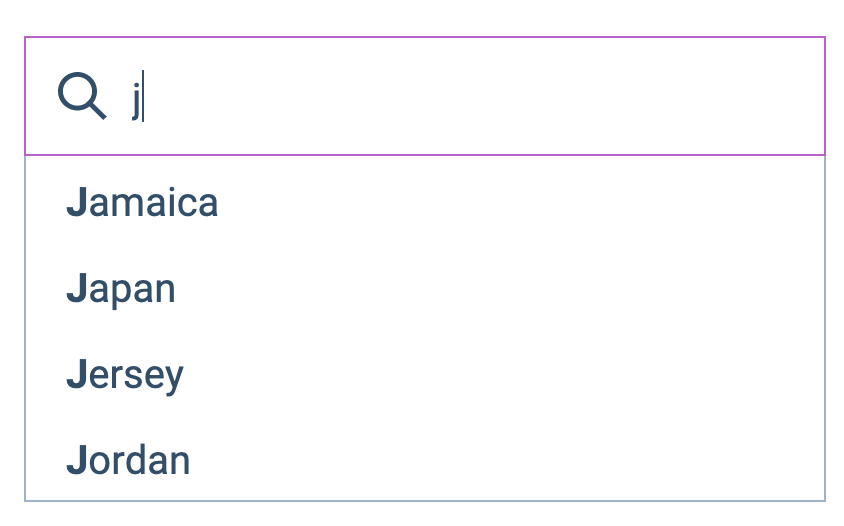
The HTML should be:
<ul> <li><strong>J</strong>amaica</li> <li><strong>J</strong>apan</li> <li><strong>J</strong>ersey</li> <li><strong>J</strong>ordan</li></ul>If they typed ja into the input field, we’ll bold the first Ja.
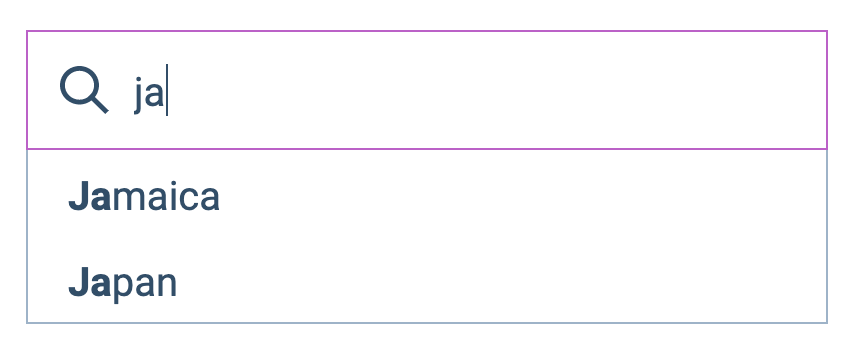
The HTML should be:
<ul> <li><strong>Ja</strong>maica</li> <li><strong>Ja</strong>pan</li></ul>We can see a clear pattern here: The letters that were bolded are the same as the letters that were typed into the input field. So, to bold ja, we can search for ja in each country name.
But wait up!
There’s another pattern here. The number of typed letters and the number of bolded letters are the same. It’s easier to work with numbers (compared to text), so we’ll use the second pattern to bold search terms.
Bolding a search term
Let’s work together to bold Jamaica.
const country = 'Jamaica'We’ll create another variable to hold the search terms we want to bold.
const searchTerms = 'Jam'Since searchTerms is Jam, we want the Jamaica’s HTML to be:
<strong>Jam</strong>aicaThere are three characters in the search term. We can get the number of characters with the length property.
const length = searchTerms.lengthconsole.log(length) // 3We can get Jam from Jamaica with substring once we know the length.
const toBold = country.subString(0, length)console.log(toBold) // JamWe can get the rest of Jamaica (aica) with substring as well.
const restOfString = country.substring(length)console.log(restOfString) //aicaTo create a country with Jam bolded, we can join toBold and restOfString. We’ll also add the <strong> tag at the same time.
const resultString = `<strong>${toBold}</strong>${restOfString}`console.log(resultString) // <strong>Jam</strong>aicaBolding search terms
Let’s put the code we wrote about into a function. It’ll make it easier to understand and use:
const boldSearchTerms = (string, searchTerms) => { const length = searchTerms.length const toBold = string.substring(0, length) const restOfString = string.substring(length) return `<strong>${toBold}</strong>${restOfString}`}Using boldSearchTerms:
const result = boldSearchTerms('Jamaica', 'jam')console.log(result) = // <strong>Jam</strong>aicaWe can bold all search terms by using boldSearchTerms as we create list items.
input.addEventListener('input', event => {  // ...  const listItems = matches    .map(country => {      // Bolds search terms      return `<li>${boldSearchTerms(country.name, inputValue)}</li>`    })    .join('')
// ...})That’s it!
Welcome! Unfortunately, you don’t have access to this lesson. To get access, please purchase the course or enroll in Magical Dev School.
Unlock this lesson