When a user clicks on the delete button, we want to:
- Delete the task from the DOM
- Delete the task from the database
The API
To delete a task from the database, we need to send a DELETE request to the /tasks/:id endpoint. This means we need to know the task’s id to delete the task.
The task’s id is the id attribute in the task’s checkbox.
taskList.addEventListener('click', event => {  // ...
  const taskElement = event.target.parentElement  const checkbox = taskElement.querySelector('input[type="checkbox"]')  const id = checkbox.id
  // ...})
Once we have the task’s id, we can send a DELETE request.
If the DELETE request is successful, the server would respond with the deleted task.
taskList.addEventListener('click', event => {  // ...
  zlFetch    .delete(`${rootendpoint}/tasks/${id}`, { auth })    .then(response => console.log(response.body))    .catch(error => console.error(error))})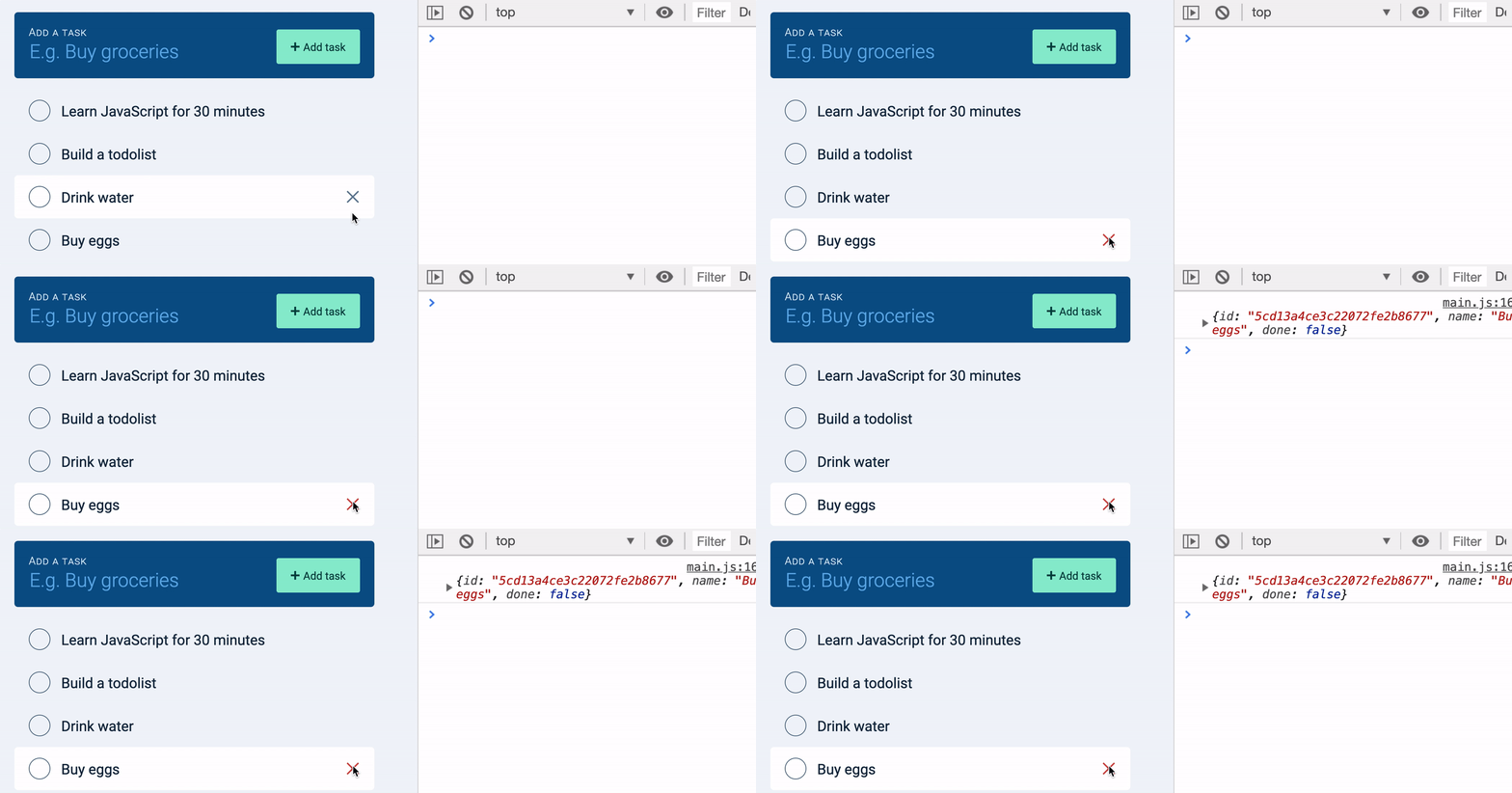
Once we know the task is deleted from the server, we can safely delete it from the DOM as well.
taskList.addEventListener('click', event => {  //...
  zlFetch(/* ... */)    .then(response => {      // Deletes Task from DOM      taskList.removeChild(taskElement)
      // Triggers empty state      if (taskList.children.length === 0) taskList.innerHTML = ''    })    .catch(error => console.error(error))})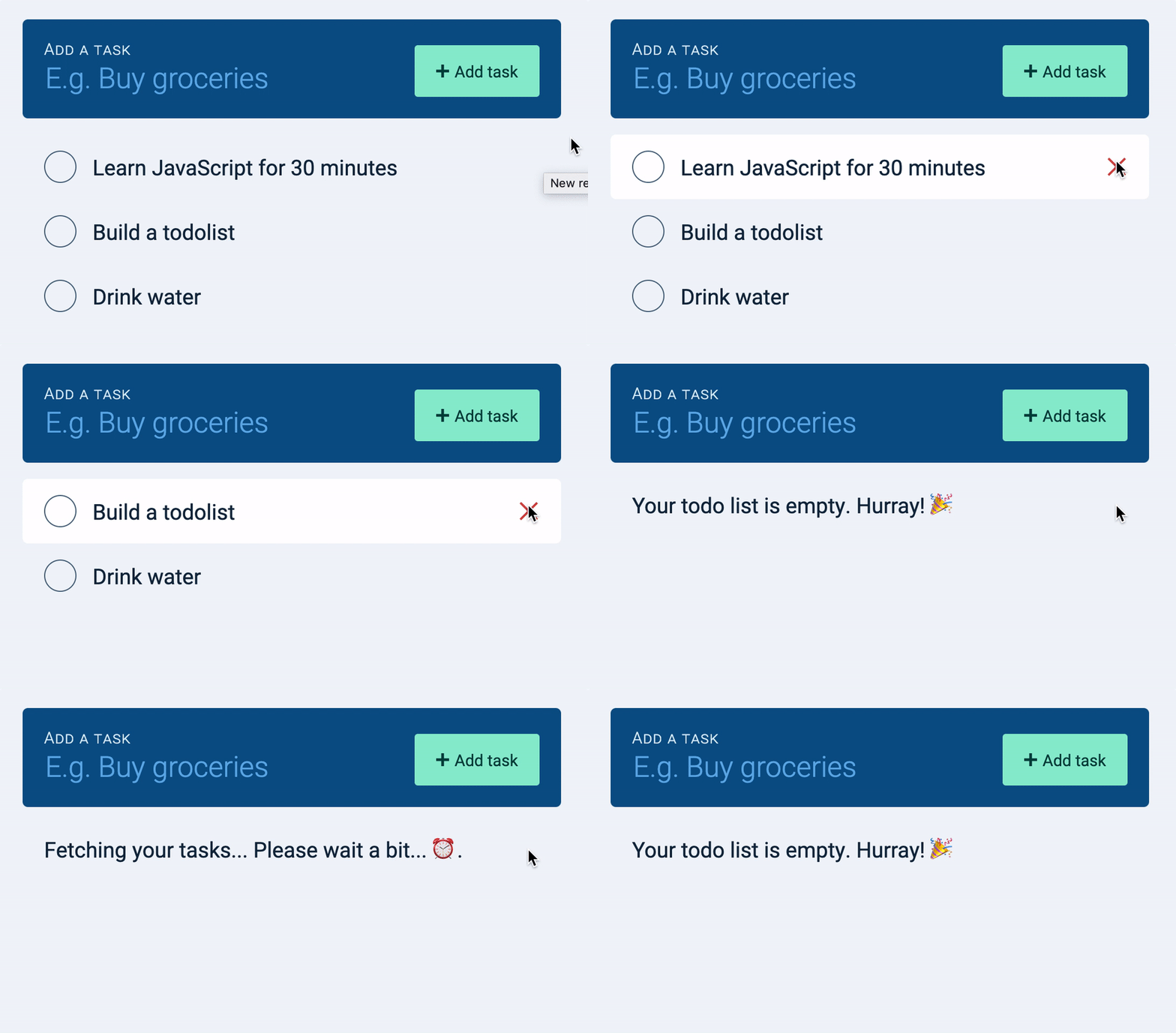
That’s it!
Welcome! Unfortunately, you don’t have access to this lesson. To get access, please purchase the course or enroll in Magical Dev School.
Unlock this lesson