You can now handle all the different image situations that may have slowed you down before.
Here are the 7 kinds of visual assets again:
- Standard images
- Background images
- Art direction
- Videos
- Background videos
- SVG icons and inline SVGs
- Background SVGs
I’ve put together a repository that gives you the code for each one of these image situations.
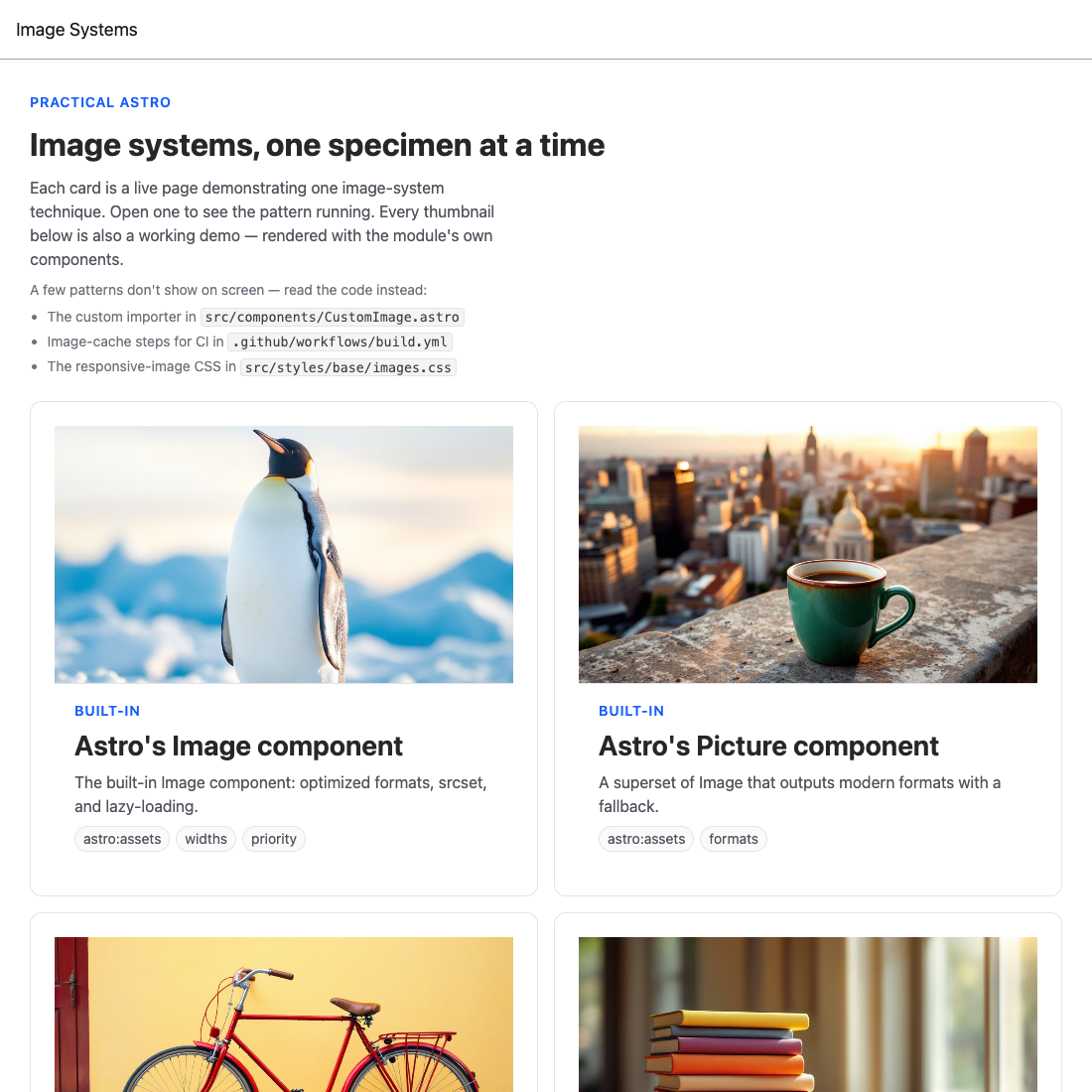
This gives you a different way to explore the patterns and copy the parts you want instead of reading through the lessons again.
You now have a pattern for every image situation Astro throws at you. The whole point of this module is that you stop deciding from scratch each time — you reach for the right tool. Here’s the decision map.
The decision map
A normal image on a page → Image. Import straight from /src/assets, get a responsive, optimized <picture> with a figure wrapper.
<Image src="/src/assets/photo.jpg" alt="..." />An image that needs a caption → Image with caption.
A content image in Markdown/MDX → the Markdown image syntax for the common case; the Image component when you need control.
A different crop per breakpoint → Picture with artDirection. Not just smaller — a genuinely different image.
An image behind content → a regular Image with object-background by default; BackgroundImage when you specifically need CSS background behavior like tiling.
An image inside a React/Svelte/Vue component → a slot first; the img utility when you need it as an optimized prop.
An icon or logo → Icon for icon-pack icons, SVG for your own SVGs — both inlined so you can style them. SVGBackground for decorative full-size patterns.
Motion that used to be a GIF → Video with gifReplacement.
A slow CI build → cache Astro’s image output between runs.
The two CSS lines that make it all work
None of this matters if your images stretch. Keep this in your global stylesheet:
img { max-width: 100%; height: auto;}The mindset
The hard part of images in Astro was never the code — it was knowing which approach fits which situation, and not relearning that on every project. You’ve now made those decisions once. Reuse them.
When a new image problem shows up, run it through the map above. The right pattern is almost always one you’ve already seen here.
Welcome! Unfortunately, you don’t have access to this lesson. To get access, please purchase the course or enroll in Magical Dev School.
Unlock this lesson