Most 404 pages are simple. You create a 404.mdx or 404.astro and call it a day.
But if you ever need to show different 404 content based on different conditions, you need a dynamic 404 page.
This is rare, but let me show you an example.
For Splendid Labz, I wanted to design the 404 page such that:
- If they are not in the documentation section, the 404 will be a full-screen design. (Example)
- If the user is in a documentation section, then the 404 should showcase their library and adopt the theme color for that library. (Example)
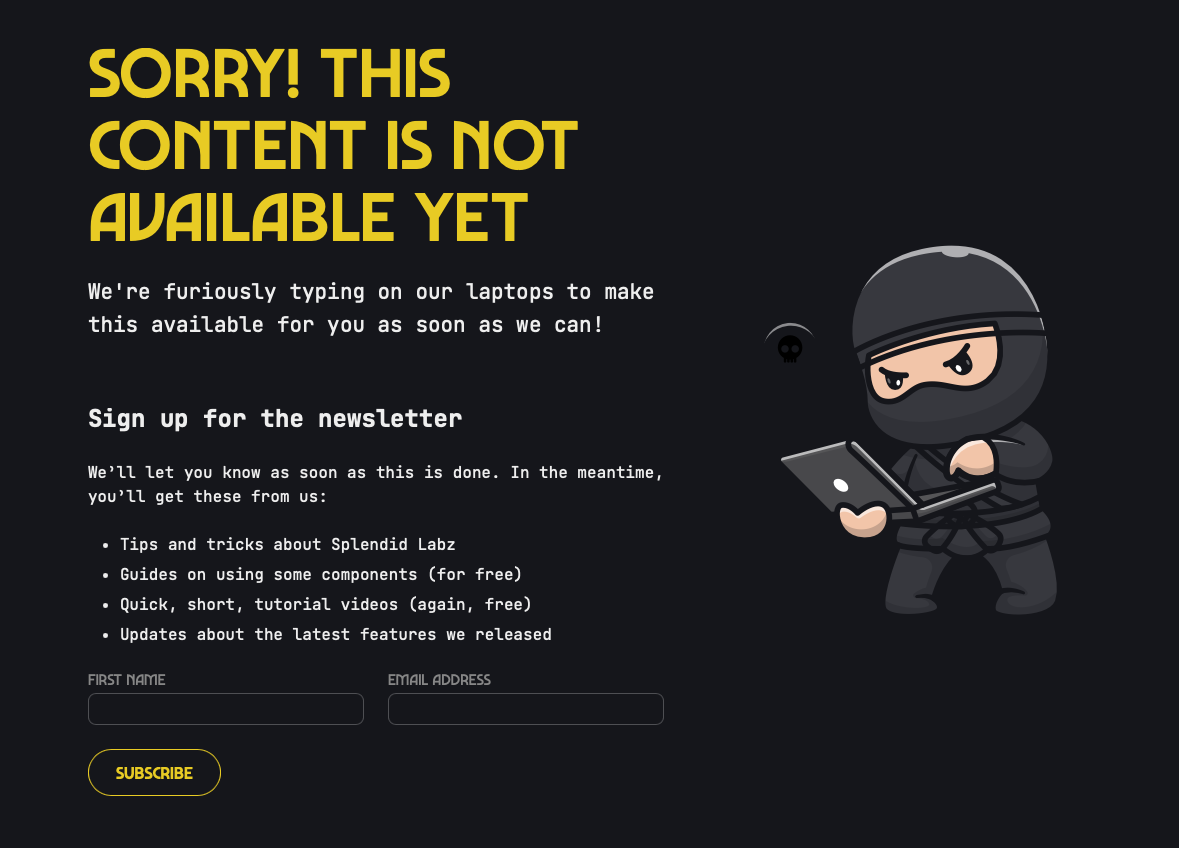
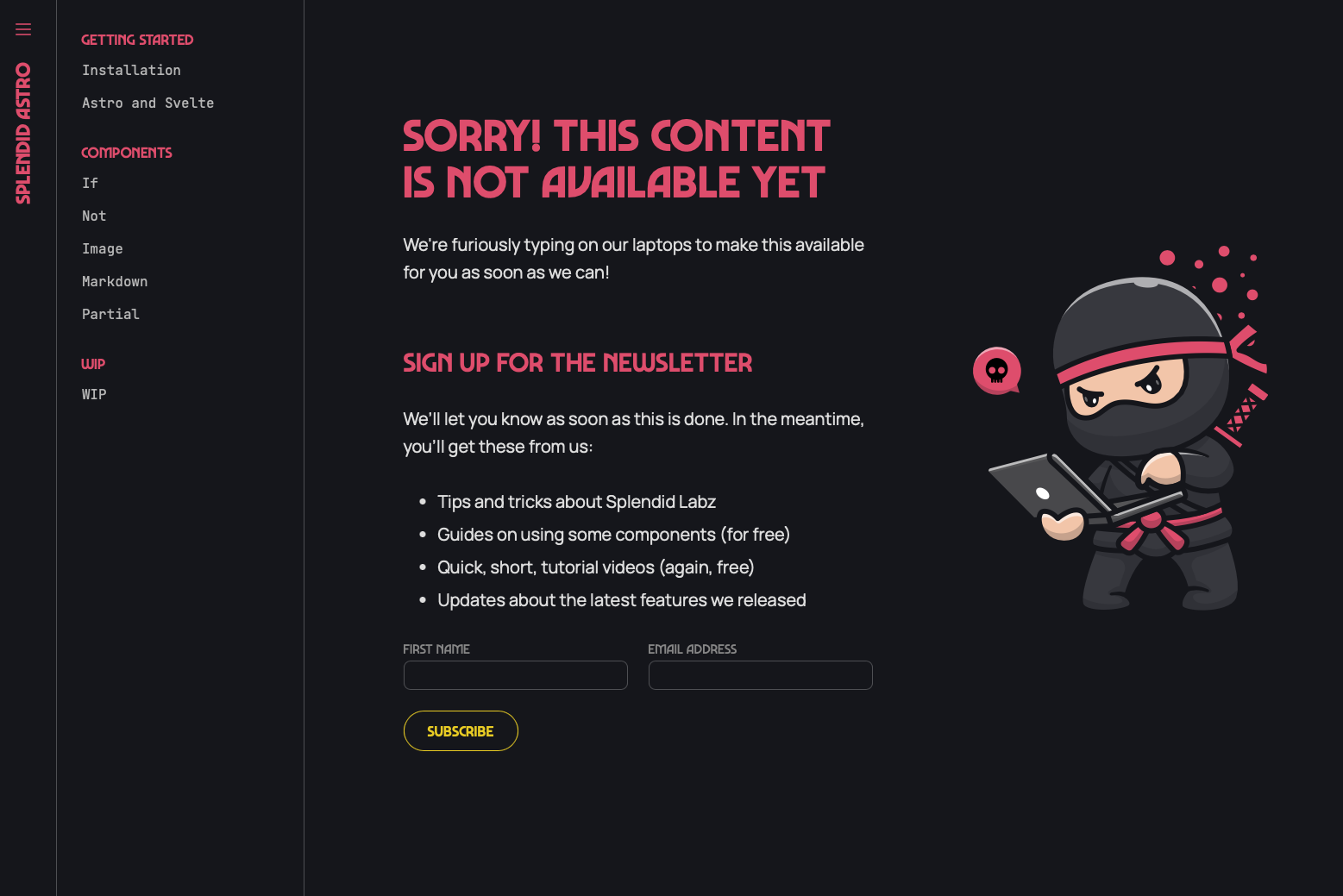
The difference here is in the layout of the file.
Creating a dynamic 404
To create a dynamic 404, we can use a [...catchall] page. This page needs to be server-rendered.
---export const prerender = false---We can then get the pathname of this 404 page with Astro.url.
Then, in this case, if the pathname starts with docs, I link it to a specific layout. If the path name does not start with docs, I link it to another layout.
---import { If } from '@splendidlabz/astro'import Docs from '@/layouts/Docs.astro'import Landing from '@/layouts/Landing.astro'import NotFound from '@/components/NotFound.astro'
export const prerender = false
const { pathname } = Astro.urlconst isDocs = pathname.startsWith('/docs')---
<If condition={IsDocs}>  <Docs {...props}><NotFound {...props} /></Docs></If>
<If condition={!IsDocs}>  <Landing {...props}><NotFound {...props} /></Landing></If>
That’s it! It’s very simple :)
Welcome! Unfortunately, you don’t have access to this lesson. To get access, please purchase the course or enroll in Magical Dev School.
Unlock this lesson