You’ll learn to animate the modal in three lessons. Here’s what we’re going to do together:
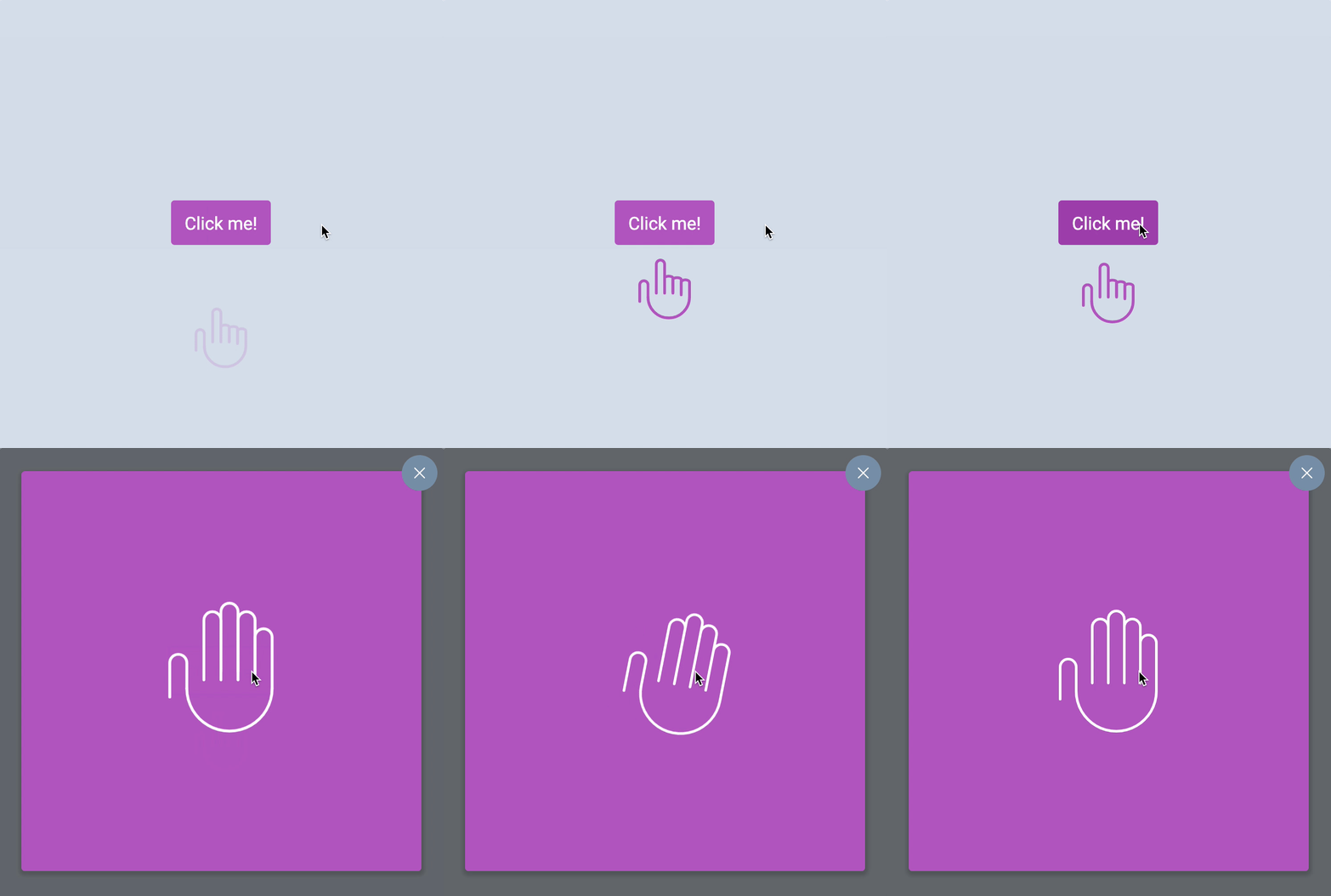
Animating the button
Let’s get the easy stuff out of the way first. You can animate the button’s background-color change with a transition.
.button { transition: background-color 0.3s ease-out;}Animating the modal window
You know the modal is visible (opacity: 1;) when it is open, and invisible (opacity: 0;) when it is closed. You can transition this opacity value to animate the opening/closing of the modal.
.modal-overlay { /* other properties */ transition: opacity 0.3s ease-out;}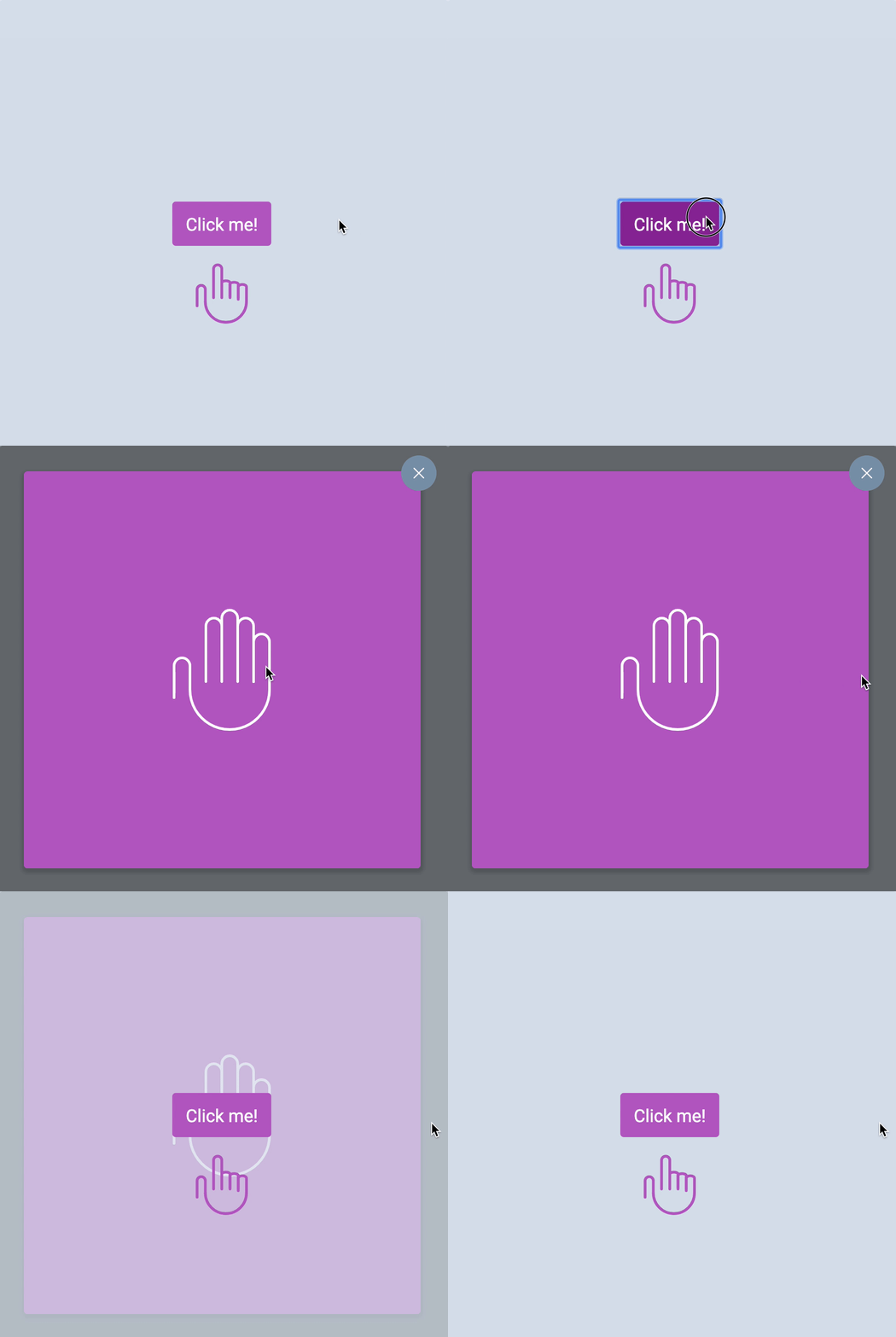
There’s a problem with the animation. Can you see it?
It helps to slow down the animation to debug animation-related problems. You can see the problem much better. It also helps if you changed the background-color of the modal (so it’s different from the button).
.modal-overlay { transition: opacity 3s ease-out;}.modal { background-color: orange;}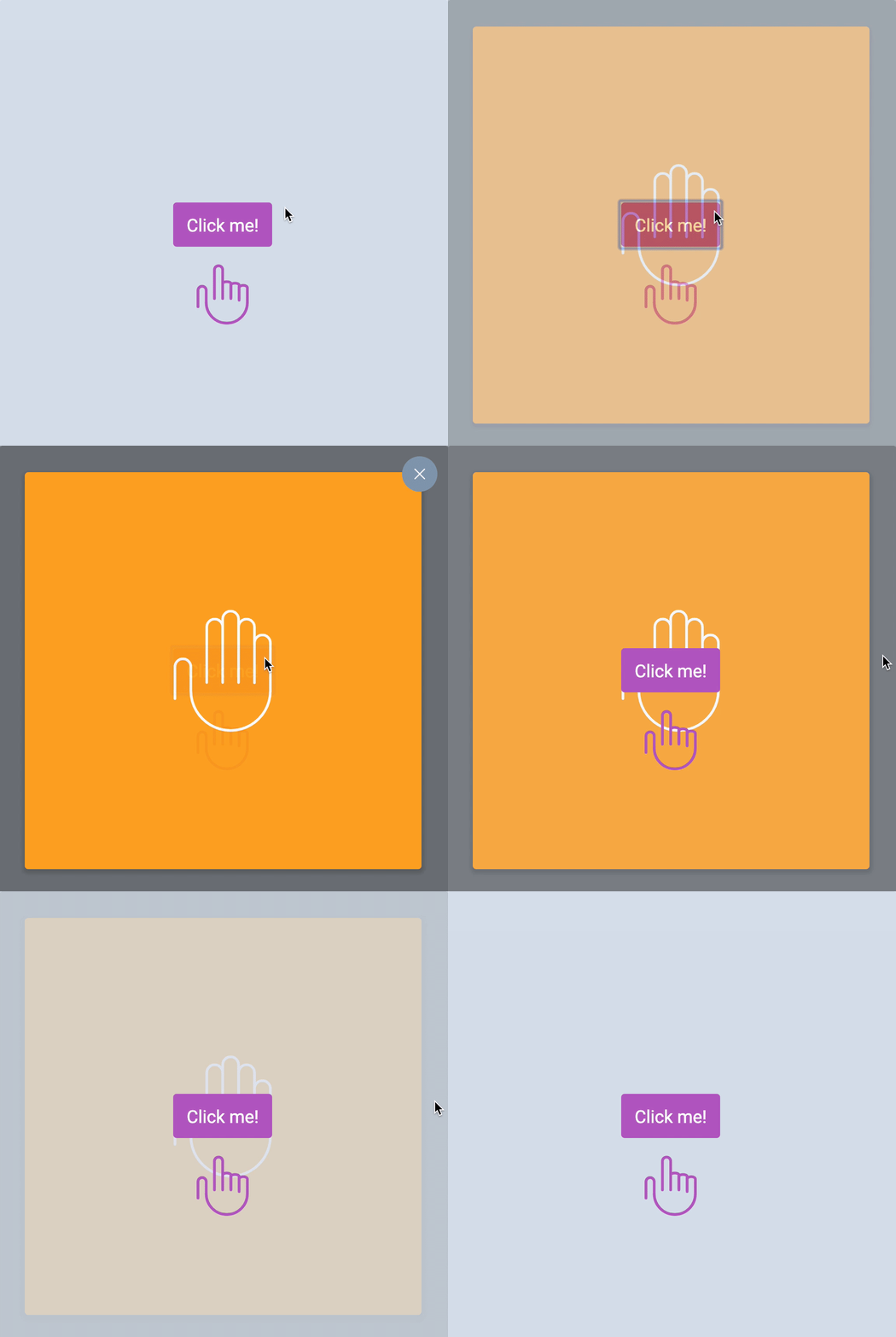
There are no problems when opening the modal. We wanted the modal to fade in, and it did.
But there’s a problem when we close the modal. The button appeared before the modal begins fading. This happened because we don’t have a transition for z-index.
This is what is happening:
- When opening:
z-indexchanges first (this is correct)opacitychanges over 3 seconds
- When closing:
z-indexchanges first (this is wrong)opacitychanges over 3 seconds
This is what we want:
- When opening:
z-indexchanges firstopacitychanges over 3 seconds
- When closing:
opacitychanges over 3 secondsz-indexchanges after 3 seconds
Here’s how we can delay the z-index transition by 3 seconds:
.modal-overlay { transition: opacity 3s ease-out, z-index 0s 3s linear;}When we open the modal, we do not want to delay the z-index transition.
.modal-is-open .modal-overlay { transition-delay: 0s;}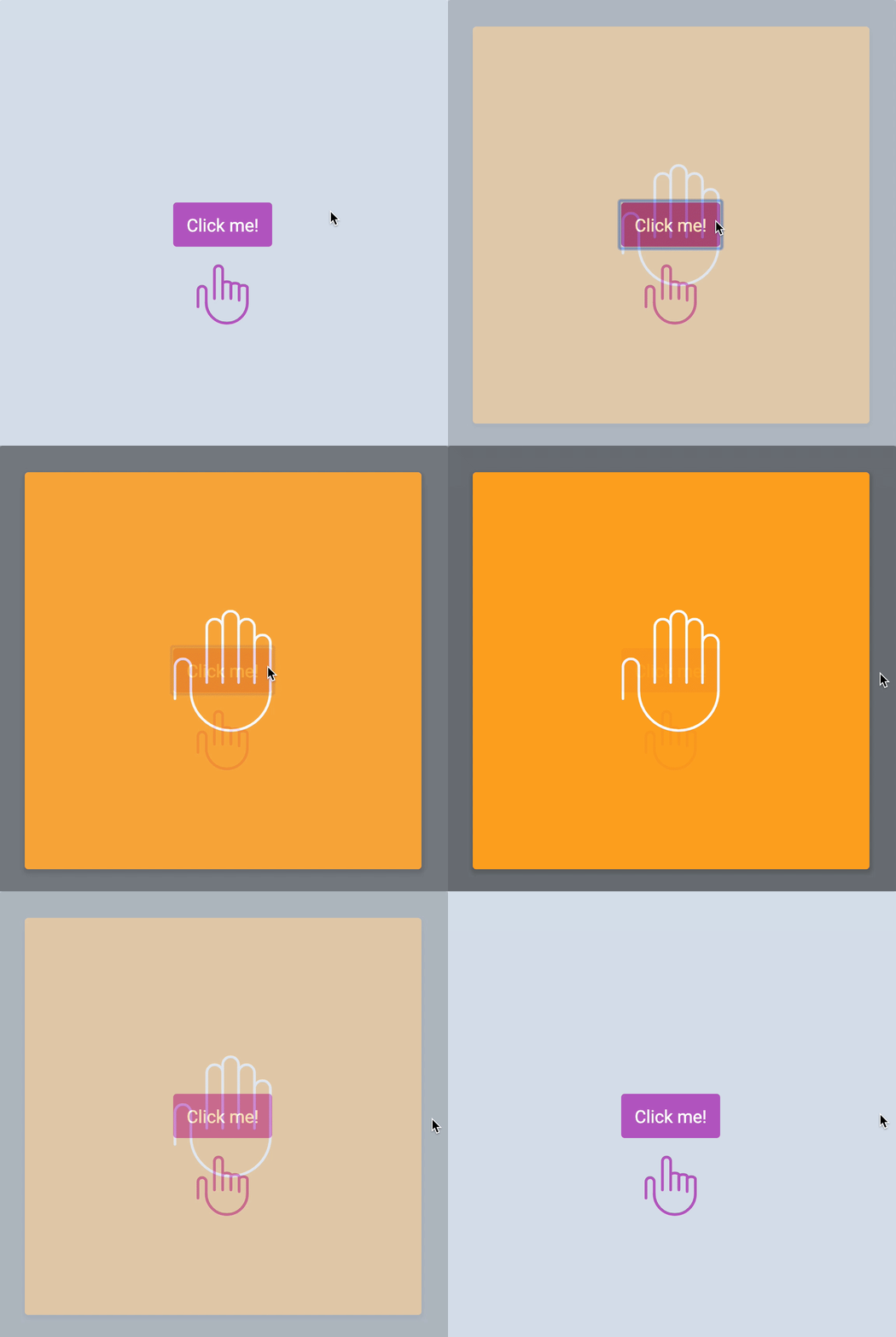
Since we fixed the problem, remember to change the animation back to its original speed! Also, remember to change the modal’s background-color back to the original color!
.modal-overlay { transition: opacity 0.3s ease-out, z-index 0s 0.3s linear;}That’s it!
Welcome! Unfortunately, you don’t have access to this lesson. To get access, please purchase the course or enroll in Magical Dev School.
Unlock this lesson