Here’s what you’ll get by the end of this lesson:
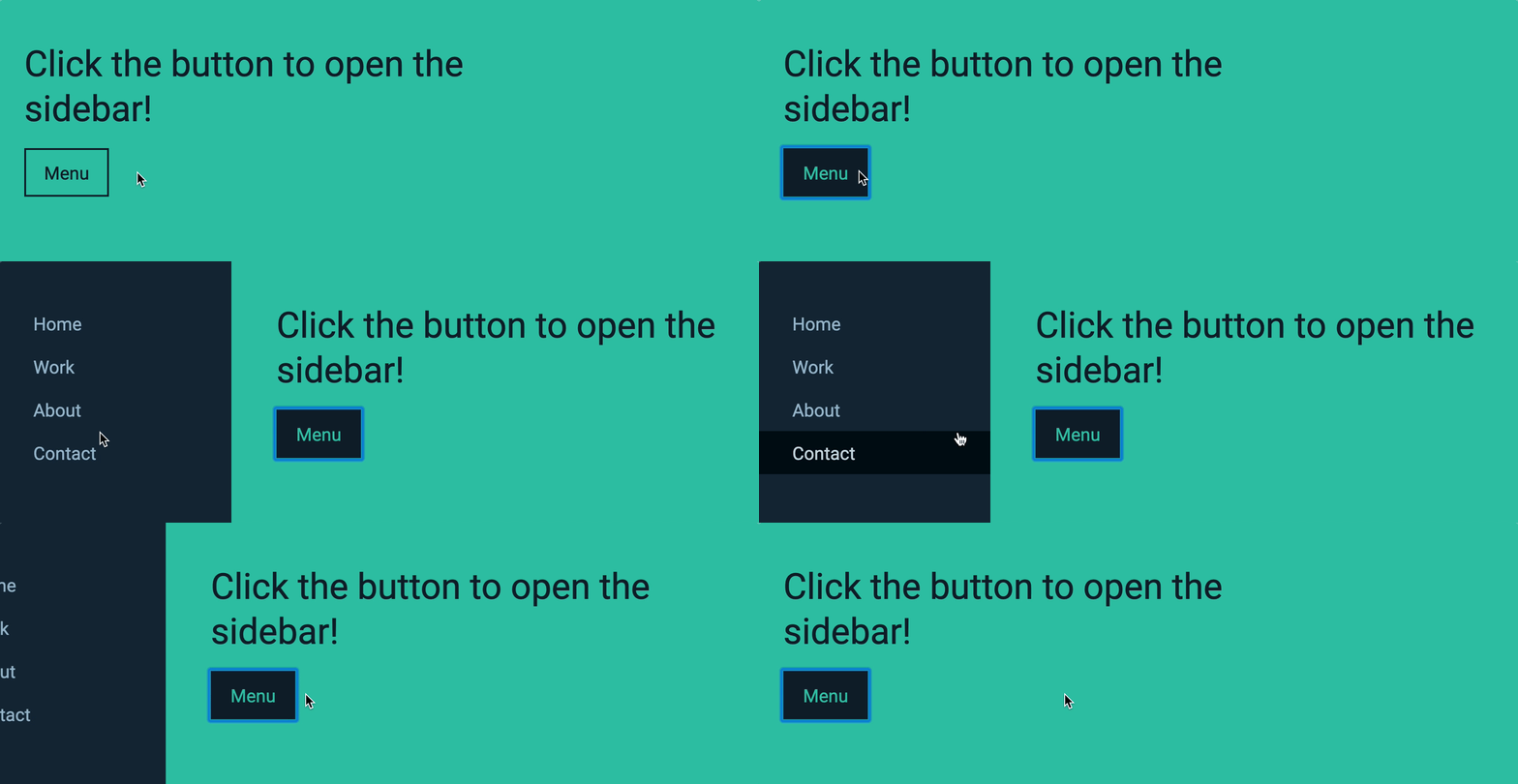
Animating the button
Let’s start simple. We will animate the button first.
When the user hovers over the button, we want to animate the change in the background color. When the user hovers out of the button, we want to animate change in background again.
This is a simple animation. To animate this change, we can add the transition property to button.
button { border: 2px solid currentColor; transition: background-color 0.3s ease-out;}Tada! 🎉

Animating the containers
So far, we used transform to push the containers. We do this because transform can be animated easily.
To animate this transform, we do the same thing. We add transition to both containers.
.site-container { transition: transform 0.3s ease-out;}
.offsite-container { transition: transform 0.3s ease-out;}Tada! 🎉
Homework
Animate your off-canvas menu without referring back to this lesson.
Welcome! Unfortunately, you don’t have access to this lesson. To get access, please purchase the course or enroll in Magical Dev School.
Unlock this lesson