Three phases occur when an event is fired:
- The capturing phase
- The target phase
- The bubbling phase
Together, they’re called event propagation.
The capturing phase
Here, JavaScript goes through window, document, followed by every element until it reaches the event target.

Event listeners can listen to the capturing phase if you provide it with a third argument, useCapture, which is a boolean.
document.addEventListener('event-name', callback, useCapture)If useCapture is true, the callback will be called in the capturing phase. If useCapture is false, the callback will not be called in the capturing phase.
To see how the capturing phase works, we can build a demo with three nested <div>, like this:
<div class="box box1"> <span>Box 1</span> <div class="box box2"> <span>Box 2</span> <div class="box box3"><span>Box 3</span></div> </div></div>
Here, we add an event listener to each element. In each callback, we want to log the eventPhase property. This event phase property tells us which phase we’re in.
- We’re in the capturing phase if
eventPhasereturns 1 - We’re in the target phase if
eventPhasereturns 2 - We’re in the bubbling phase if
eventPhasereturns 3
const boxes = document.querySelectorAll('.box')boxes.forEach(box => { box.addEventListener( 'click', e => { console.log(e.eventPhase, e.currentTarget) }, true, )})I clicked on .box3 in the gif below.
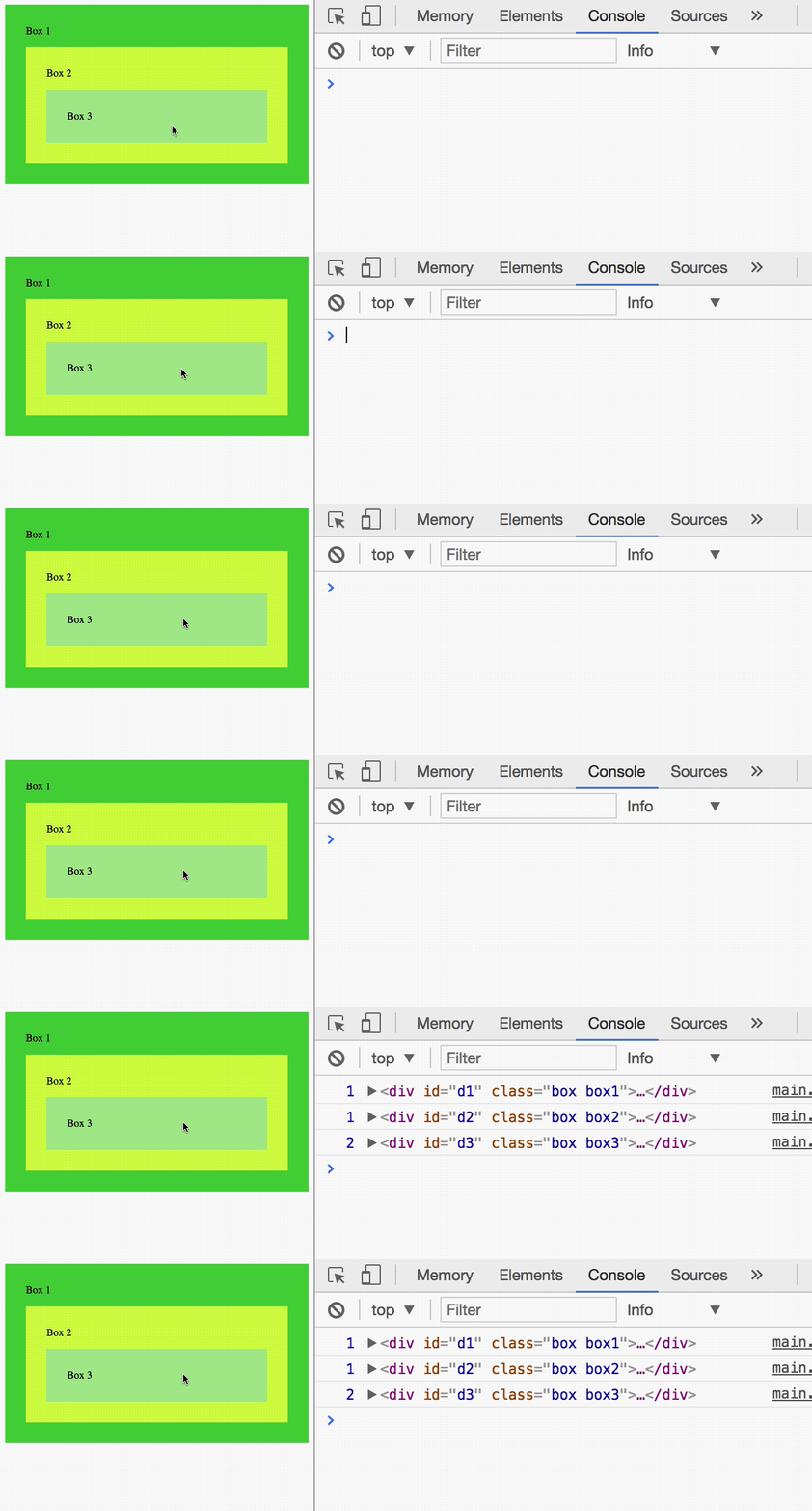
You can see that the events are fired such in this order:
- Box 1, capturing phase
- Box 2, capturing phase
- Box 3, target phase
The target phase
The target phase comes next. Here, JavaScript reaches the element that fired the event and triggers all event listeners attached to it. The target phase disregards the useCapture flag.

const box3 = document.querySelector('.box3')box3.addEventListener('click', listener, true)box3.addEventListener('click', listener)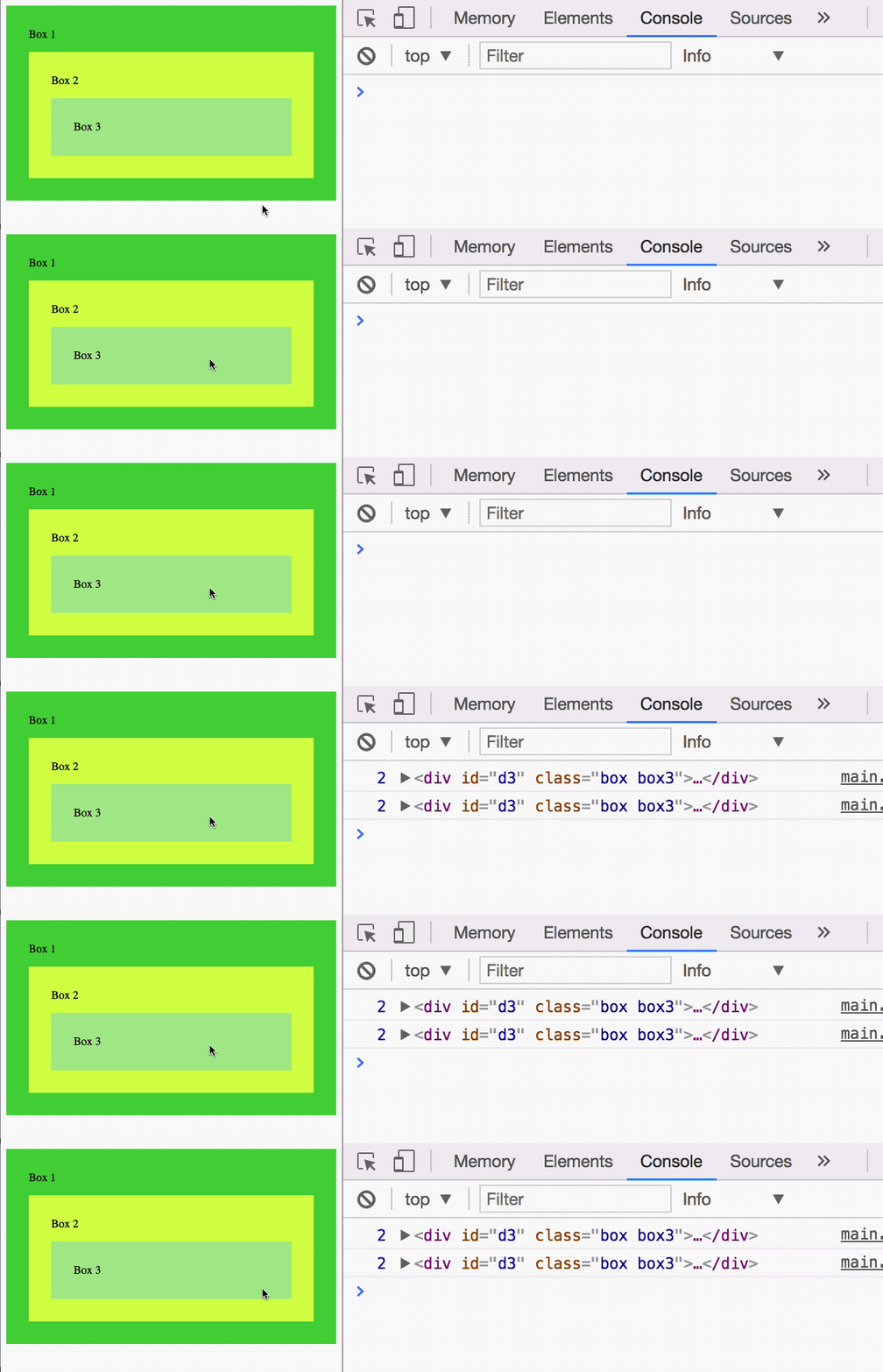
In the GIF above, you can see all event listeners activate. It doesn’t matter if useCapture is present.
The bubbling phase
The bubbling phase comes last. Here, JavaScript goes through every HTML Element, starting from the target, back to Window.

Event listeners without the useCapture flag will trigger in this phase.
const boxes = document.querySelectorAll('.box')boxes.forEach(box => box.addEventListener('click', e => { console.log(e.eventPhase, e.currentTarget) }),)I clicked on .box3 in the gif below.
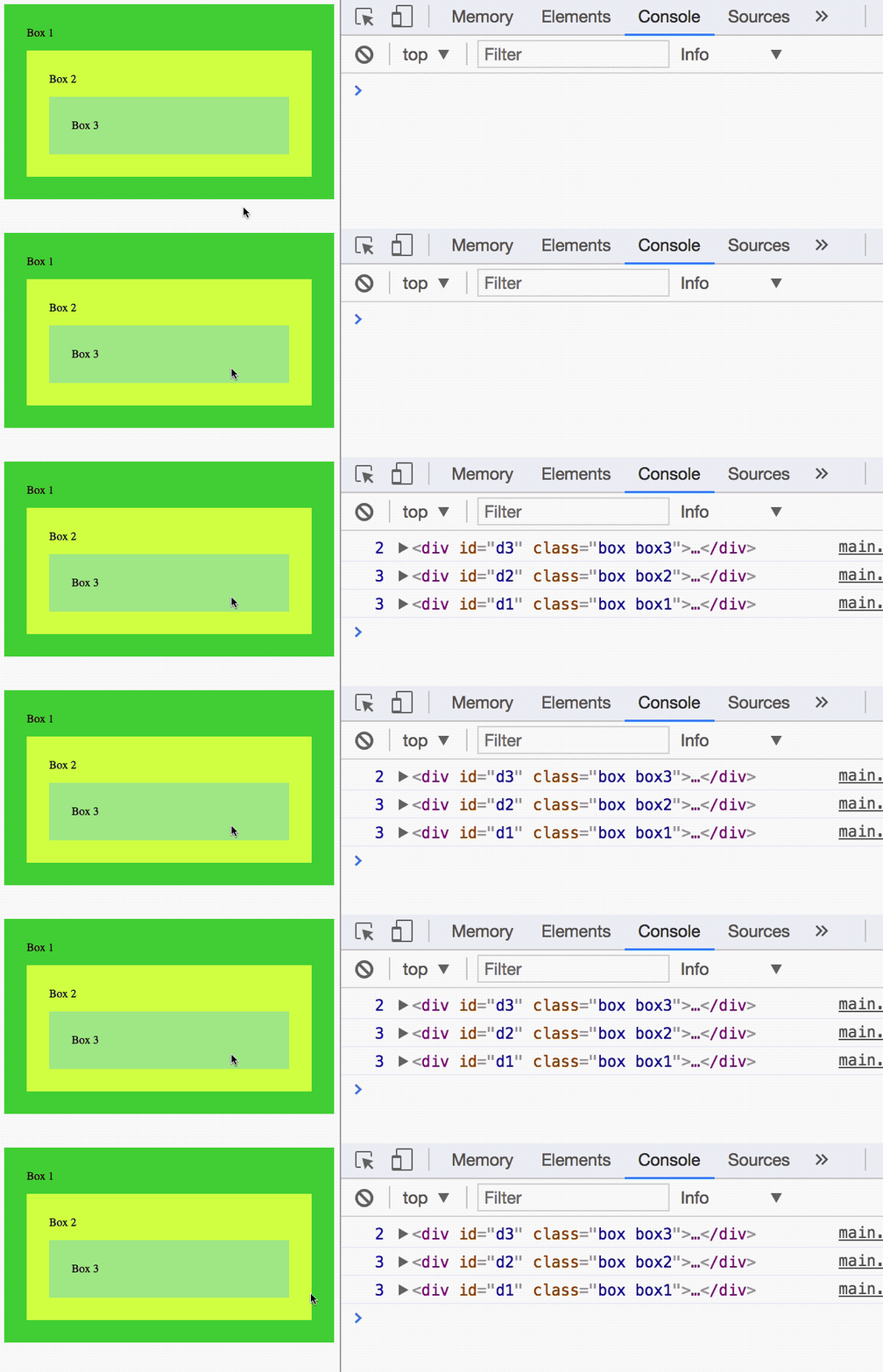
You can see that events trigger in the following sequence:
- Box 3, target phase
- Box 2, bubbling phase
- Box 1, bubbling phase
Events that bubble
Events that bubble have a bubbles property set to true. An example is a click event:

Some events don’t bubble. Examples of these events are focus and blur.

Event firing sequence
If two listeners are attached to the same element, listener that is attached first fires first.
const button = document.querySelector('button')button.addEventListener('click', e => console.log('First event'))button.addEventListener('click', e => console.log('Second event'))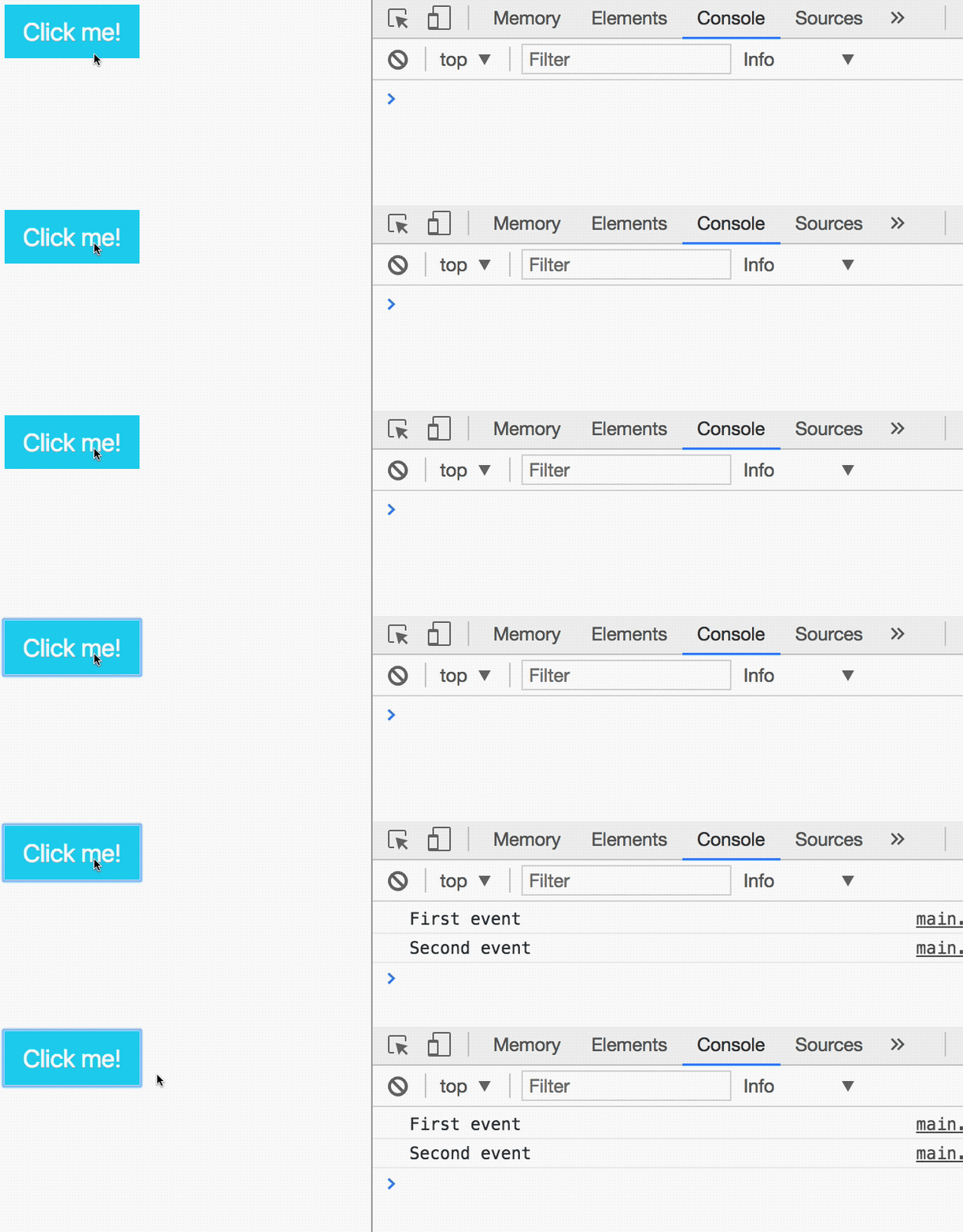
Preventing bubbling
If you want to prevent an event from bubbling, you can use stopPropagation or stopImmediatePropagation.
stopPropagationprevents events from bubbling upwardsstopImmediatePropagationprevents events from bubbling upwards, and also prevents subsequent events on the listening element from firing.
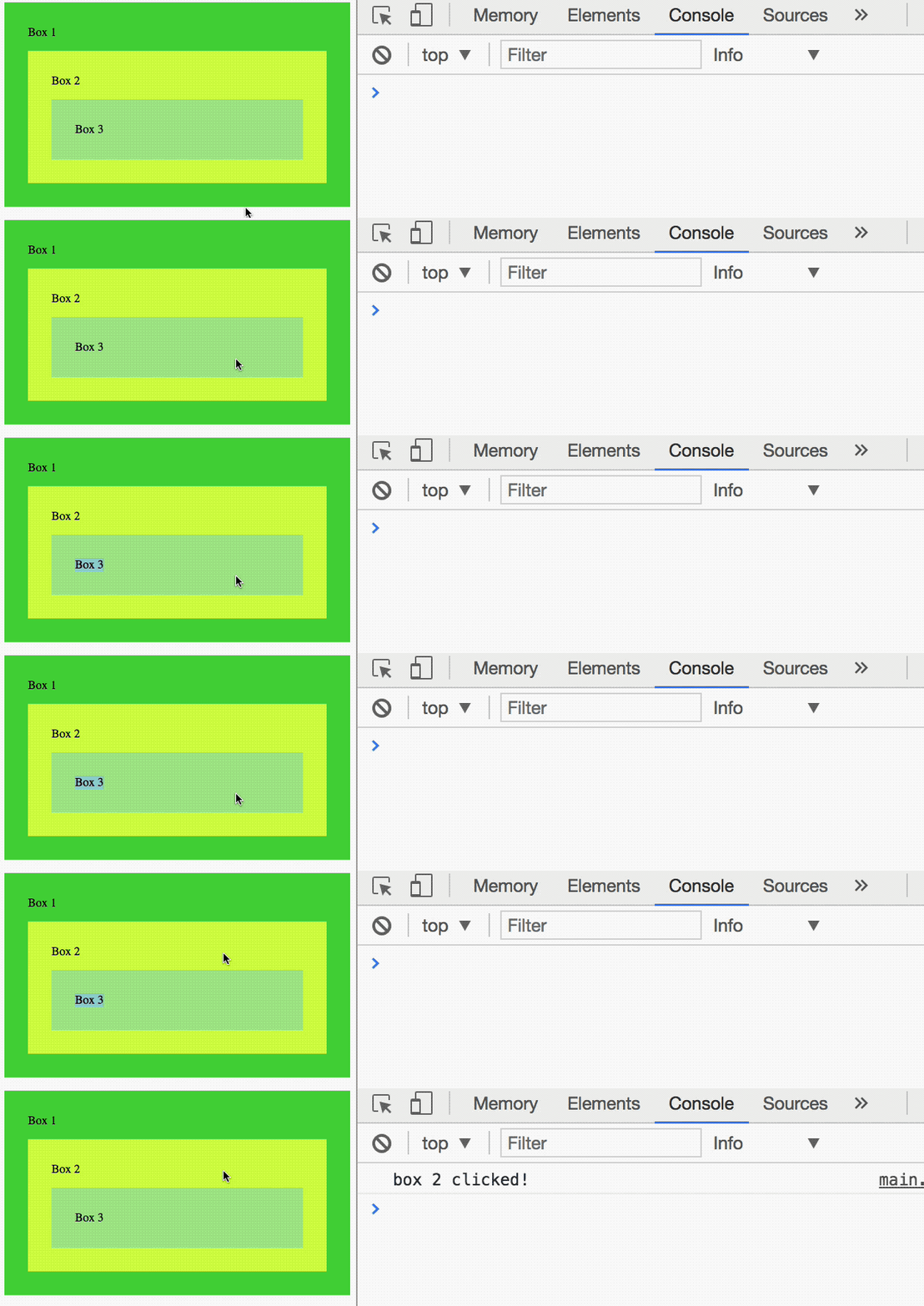
// Stopping propagationconst box2 = document.querySelector('.box2')const box3 = document.querySelector('.box3')
box2.addEventListener('click', e => console.log('box 2 clicked!'))box3.addEventListener('click', e => e.stopPropagation())Events from .box3 will not bubble to .box2 because we called stopPropagation in .box3.
Exercise
Familiarize yourself with the sequence of events that occur.
- Add an event listener in the capturing phase
- Add an event listener in the bubbling phase
Answer these questions:
- Which phase comes first? The capturing phase or the bubbling phase?
- What event listeners are fired in the capturing phase?
- What event listeners are fired in the target phase?
- What event listeners are fired in the bubbling phase?
- How do you stop an event from bubbling?
Add an event listener in the capturing phase
document.body.addEventListener( 'click', event => { /* Do something */ }, true)Add an event listener in the bubbling phase
document.body.addEventListener('click', event => { /* Do something */})Answer these questions:
- Which phase comes first? The capturing phase or the bubbling phase? — Capturing
- What event listeners are fired in the capturing phase? —Event listeners with
useCaptureset totrue. - What event listeners are fired in the target phase? — All event listeners on the listening element.
- What event listeners are fired in the bubbling phase? — Event listeners without
useCapture(oruseCaptureset tofalse) - How do you stop an event from bubbling? — Use
stopPropagation().
Welcome! Unfortunately, you don’t have access to this lesson. To get access, please purchase the course or enroll in Magical Dev School.
Unlock this lesson