Previously, we added an event listener to each .accordion__header. We do this by looping through the accordions we found.
const accordions = Array.from(document.querySelectorAll('.accordion'))
accordions.forEach(accordion => { // ...})We can reduce the amount of listeners we use if we use Event delegation.
Where to attach the event listener
When you use the event delegation pattern, you want to attach the event listener to the nearest common ancestor of all elements you want to listen to.
In this case, the nearest common ancestor is .accordion-container. That’s the element we’re adding the event listener to.
<div class="accordion-container"> <div class="accordion">...</div> <div class="accordion">...</div> <div class="accordion">...</div> <div class="accordion">...</div></div>const accordionContainer = document.querySelector('.accordion-container')
accordionContainer.addEventListener('click', event => { console.log(event.target)})At this point, you can listen for click events anywhere inside .accordion-container. The event.target will be the item you clicked on.
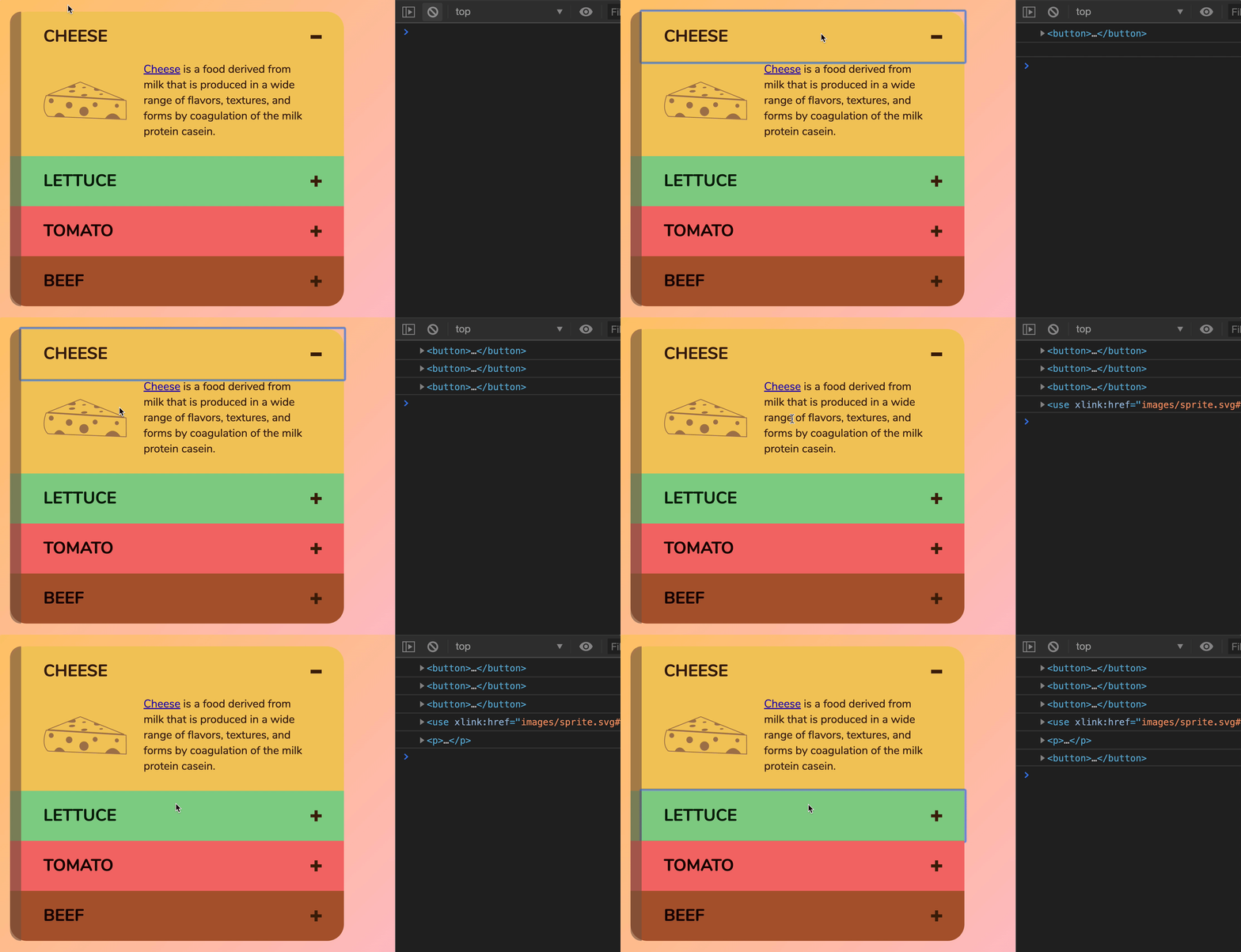
Making the accordions work
If the user clicked inside .accordion__header, we want to show (or hide) the accordion. If the user clicked inside .accordion__content, we want to ignore those clicks.
To do this, we can check if .accordion__header is an ancestor of the event.target.
accordionContainer.addEventListener('click', event => { const accordionHeader = event.target.closest('.accordion__header') if (accordionHeader) { console.log('From header. Close accordion!') } else { console.log('Not from header. Ignore.') }})If .accordion__header is an ancestor of event.target, we need to add (or remove) the is-open class to .accordion. From the HTML, we know .accordion is the parentElement of .accordion__header.
accordionContainer.addEventListener('click', event => { const accordionHeader = event.target.closest('.accordion__header') if (accordionHeader) { const accordion = accordionHeader.parentElement accordion.classList.toggle('is-open') }})That’s it!
Welcome! Unfortunately, you don’t have access to this lesson. To get access, please purchase the course or enroll in Magical Dev School.
Unlock this lesson