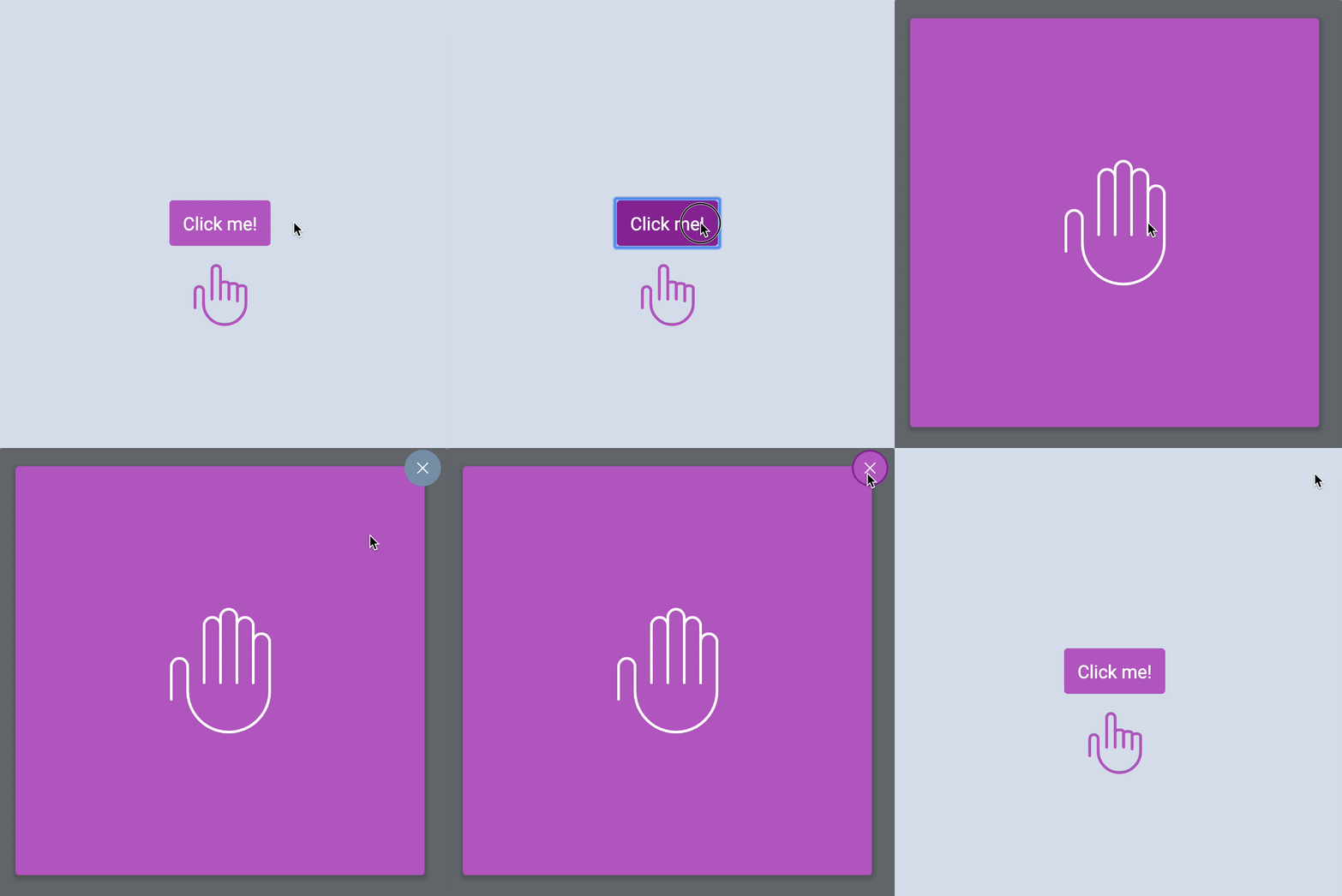
You’ll learn to build a modal in this lesson. It looks like this:
Anatomy of a Modal
A modal (also called a dialog) is a component that’s invisible to the eyes at first. This modal lies beneath the main content.

When you open the modal, you make the modal visible. You also raise the modal above your main content. This allows users to interact with the modal.

This means the modal should be on a separate <div>.
<div class="container"><!-- Normal content --></div><div class="modal-overlay"><!-- Modal content --></div>Opening and closing the modal
The modal has an overlay that covers the entire screen. You can use the following CSS to build this overlay.
.modal-overlay { position: fixed; top: 0; bottom: 0; left: 0; right: 0;}
This overlay should be closed at first. We can close it by setting opacity to 0. We also need to move the modal beneath the main content by setting z-index to -1.
.modal-overlay { opacity: 0; z-index: -1;}
We need a way to tell the CSS when the modal is open. The best way is to add a modal-is-open class to <body>.
<body class="modal-is-open"></body>We want to make the modal visible when <body> contains .modal-is-open. We can do this by setting opacity back to 1. We also need to raise it above the main content so users can interact with the modal. We do this by setting z-index to 1.
.modal-is-open .modal-overlay { opacity: 1; z-index: 1;}Opening the modal with JavaScript
When we click the button, we want to open the modal window. This means we should:
- Search for the button in JavaScript.
- Add an event listener.
- When the button is clicked, add
.modal-is-opento<body>.
const modalButton = document.querySelector('.jsModalButton')
modalButton.addEventListener('click', event => { document.body.classList.add('modal-is-open')})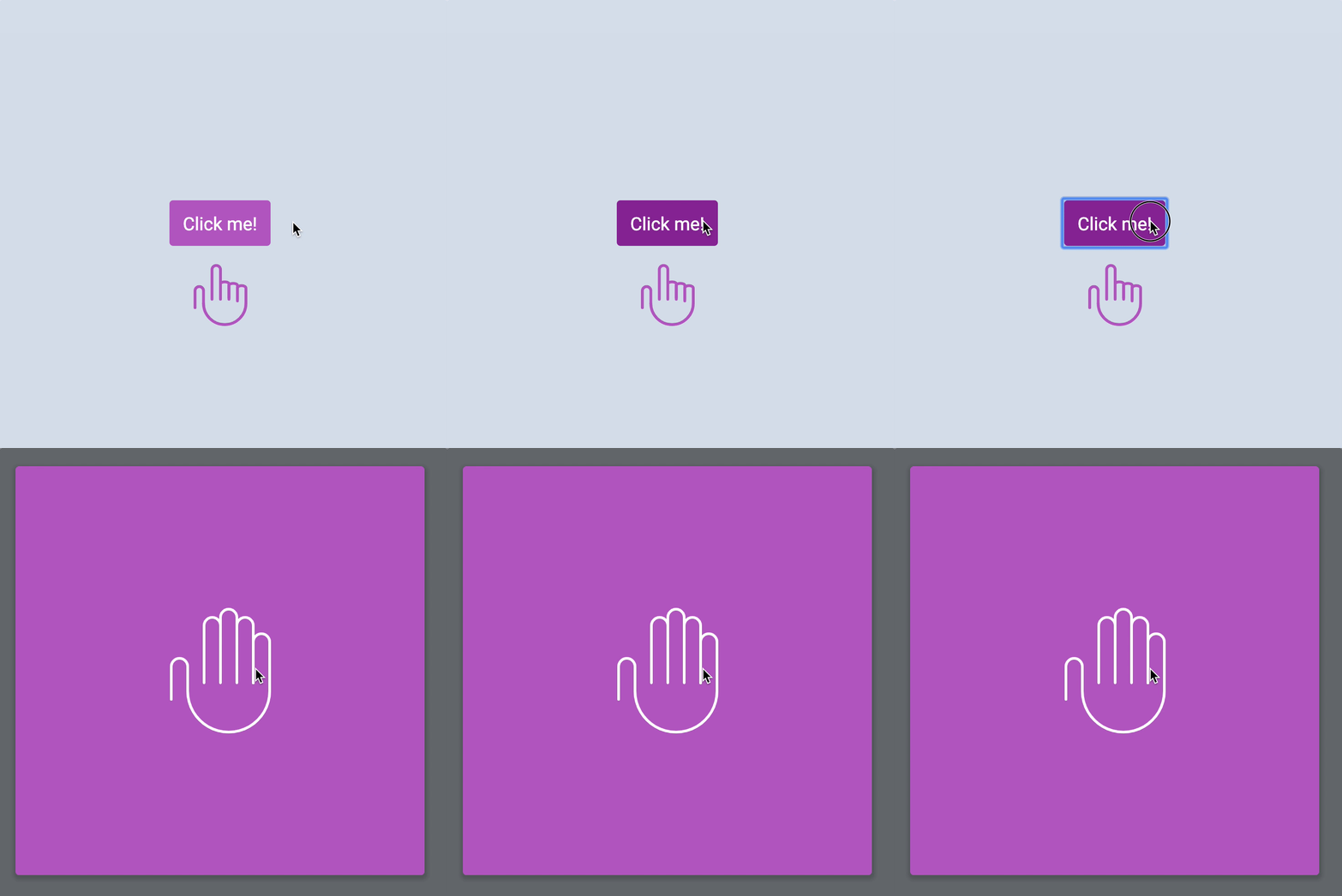
Closing the modal with JavaScript
Users should be able to close the modal in two ways:
- Click the X icon.
- Click outside the modal.
To close the modal with the X icon, you need to:
- Find the X icon.
- Add an event listener.
- When the X icon gets clicked, remove
.modal-is-openfrom<body>.
const modalCloseButton = document.querySelector('.jsModalClose')
modalCloseButton.addEventListener('click', event => { document.body.classList.remove('modal-is-open')})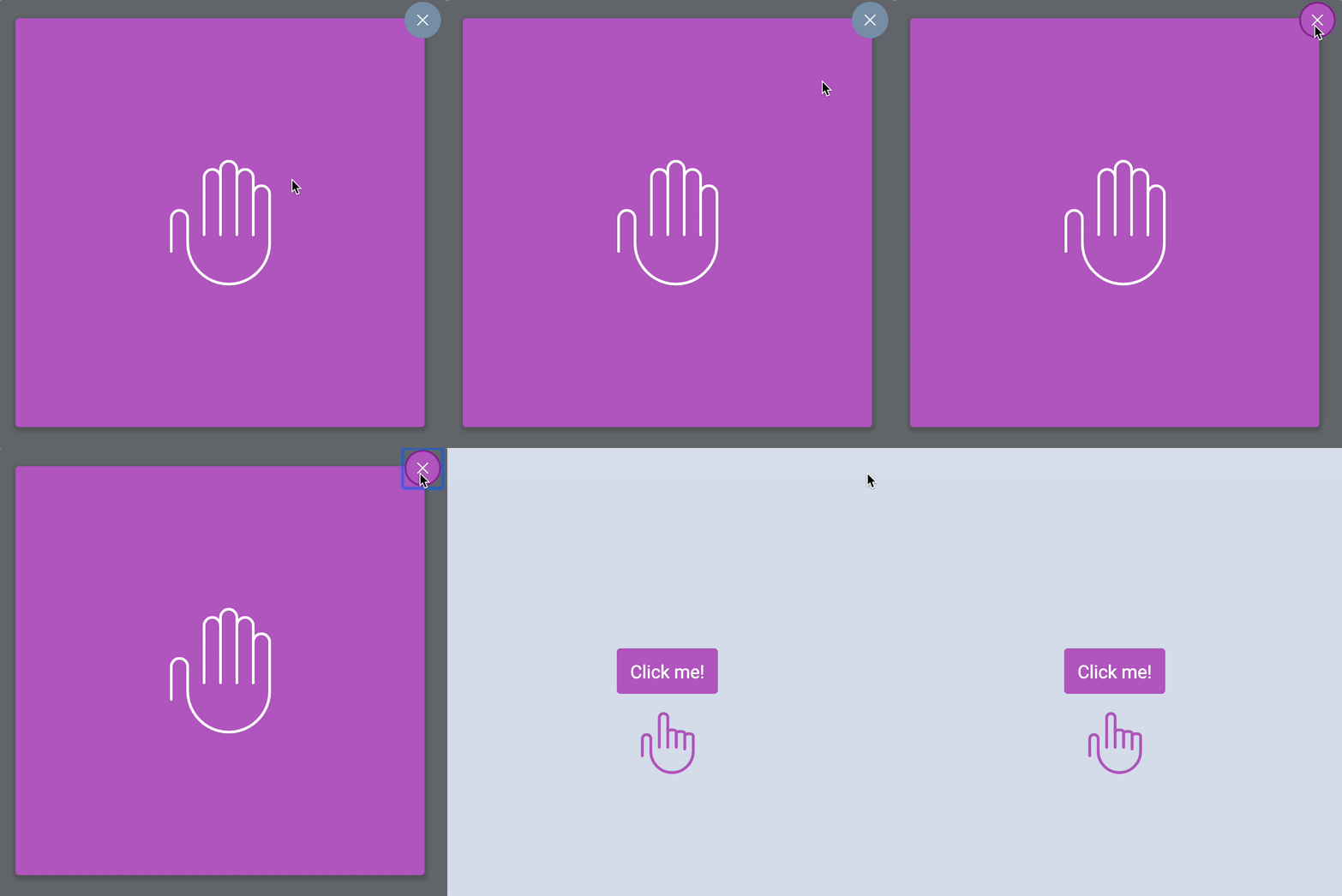
You won’t be able to close the modal by clicking outside the modal yet. You still need to learn more JavaScript to be able to do that. We’ll come back to this later in the Events module.
Exercise
Build the modal without referring to this lesson.
Welcome! Unfortunately, you don’t have access to this lesson. To get access, please purchase the course or enroll in Magical Dev School.
Unlock this lesson